
Send timely shipping alerts to your customers on WhatsApp to keep them updated regarding their order delivery status.





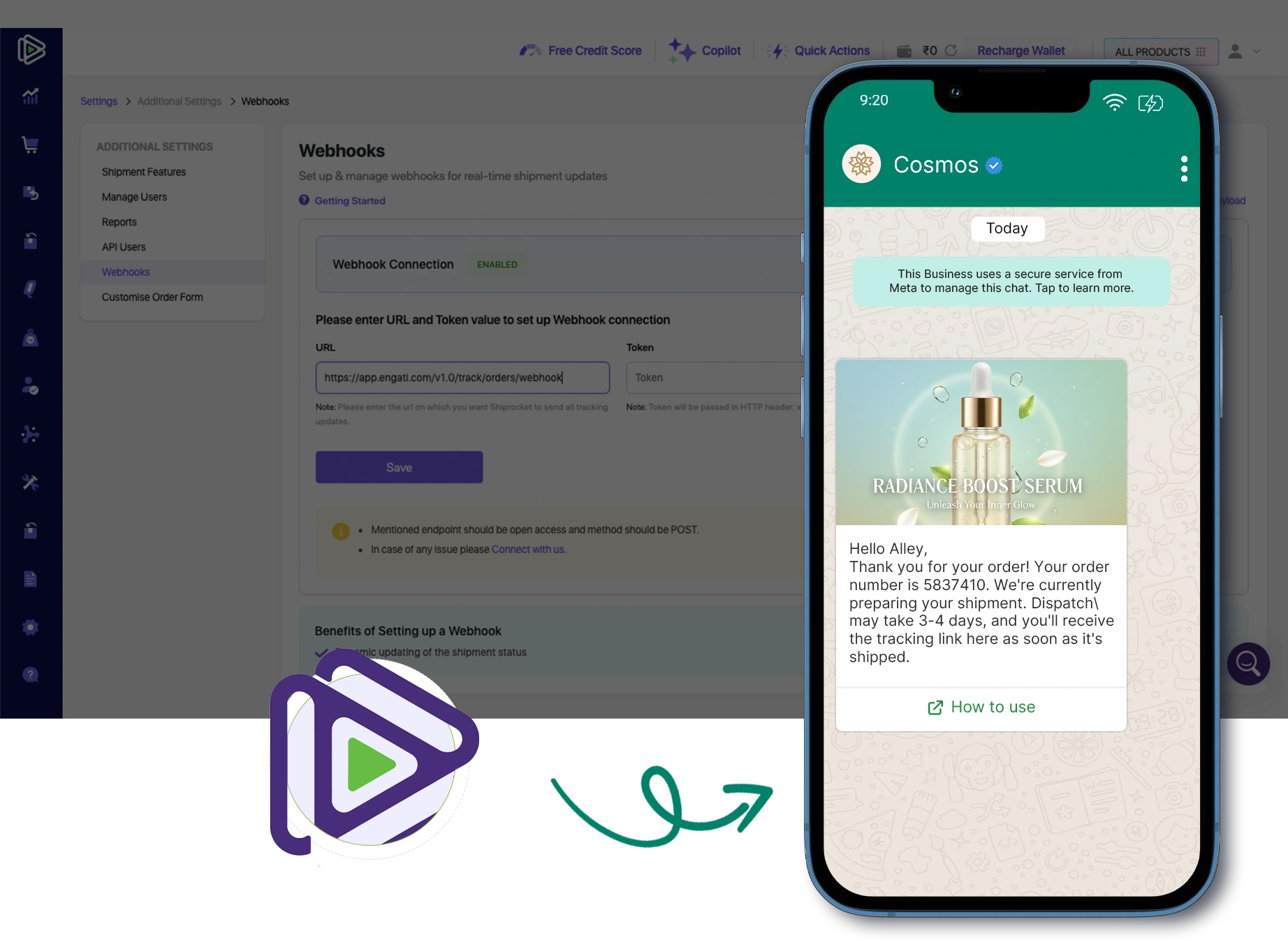
Shiprocket WhatsApp Integration is the process of connecting the WhatsApp Business API with your Shiprocket shipping platform so you can automatically send updates to customers about their orders via WhatsApp messages.
Keep your clients on loop without them asking for it. Automatically notify them using WhatsApp at every milestone, from order pickup and transit process to the final delivery attempt.
Reduce friction in the post-purchase journey by sharing live and clickable tracking links within WhatsApp chat. It enables customers to check their shipment status with just a click.
Provide peace of mind the moment an order reaches its destination. Send automated confirmation messages as soon as Shiprocket marks an order as delivered to make sure it reaches the right person.
Convert a potential negative into a positive. In case of any delay, weather disruption, or failed attempts, inform your clients instantly via WhatsApp to manage expectations and maintain trust.
Decrease failed delivery attempts by sending automated reminders and coordination instructions on the delivery day. It ensures customers are available to receive their packages.
Be it a Delhivery, BlueDart, or Ecom Express through Shiprocket, Getgabs delivers a unified brand experience. Monitor and notify about packages across all courier partners from a single WhatsApp API dashboard.
Proactively updating customers can lower "Where is my order?" (WISMO) tickets by up to 70%.
Use your own brand name and personalized templates to make the conversation feel more professional and trustworthy.
Sending automated COD (Cash on Delivery) confirmations and address verification prompts via WhatsApp ensures the customer is genuine about the order before you ship it.
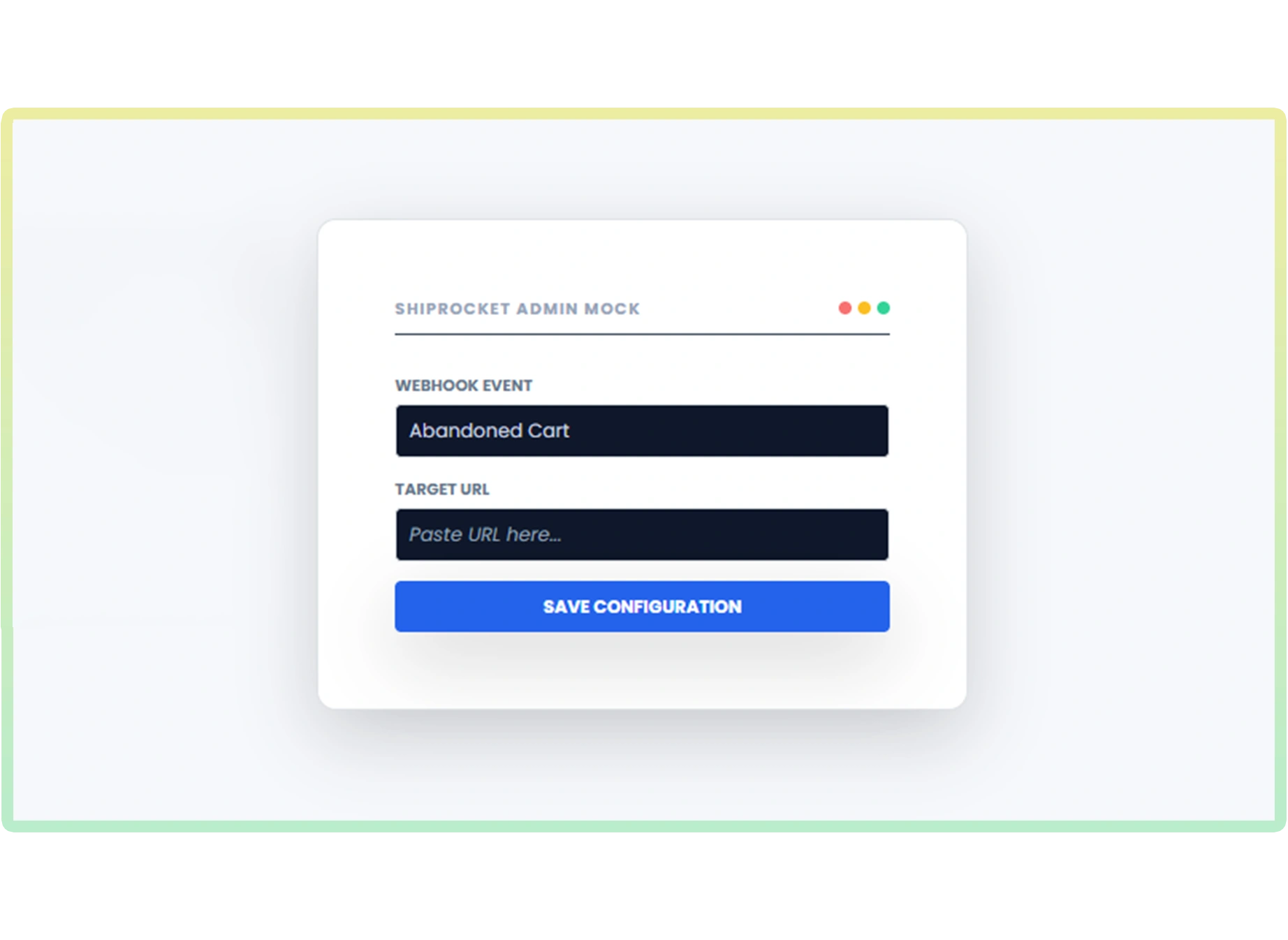
We'll use a webhook to bridge the gap between Shiprocket and Shopify. Go to the integration tab, select Shiprocket, and copy the webhook URL.
Enquiry Now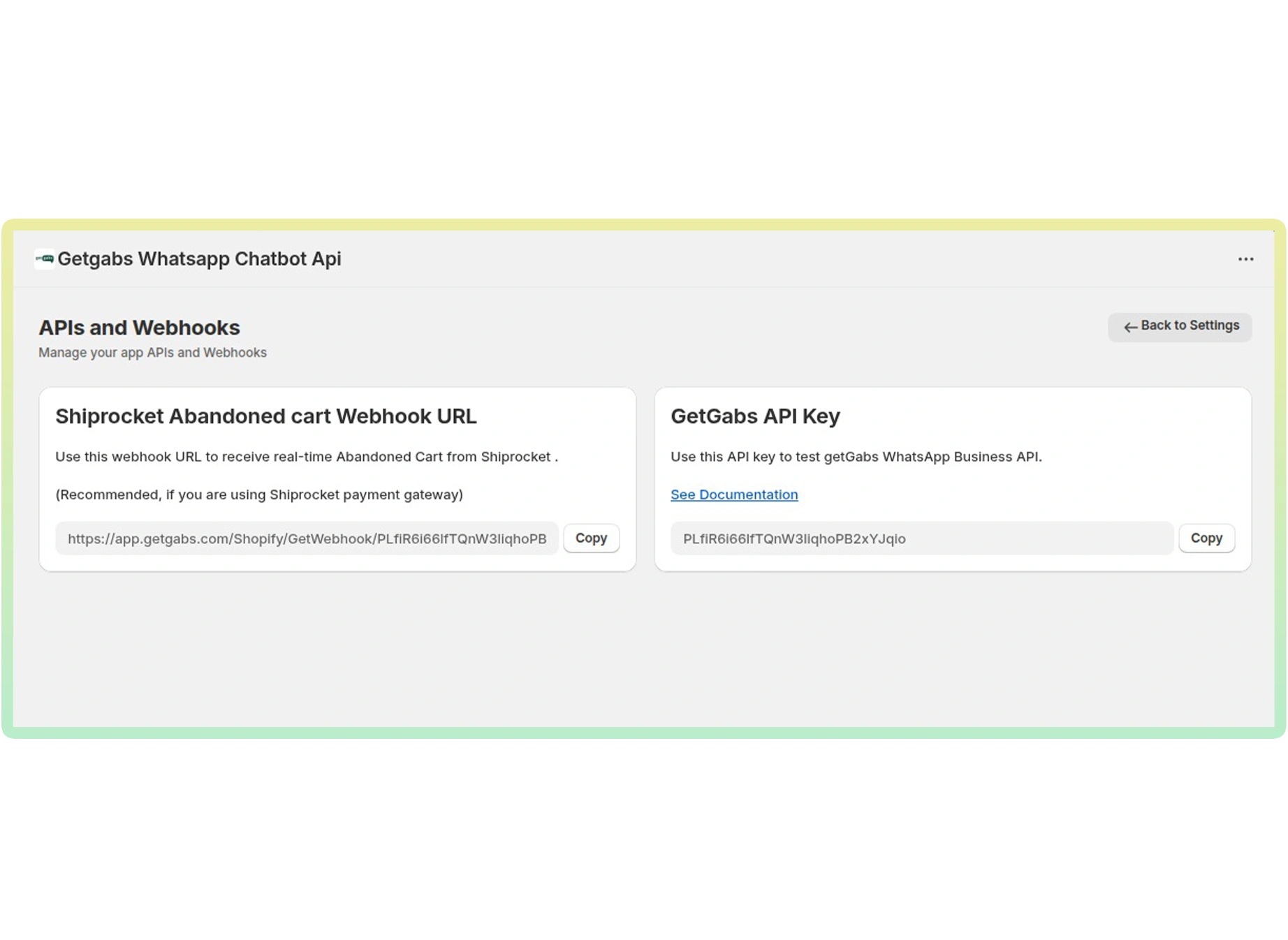
Discover all supported integrations and connect WhatsApp with your favorite platforms to automate conversations and workflows.
 Shopify
 WooCommerce
 Gotab
Gotab
 Wortal
 Shiprocket
 Zoho
Zoho
 Google Sheet
 n8n
Shopify
WooCommerce
Gotab
Wortal
Shiprocket
Zoho
Google Sheet
n8n
Shopify
WooCommerce
Gotab
Wortal
Shiprocket
Zoho
Google Sheet
n8n
Shopify
WooCommerce
Gotab
Wortal
Shiprocket
Zoho
Google Sheet
n8n
n8n
Shopify
WooCommerce
Gotab
Wortal
Shiprocket
Zoho
Google Sheet
n8n
Shopify
WooCommerce
Gotab
Wortal
Shiprocket
Zoho
Google Sheet
n8n
Shopify
WooCommerce
Gotab
Wortal
Shiprocket
Zoho
Google Sheet
n8n
See how WhatsApp Business Platform helps businesses boost marketing, streamline sales, and improve customer support.
Reach customers instantly with high-engagement broadcasts and personalized offers.
Learn moreConvert chats into sales with automated workflows, lead management, and fast follow-ups.
Learn moreProvide fast, reliable customer support with instant replies and automated ticket management.
Learn more
Official Meta Partner
Connect, engage, and convert faster with powerful automation, broadcasting, and real-time chat.


No setup cost
No markup charges
Official Meta Partner
Connect, engage, and convert faster with powerful automation, broadcasting, and real-time chat.
No setup cost
No markup charges