
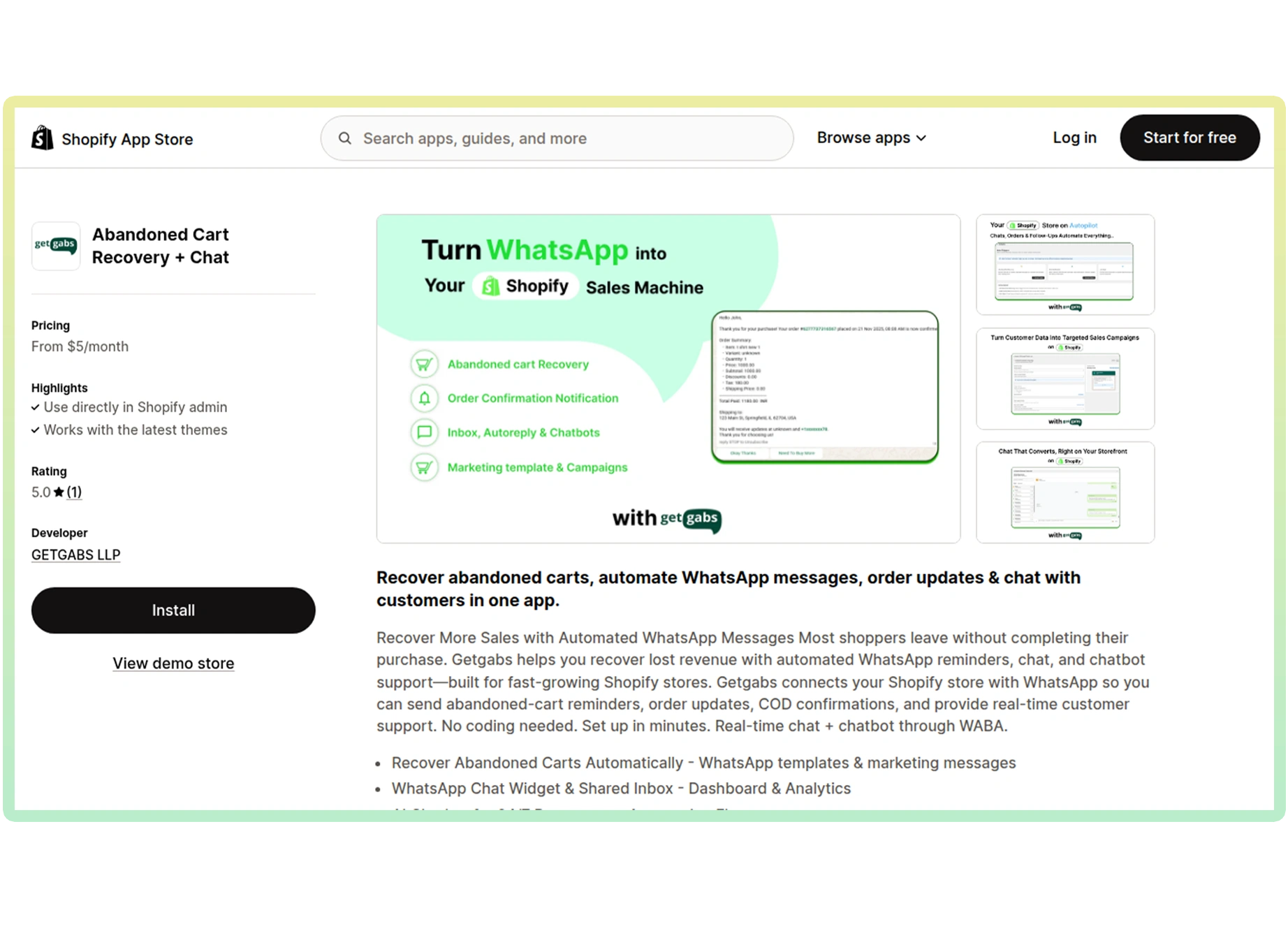
Connect your Shopify store with the Getgabs WhatsApp API app to automate order updates, recover abandoned carts, and provide 24/7 customer support directly on WhatsApp.




Shopify WhatsApp Integration is the process of connecting the WhatsApp API with your Shopify online store so you can communicate with customers, send updates, take orders, and boost sales directly via WhatsApp.
Automatically send personalized WhatsApp messages to customers who left items in their cart to encourage purchase.
Collect feedback and reviews through WhatsApp to improve your products and build social proof.
Showcase Shopify products and accept payments directly in WhatsApp that sync with your store admin.
Send order confirmation, shipping updates, delivery notifications, and tracking IDs via WhatsApp.
Add a WhatsApp Chat button to your Shopify website, making it easier for customers to reach you instantly.
Confirm COD orders with WhatsApp. Reduce returns and cut down by sending a Cash On Delivery order confirmation message.
Deliver 24/7 sales and support using AI WhatsApp chatbots and team inbox.
Launch promotional campaigns, send special offers, and engage customers directly on WhatsApp to boost conversions.
Easy to track analytics of your campaign performance using the Getgabs dashboard.
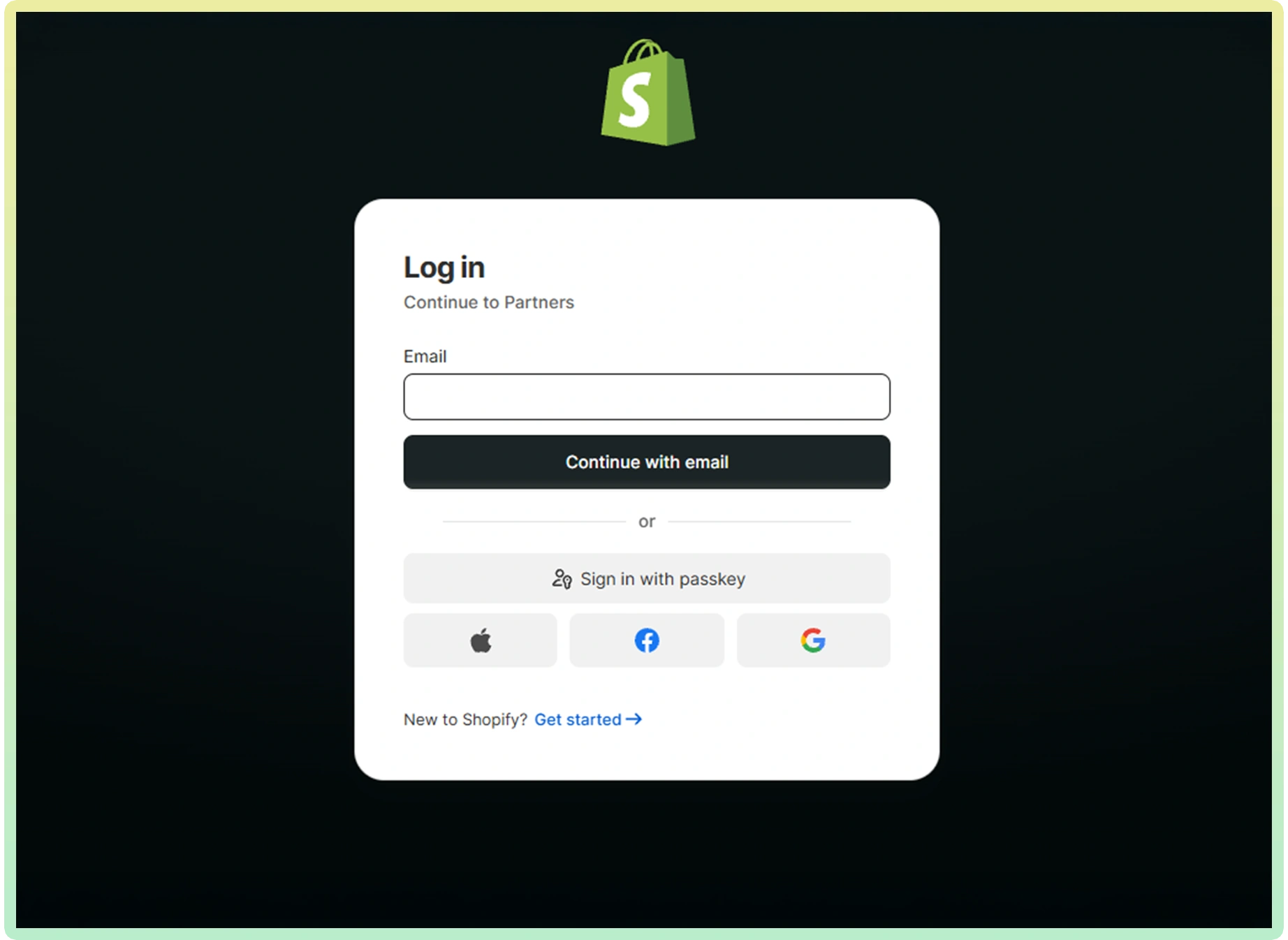
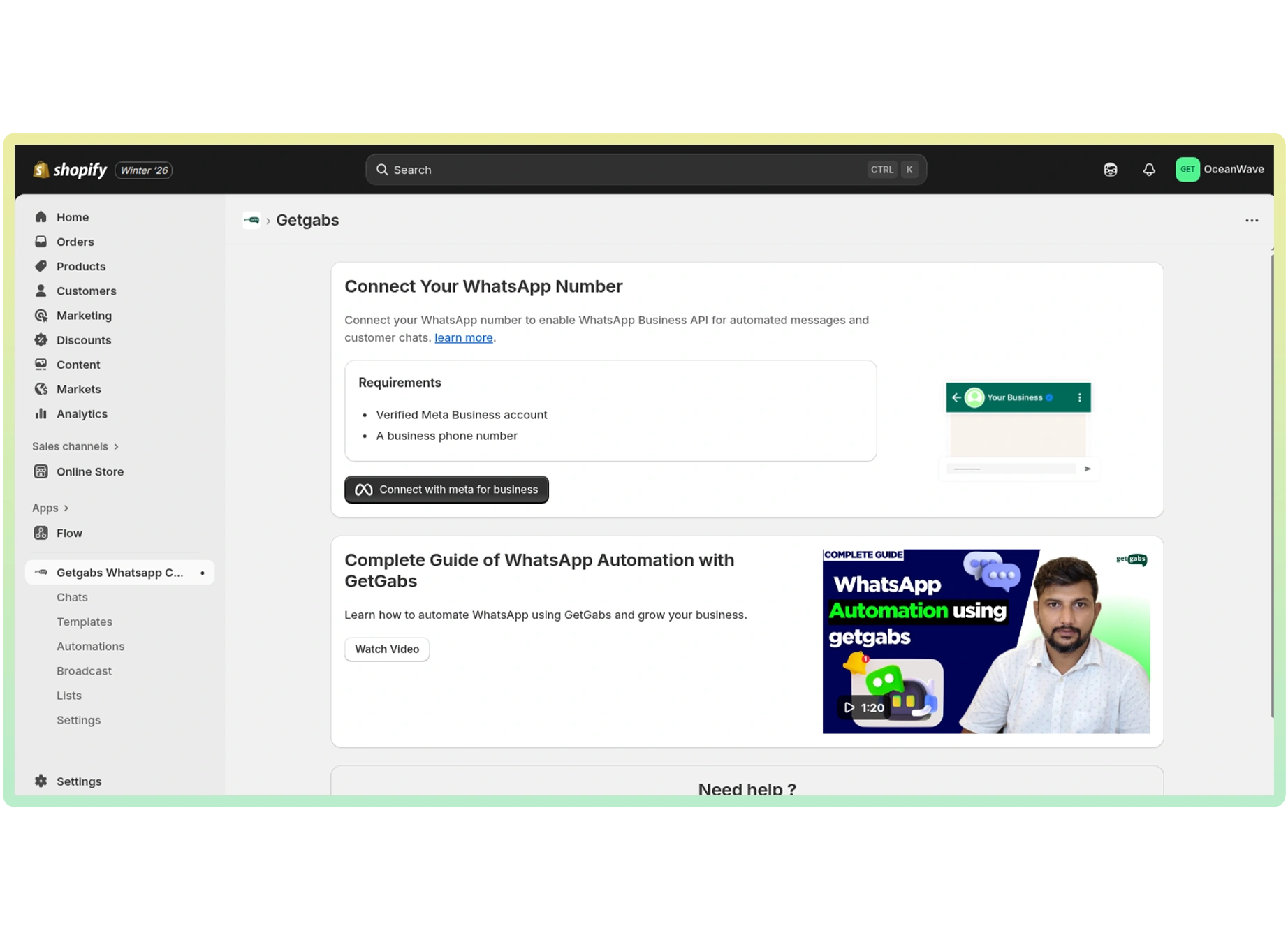
From the GetGabs dashboard:
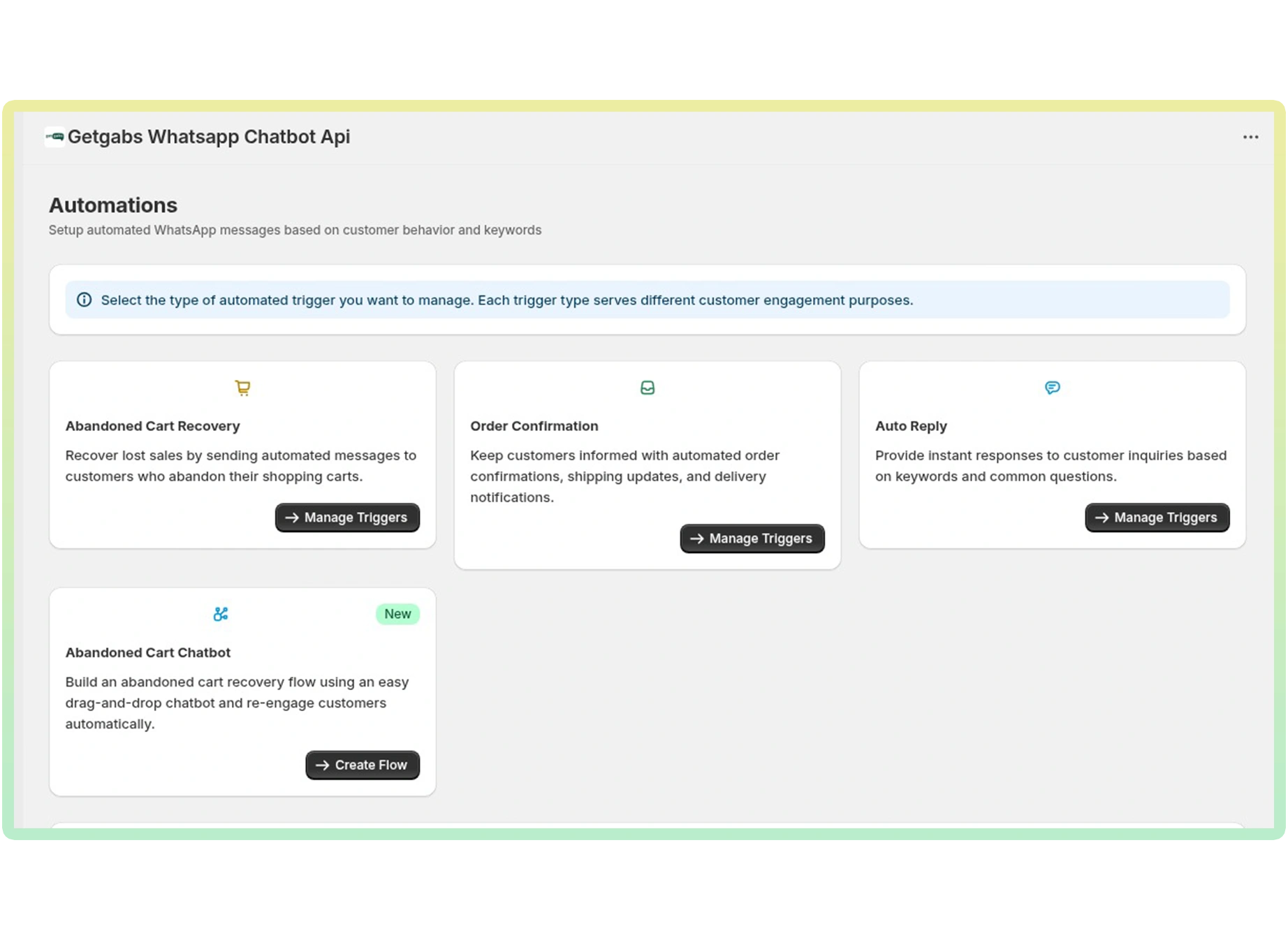
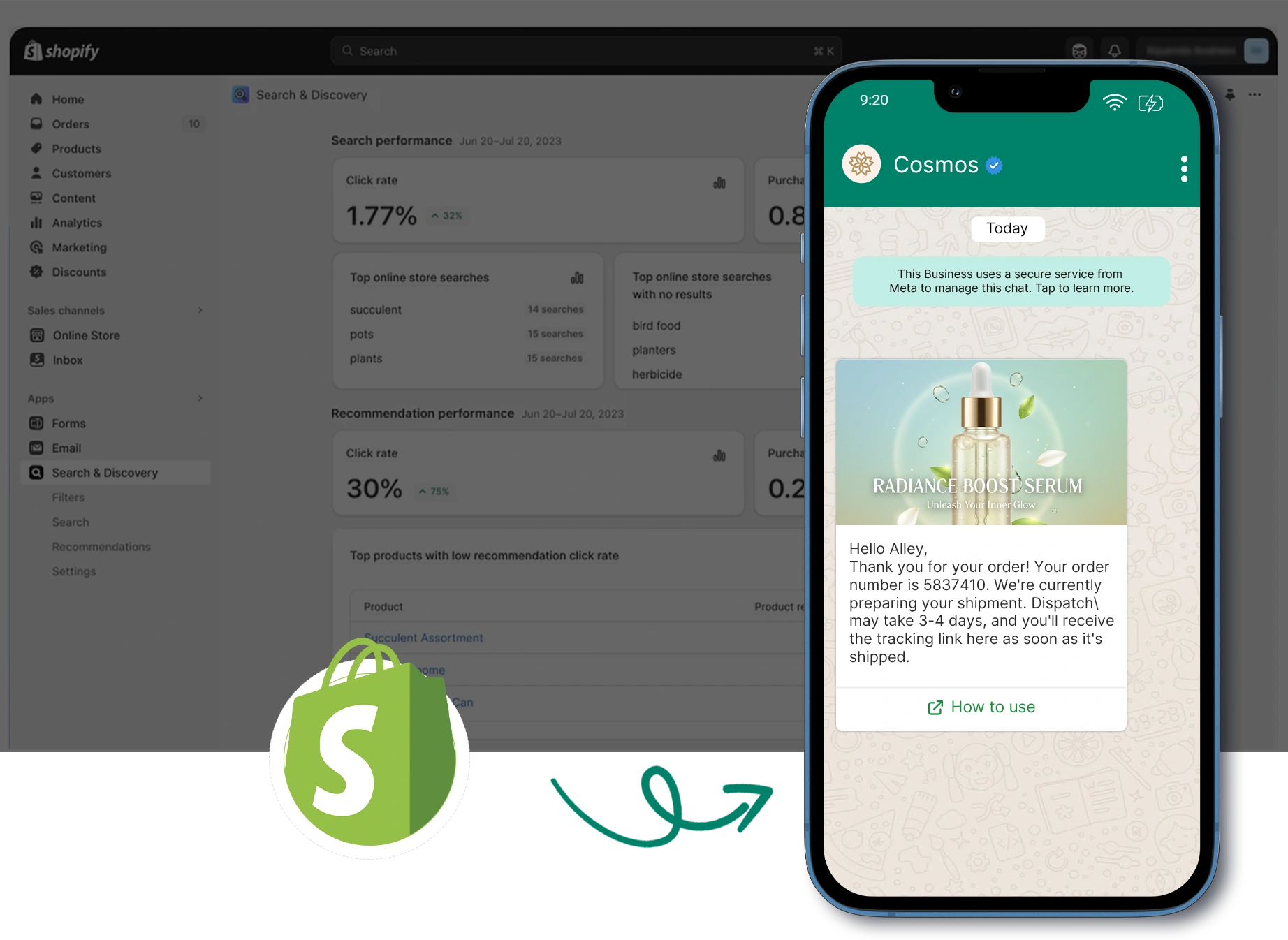
Discover all supported integrations and connect WhatsApp with your favorite platforms to automate conversations and workflows.
 Shopify
 WooCommerce
 Gotab
Gotab
 Wortal
 Shiprocket
 Zoho
Zoho
 Google Sheet
 n8n
Shopify
WooCommerce
Gotab
Wortal
Shiprocket
Zoho
Google Sheet
n8n
Shopify
WooCommerce
Gotab
Wortal
Shiprocket
Zoho
Google Sheet
n8n
Shopify
WooCommerce
Gotab
Wortal
Shiprocket
Zoho
Google Sheet
n8n
n8n
Shopify
WooCommerce
Gotab
Wortal
Shiprocket
Zoho
Google Sheet
n8n
Shopify
WooCommerce
Gotab
Wortal
Shiprocket
Zoho
Google Sheet
n8n
Shopify
WooCommerce
Gotab
Wortal
Shiprocket
Zoho
Google Sheet
n8n
See how WhatsApp Business Platform helps businesses boost marketing, streamline sales, and improve customer support.
Reach customers instantly with high-engagement broadcasts and personalized offers.
Learn moreConvert chats into sales with automated workflows, lead management, and fast follow-ups.
Learn moreProvide fast, reliable customer support with instant replies and automated ticket management.
Learn more
Official Meta Partner
Connect, engage, and convert faster with powerful automation, broadcasting, and real-time chat.


No setup cost
No markup charges
Official Meta Partner
Connect, engage, and convert faster with powerful automation, broadcasting, and real-time chat.
No setup cost
No markup charges