Getgabs brings voice calling into your WhatsApp Business workflows. No new apps. No separate phone lines, messaging, or calling from the same WhatsApp thread.
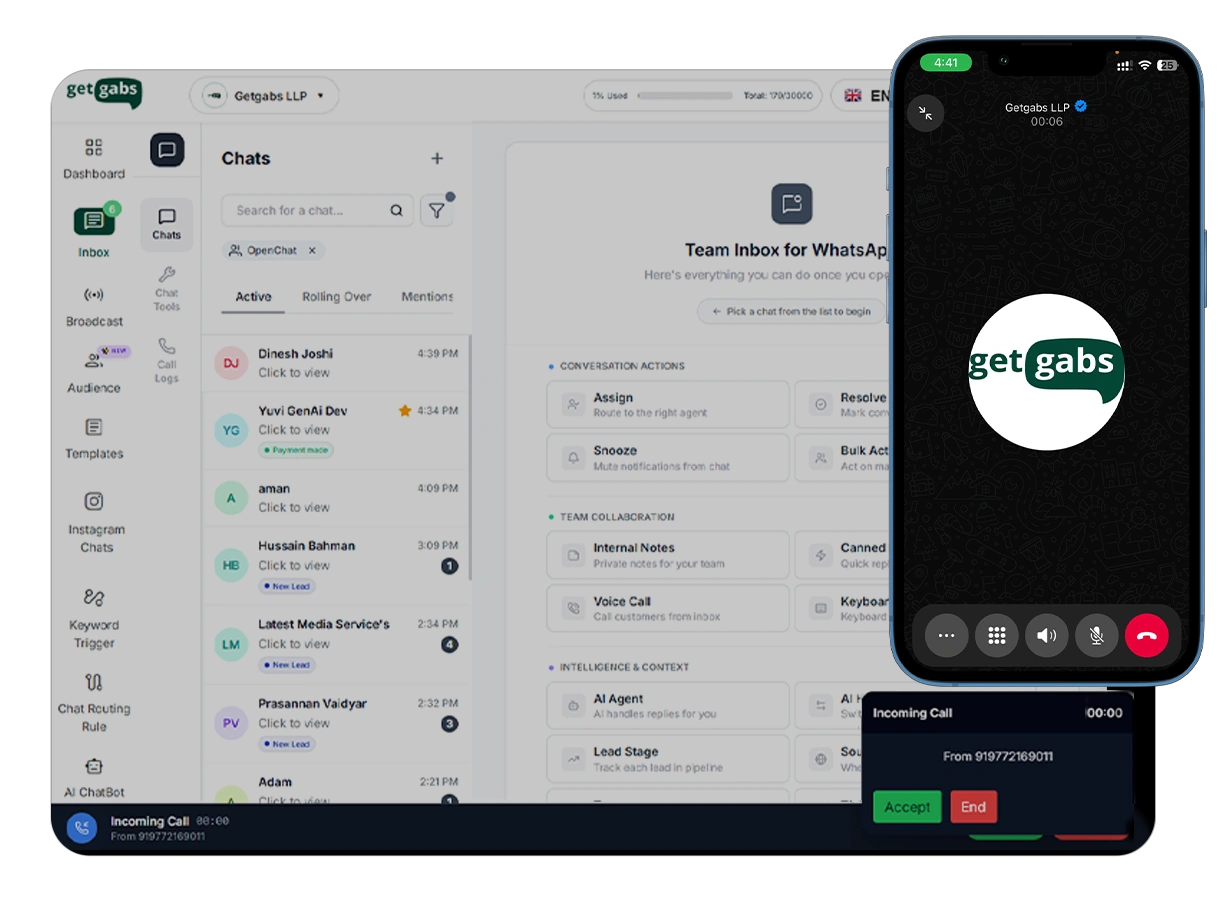




WhatsApp Business Calling API is a feature of WhatsApp Business Platform that allows businesses to make and receive voice calls directly within chats. It allows customers to call businesses via a chat button and lets businesses initiate calls with prior consent.
Getgabs gives you full access to voice calling throughout your entire WhatsApp Business workflow.
Start a voice call instantly within WhatsApp without changing the apps. Interact with customers in real time, reducing friction and increasing response speed.
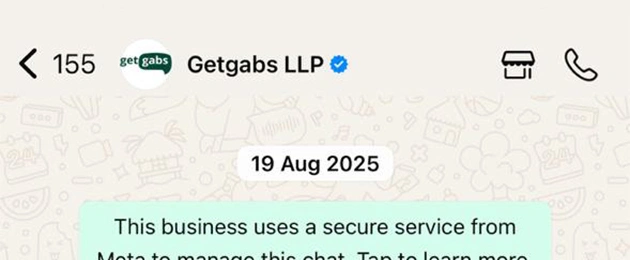
Display your official business profile with a verified blue tick. Build trust and ensure clients know they are connecting with your genuine, approved bank account.
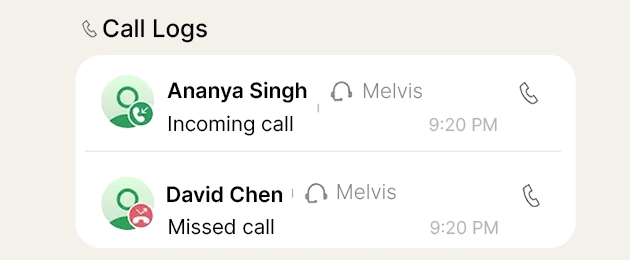
Monitor call activity with detailed information, including call duration, results, and missed calls. Evaluate performance and optimize your communication strategy from a single dashboard.
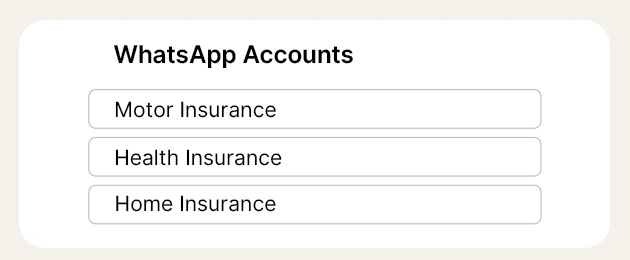
Manage calling operations across various numbers from a unified dashboard. Suitable for multi-region teams, franchises, or large-scale support setups with centralized authority.
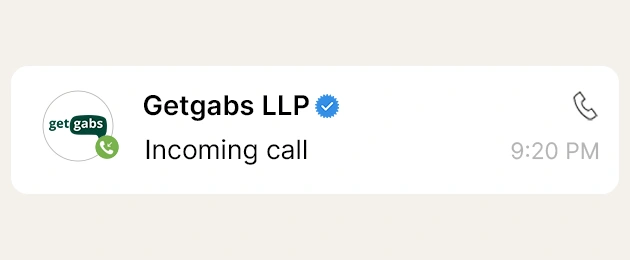
Customers can call your business number from WhatsApp. Your team can accept, reject, or end calls with total control on the business side.
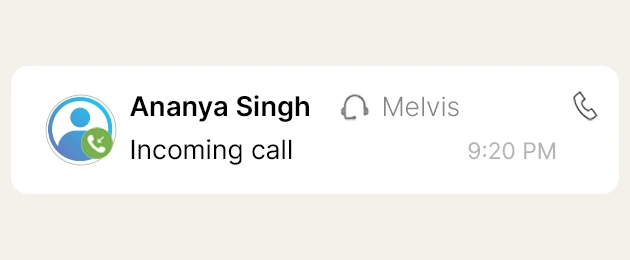
Connect customers actively with permission-based outgoing calls, perfect for sales follow-up, notification alerts, and urgent support growth
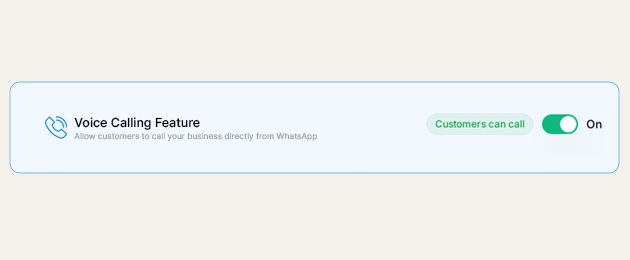
Turn the call button on or off accordingly based on your team’s availability, avoiding call overflow during busy periods or after working hours.
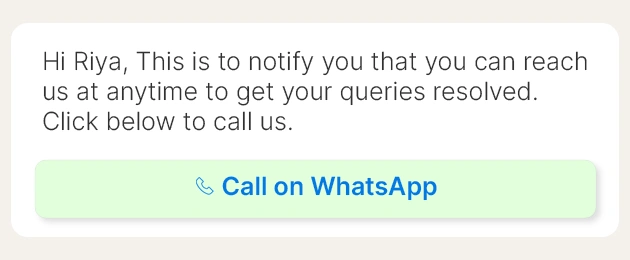
Trigger message templates with a call button that automatically expires, and let customers initiate calls inside your defined service hours.
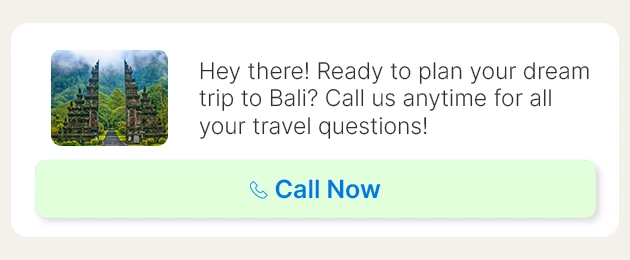
Add “Call Now” buttons directly in your WhatsApp messages or templates to initiate a call at exactly the right minute in the customer journey.
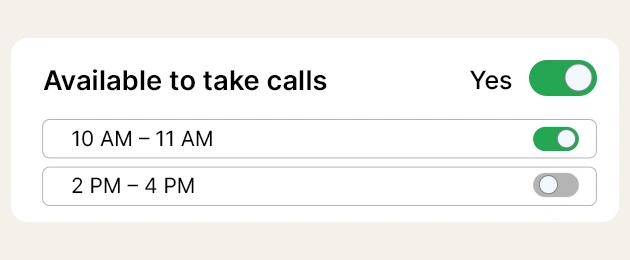
Mention your business’s availability to take calls. Calling automatically gets disabled apart from the mentioned hours, with no missed expectations, and no unanswered calls.
Create shareable links that launch a WhatsApp call directly. Add them to your website, app, email footer, or QR codes to allow customers to engage immediately.
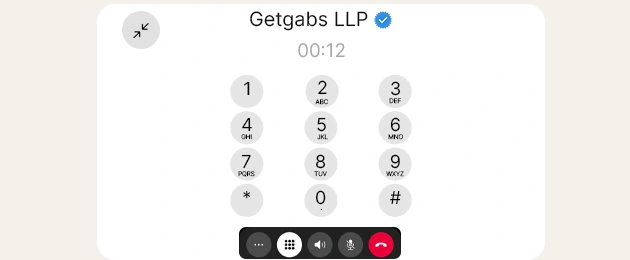
Let customers navigate your IVR menus through the in-call dial pad or creative templates, and allow intelligent call routing within WhatsApp.
With Getgabs, going from message to call takes just a few steps
Step 01
Enable WhatsApp Business Voice Calling on your existing Getgabs account. No new infrastructure, no fresh number, it generates on the same business profile.
Step 02
Set business hours, define agent permissions, enable or disable the call button, and arrange call routing or IVR flows, all from the Getgabs dashboard.
Step 03
A customer presses the call icon, clicks a call button, or follows a call deep link. Your agent can also request permission to call a customer outbound.
Step 04
The call happens entirely within WhatsApp, encrypted, reliable, and connected to the same link as your chat history. Your agent can see the full conversation during the call.
Step 05
Once the call is over, the thread picks right back up. Share a summary, share a document, verify next steps, or hand it to another agent, all without losing a single detail.
When a message isn't sufficient to convert a lead, a call can lock it. Shifting from chat to voice in one tap keeps the procedure active and reduces drop-off in high-consideration sales.
Permit agents to increase complex tickets to a voice call instantly, without transferring the customer or losing chat context. Fewer escalations, shorter resolution times.
Every call comes through your verified WhatsApp Business profile, not an unknown number. Customers know exactly who they’re talking to, growing confidence and reply rates.
Calls, messages, and follow-ups all live in a single WhatsApp thread. Your agents have full context, apparently, no switching between CRMs, dialers, and chat tools.
WhatsApp Business Calling works via the web, so cross-border calls cost the same as the local ones. Best for enterprises with a global or multi-region customer base.
Agents who can see the full conversation log before and during a call spend less time gathering context and more time resolving the issue, increasing productivity across your team.
Loan Advisors and insurance agents can follow up on WhatsApp chats with a quick call to address issues, validate purpose, and close deals, all without the customer calling a separate number.
When order issues, returns, or complaints can't be solved by chat, support agents expand to a call in one click, keeping full order and chat history throughout.
Patients can call their healthcare provider or lab directly from WhatsApp to report queries, appointment confirmations, or test guidance, with all prior exchanges in view.
Recovery and renewal agents can start outgoing calls via WhatsApp after a chat reminder, integrating the impact of voice with the convenience of an existing conversation link.
Make sure your account meets the following conditions to enable calling
Your Meta Business Account must be verified by Meta before you can use calling.
Your WhatsApp number must have business messaging permissions enabled in your Meta account.
Your account must be able to send at least 2,000 business messages per day. This is unlocked after Meta business verification.
WhatsApp has built-in limits on how many calls can happen at once and how often you can reach out
Customer is asked to review their calling preferences.
Customer's permission to be called is automatically removed.
All limits reset immediately as soon as a call is answered.
Getgabs offers an affordable, secure, and feature-packed WhatsApp Business solution to connect with customers effortlessly.
No Markup Charges: Unbeatable transparent rates with no markup charges.
No Set-Up Charge: Instant access with no set-up charges.
Direct WhatsApp API Access: Smooth integration with the official WhatsApp API.
Instant Approval & Quick Onboarding: Approval in seconds.
Competitive Pricing: Affordable pricing options that fit in your budget.
Secure & Scalable: Enterprise-grade security with a high delivery rate.
Custom Integrations: Seamless integration with existing CRM software and third-party apps.
24/7 Assistance: Comprehensive assistance 24 hours a day.
Join thousands of businesses using Getgabs to automate and scale their WhatsApp communication.
Get Started with Getgabs TodayDiscover powerful WhatsApp features that help you engage customers, boost sales, and simplify communication — all in one platform.
Send bulk tailored messages to unlimited contacts instantly with guaranteed better reach and improved customer engagement without spamming.
Learn moreUse a Chatbot to automate customer queries, manage FAQs, and offer 24/7 instant support to increase efficiency and reduce manual workload.
Learn moreCollect leads, customer data, and ask for feedback, all within WhatsApp chats using interactive and easy-to-fill forms.
Learn moreVerified your brand with the official blue tick to improve credibility, trust, and customer confidence.
Learn moreConvert your ads into a quick WhatsApp chat to enhance lead generation, customer engagement, and sales conversion.
Learn moreMake it easier for customers to purchase, pay, and check out without leaving WhatsApp with secure in-chat payments.
Learn moreAutomate sequential messages to nurture leads, increase conversions, and keep your audience engaged over time.
Contact Us ➜Collaborate with your team by handling all customer conversations in a single dashboard using WhatsApp shared-team inbox.
Learn moreEngage customers with interactive buttons, lists and reply options that make conversations faster, easier, and actionable.
Learn moreSend OTPs with 99% reliability and secure logins using WhatsApp’s end-to-end encrypted, one-tap authentication.
Learn moreDisplay your products or services in the WhatsApp catalog for customers to effortlessly browse and place orders.
Learn moreEnable real-time voice calls for instant customer connection. Boost trust, support, and conversions with faster interactions.
Learn moreSee how businesses across industries use WhatsApp Business Platform(API) to engage customers, increase sales, and simplify communication.
Engage students, automate inquiries, and simplify admissions with WhatsApp for education.
Learn moreEnhance service, streamline KYC, improve security, and boost efficiency with WhatsApp.
Learn moreBook appointments, share health tips, and provide personalized care through WhatsApp.
Learn moreSend itineraries, confirmations, and real-time travel updates via WhatsApp.
Learn moreSchedule test drives, send service reminders, and offer instant support using WhatsApp.
Learn moreBoost online sales, send order updates, and automate customer support using WhatsApp.
Learn moreSchedule viewings, share listings, and close deals faster with WhatsApp communication tools.
Learn moreSupport clients, provide updates, and manage issues efficiently using WhatsApp.
Learn moreEngage customers, send offers, and automate post-sale service via WhatsApp tools.
Learn moreBoost registrations, send reminders, and gather feedback effortlessly via WhatsApp.
Learn moreAutomate orders, send quick replies, manage customers, and grow sales directly through WhatsApp.
Learn moreModernize communication with automation, secure messaging, and scalable WhatsApp solutions.
Learn moreAwarded for excellence





Loved by users everywhere



See how WhatsApp Business Platform helps businesses boost marketing, streamline sales, and improve customer support.
Reach customers instantly with high-engagement broadcasts and personalized offers.
Learn moreConvert chats into sales with automated workflows, lead management, and fast follow-ups.
Learn moreProvide fast, reliable customer support with instant replies and automated ticket management.
Learn more
Official Meta Partner
Connect, engage, and convert faster with powerful automation, broadcasting, and real-time chat.


No setup cost
No markup charges
Official Meta Partner
Connect, engage, and convert faster with powerful automation, broadcasting, and real-time chat.
No setup cost
No markup charges