



Sending a message to your contact list up to 1 Lakh users at once using GetGabs can be done in 5 minutes. You can send a message/notification to your contact list immediately, or you can schedule a campaign to be sent at your desired time.
All you need to do is simply follow the step-by-step Guide to send a message on WhatsApp at your desired time by scheduling a campaign at Getgabs:
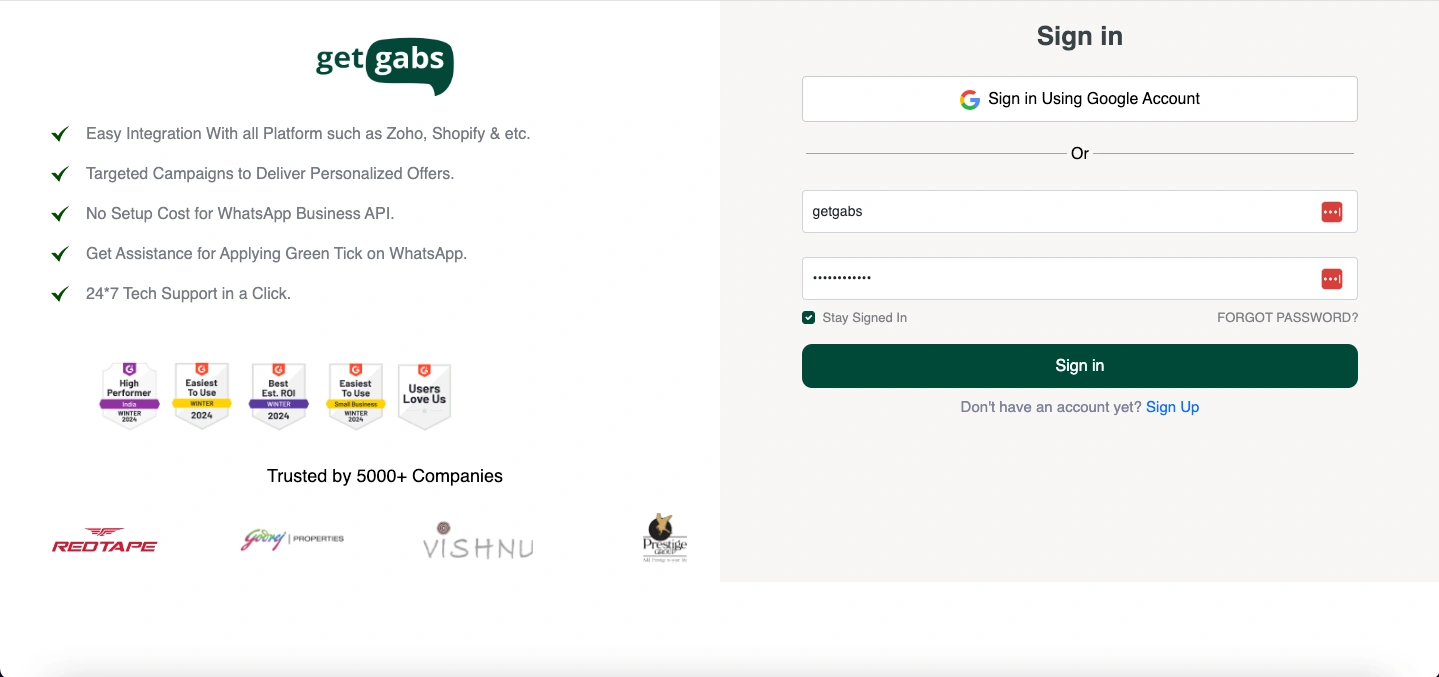
Step 1: Sign up or log in with getgabs
Step 2: Once logged in, go to “Broadcast”, then click on “Create Campaign” and follow the step-by-step action on this page as follows:
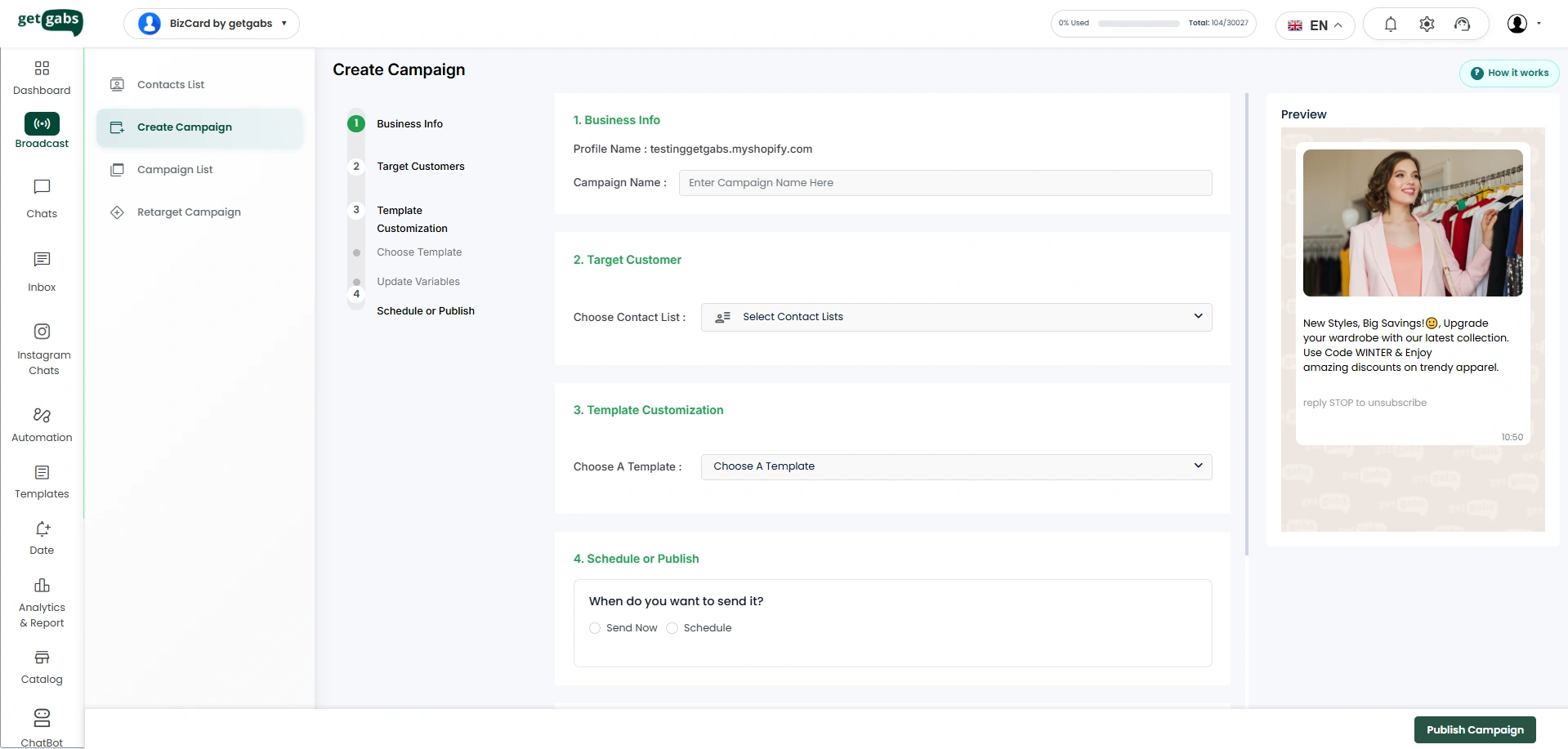
- Give a name to this campaign ( not visible to your users, only for reference purposes and for retargeting campaign )
- Go to the target customer and select your contact list. To upload/import a new contact list, refer to this article: Click Here
- Choose the pre-defined message template. To know how to create a WhatsApp message template, refer to this article: Click Here
- At the end, you can send the campaign instantly or choose the option ‘Schedule’ with an upcoming ‘Date & Time’ to send the campaign.
- Now, Click on ‘Publish Campaign’.
Hurray, you have scheduled a notification or broadcast campaign for your users.


