Discover marketing guides, automation tutorials, and tools to simplify communication and scale faster with GetGabs.
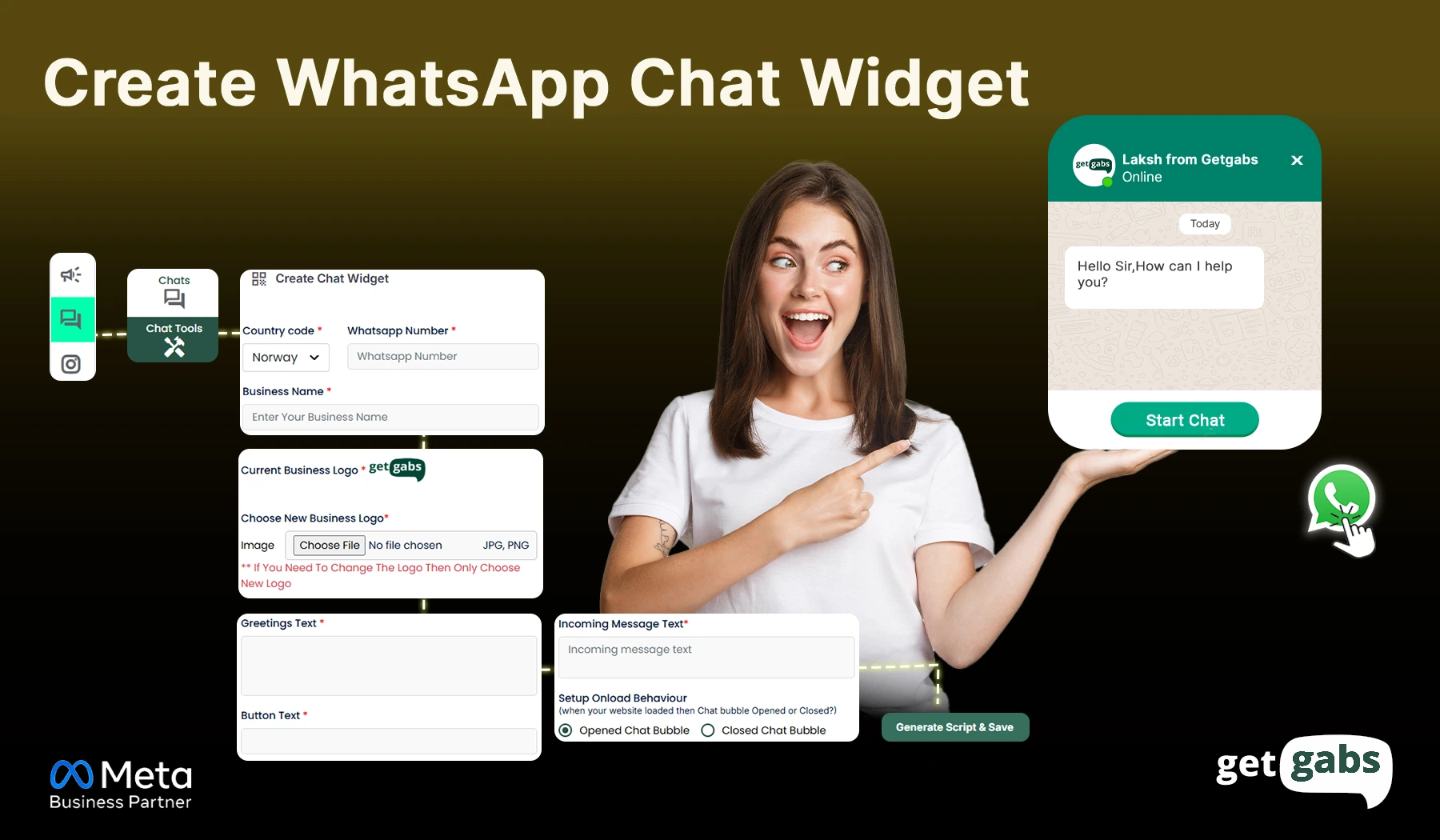
Step-by-Step Guide Add a WhatsApp chat button on your website using Getgabs for free. All you need to do is simply follow the step-by-step guide: Step 1: Sign up or log in with Getgabs Step 2: Once you log in, go to the Inbox > Chat Tools > Create Chat...
Read More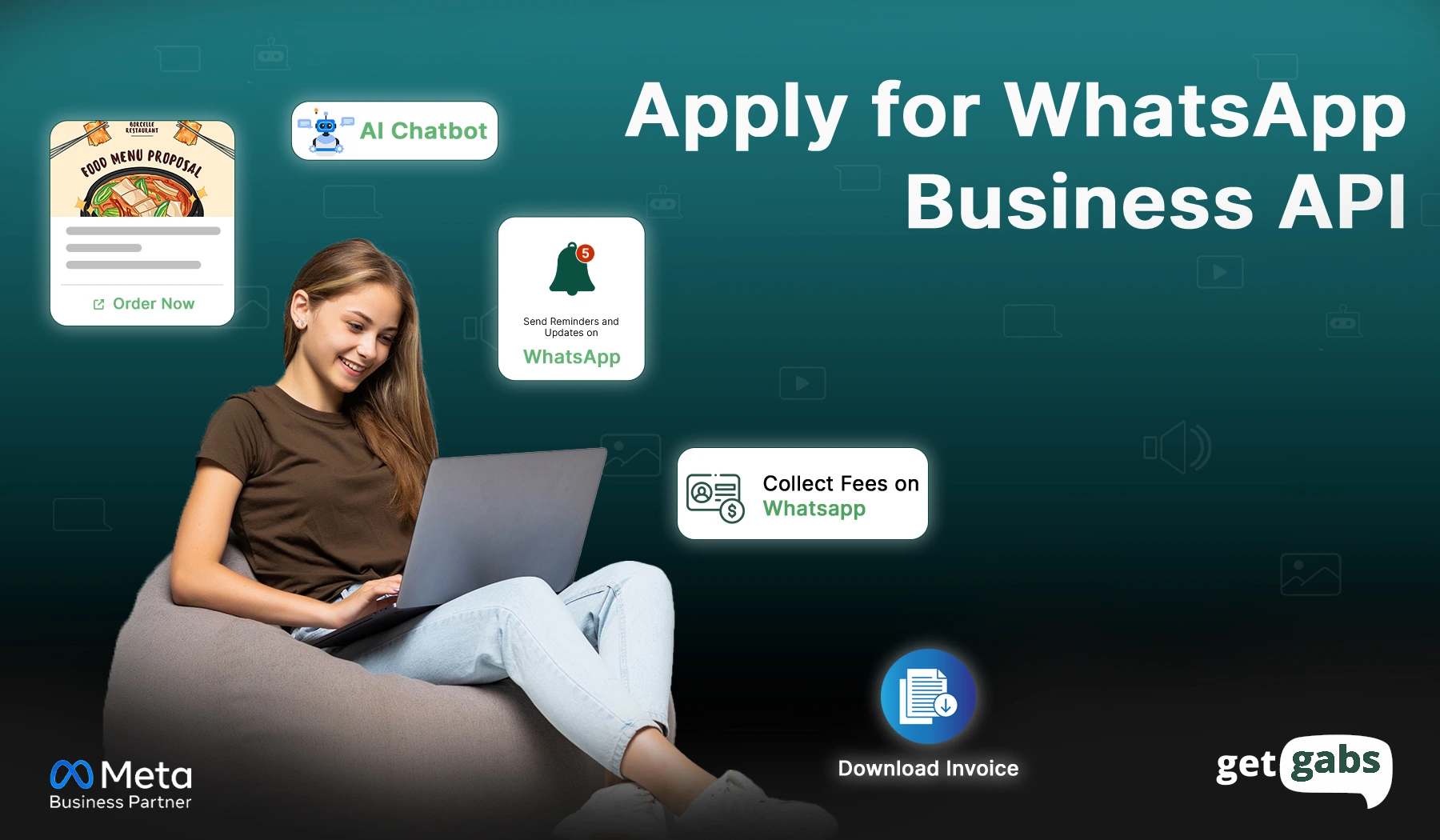
Are you looking to get a WhatsApp Business API Account? You are at the right place. WhatsApp Business API helps all types of businesses take customer communication to the next level. Do we have to register for WhatsApp Business API? Yes, to use the WhatsApp Business API, you need to...
Read More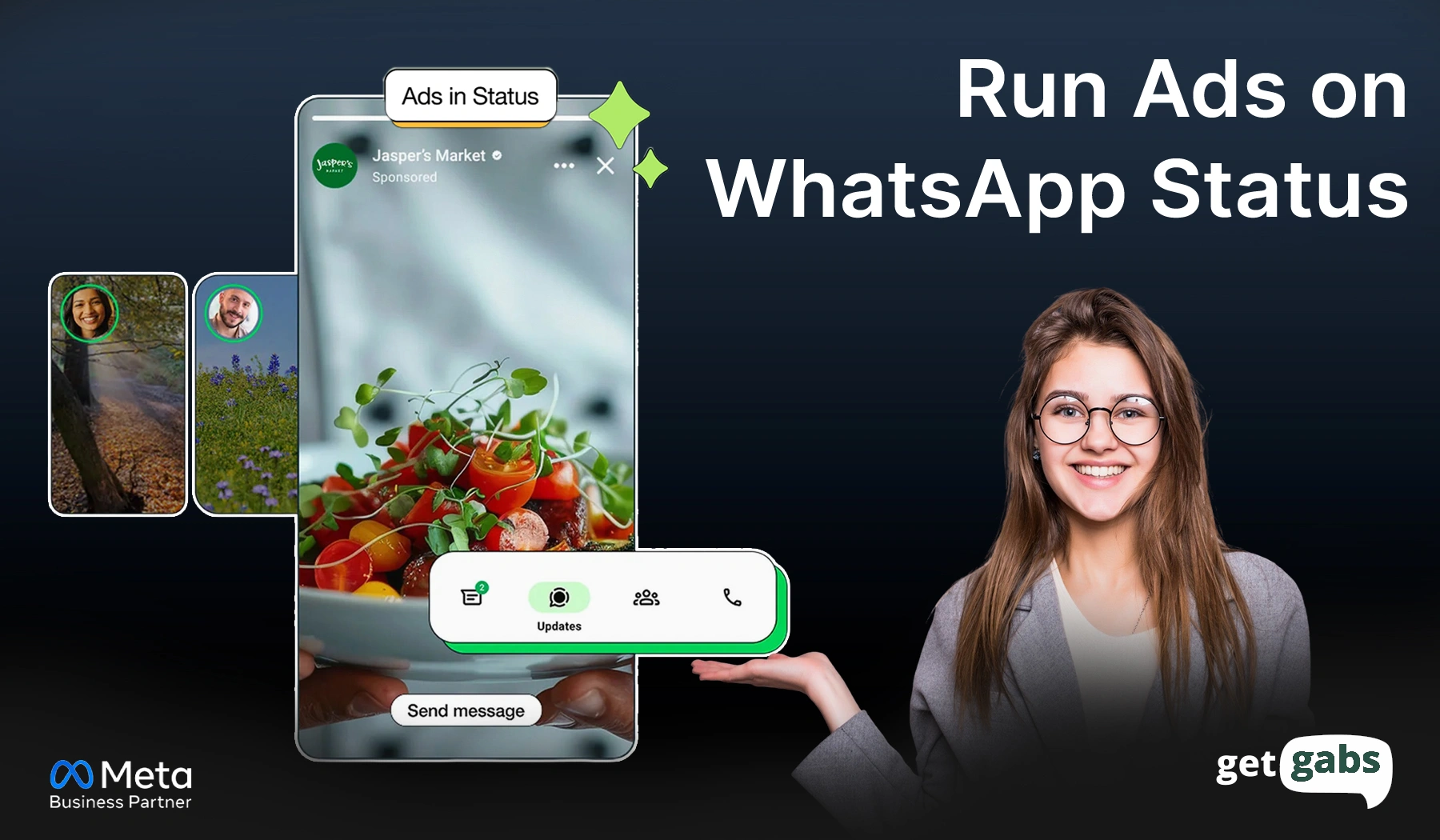
Step-by-Step: How To Run WhatsApp Ads The following detailed steps guide you through creating a WhatsApp Status ad campaign using Meta Ads Manager. Step 1: Open Ads Manager Go To Meta Ads Manager Log in with your Facebook business account Access your dashboard Confirm your ad account is active Check...
Read More
Ever wanted to have a virtual assistant on WhatsApp to talk to your customers, receive orders, and answer questions automatically? Then, it’s time to turn your dream into reality with AI-powered WhatsApp Automation. WhatsApp automation powered by AI is one of the key features in WhatsApp Business that helps users...
Read More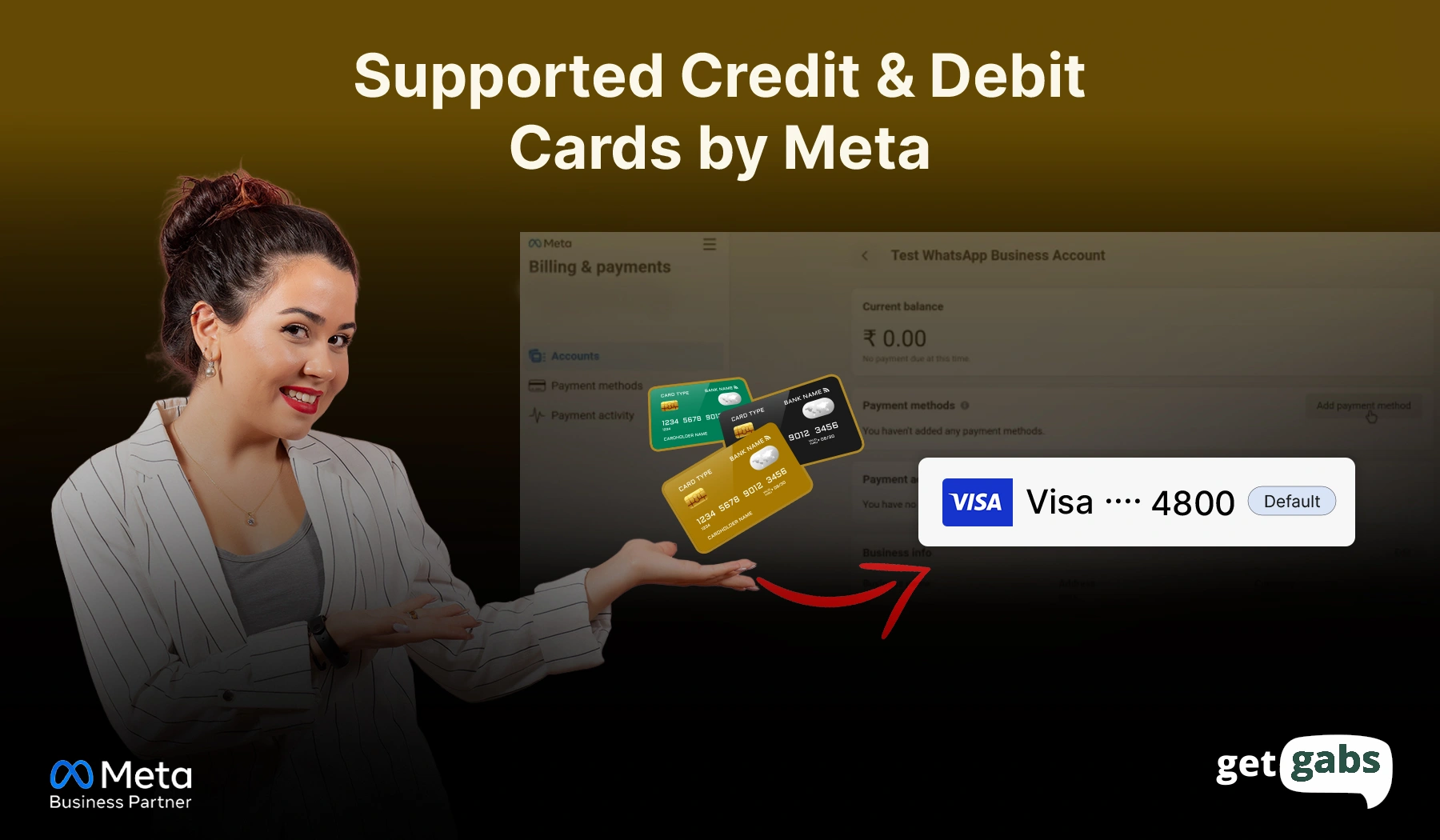
Are you trying to add your Credit or Debit Card under Meta’s Payment Method ? Before adding checkout the below list of cards that are supported by Meta as per the RBI guidelines of E-Mandate. Supported Banks and Cards The following banks currently support e-mandate. This list is updated as...
Read More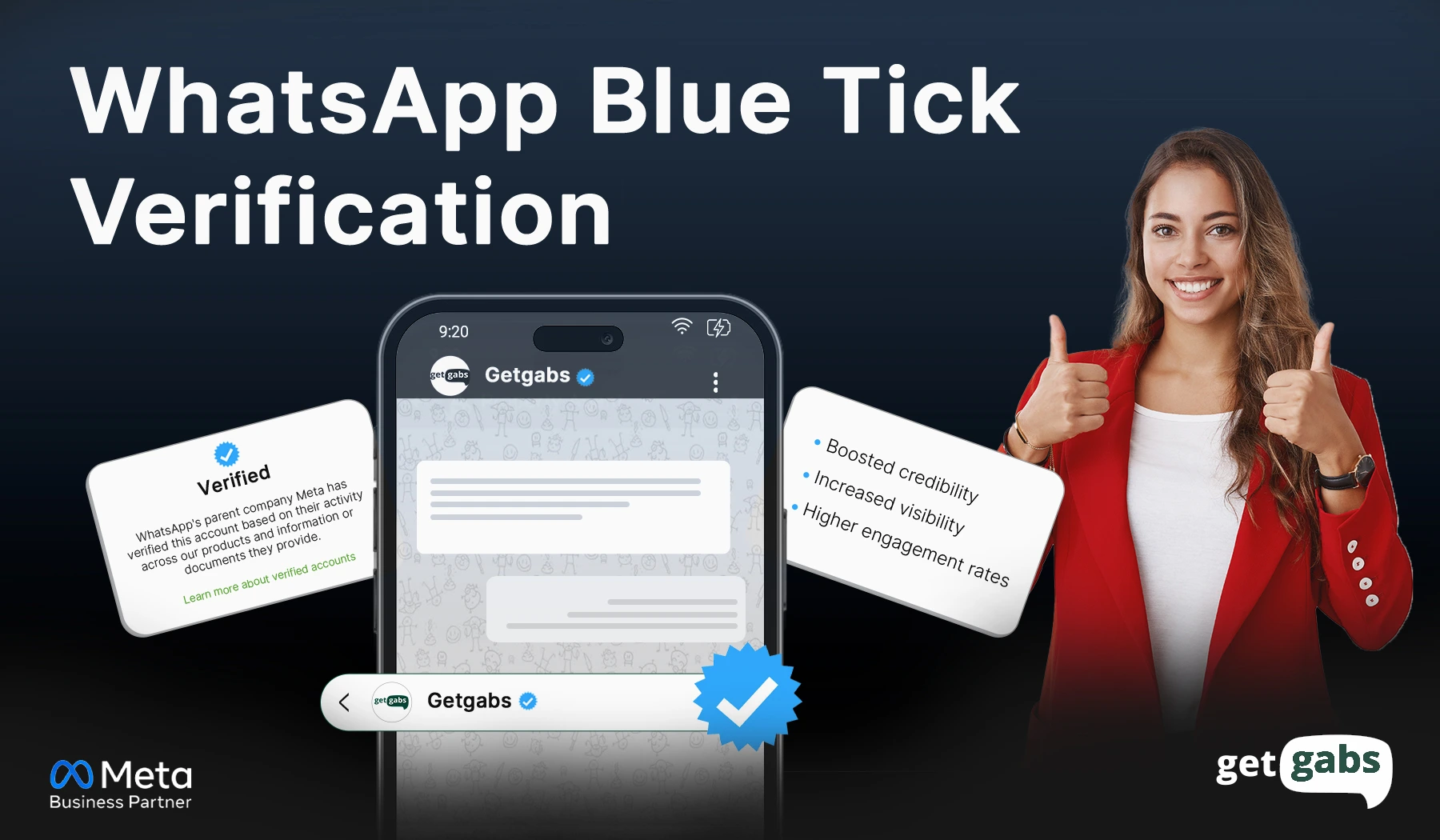
WhatsApp green tick turns to WhatsApp blue tick now. WhatsApp blue tick badge helps businesses build trust with their customers and indicates that the WhatsApp number belongs to an official business account. Getgabs recently helped 100+ clients like Looks Salon, Vanarai, Stellar Skoda, etc. to get a verified WhatsApp blue...
Read More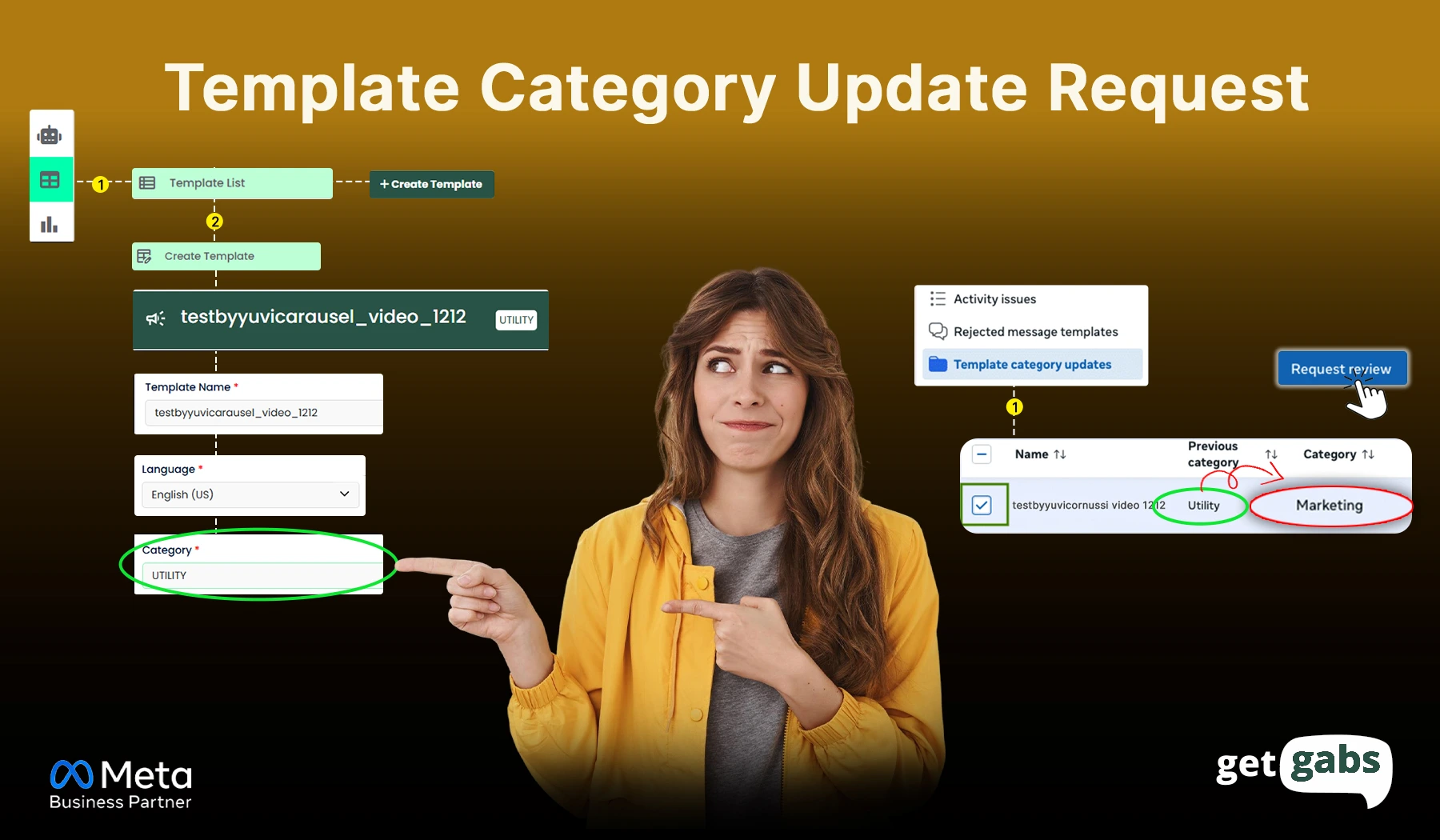
Are you trying to create a utility template, but it automatically changes to a marketing template? Refer to the step-by-step guide : Step 1: Log in to your Facebook account and open the URL https://business.facebook.com/ Step 2: Click on the Business Settings Step 3: Click on the WhatsApp Accounts &...
Read More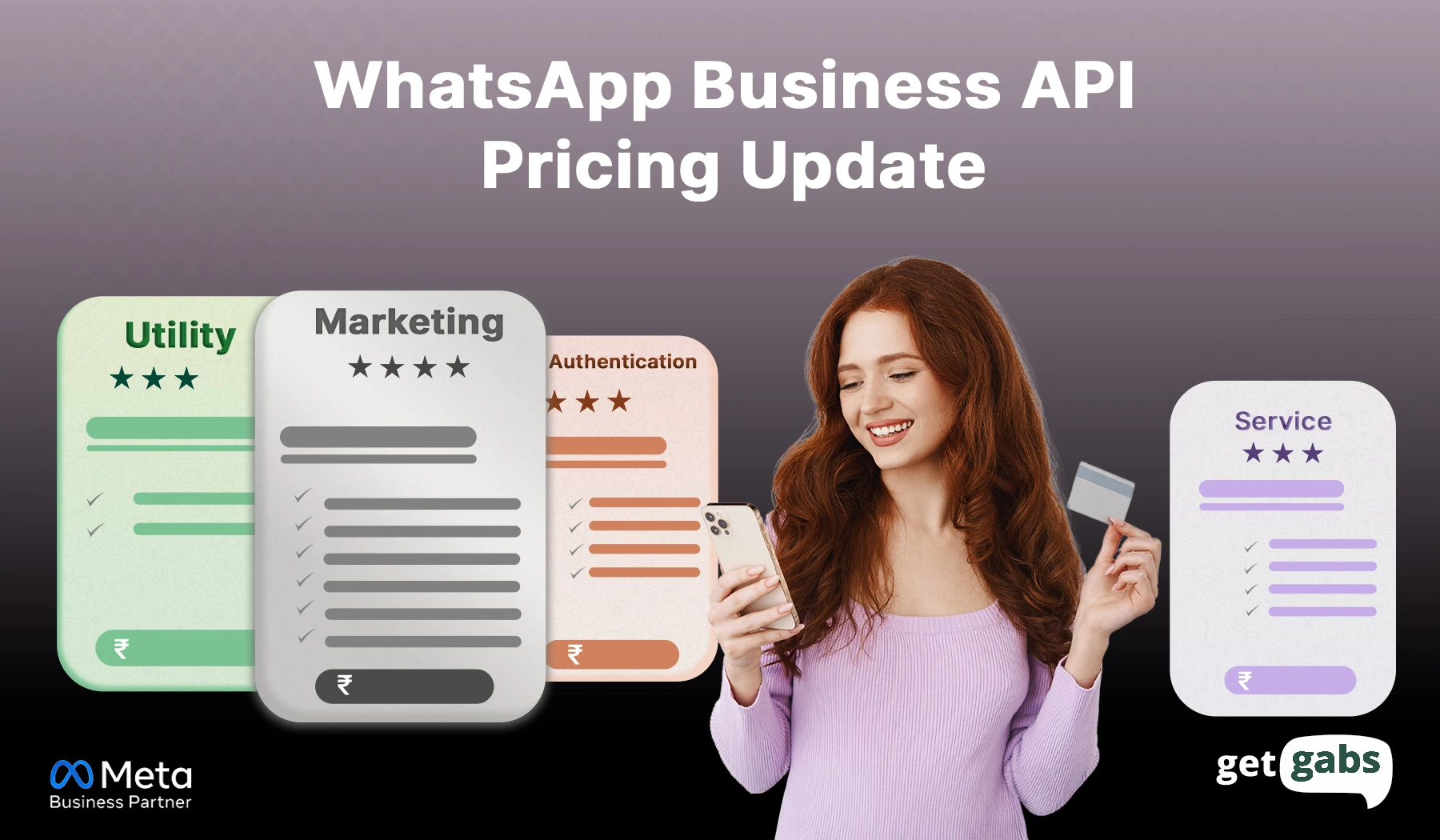
If you’re using WhatsApp to talk to your customers — and let’s be honest, who isn’t these days — there’s a big change coming your way. Meta (the folks behind WhatsApp) is switching things up. Starting soon, they’re moving from charging per conversation to charging per message. Sounds intense? It...
Read More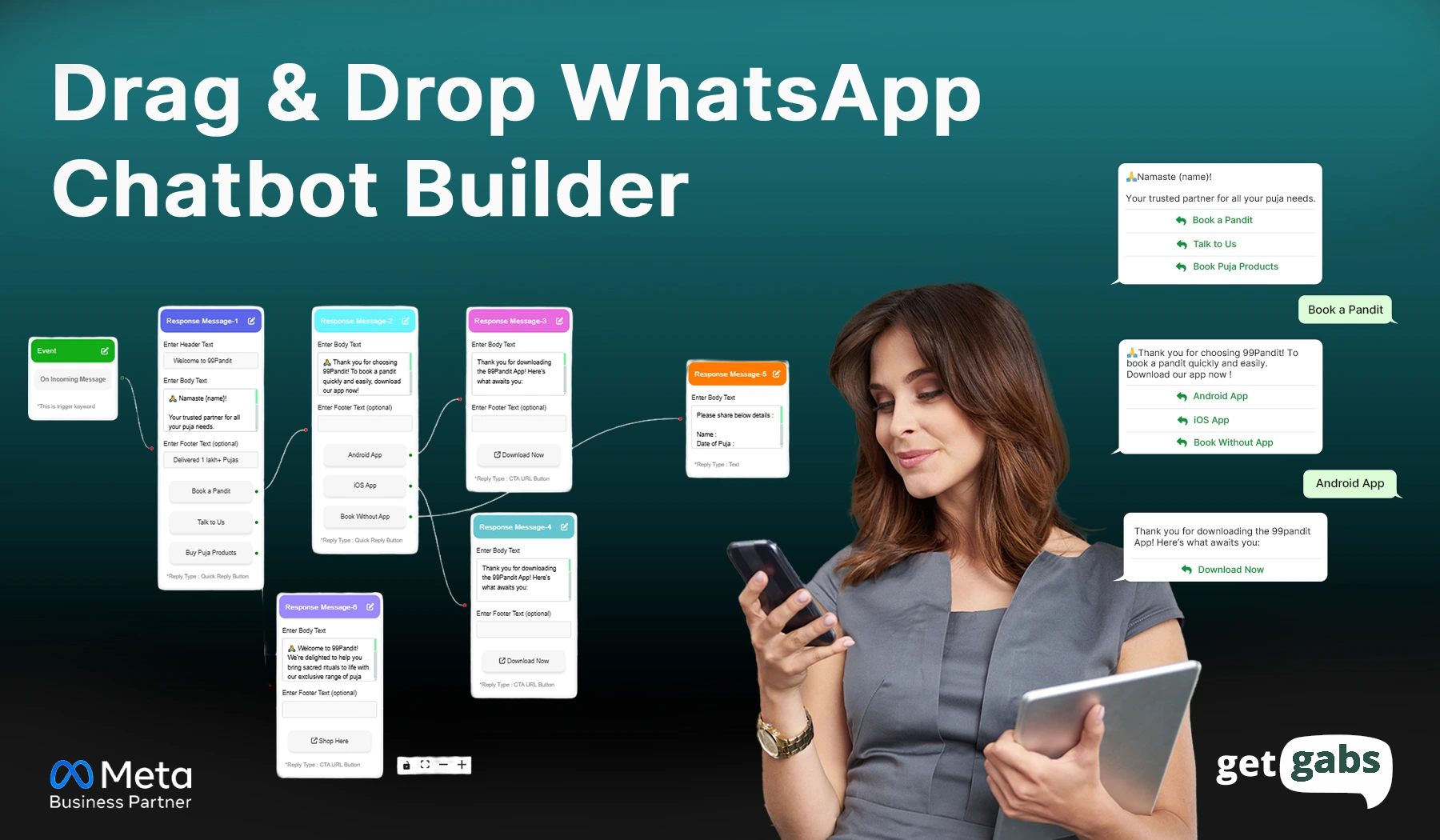
In today’s digital-first world, businesses thrive on meaningful and consistent customer engagement. WhatsApp chatbots have emerged as a powerful tool for automating interactions, streamlining operations, and providing 24/7 support. Leveraging Getgabs’ capabilities, you can easily create, deploy, and optimize your WhatsApp chatbot to meet your business needs. Here’s a step-by-step...
Read More
Official Meta Partner
Connect, engage, and convert faster with powerful automation, broadcasting, and real-time chat.


No setup cost
No markup charges
Official Meta Partner
Connect, engage, and convert faster with powerful automation, broadcasting, and real-time chat.
No setup cost
No markup charges