Discover marketing guides, automation tutorials, and tools to simplify communication and scale faster with GetGabs.
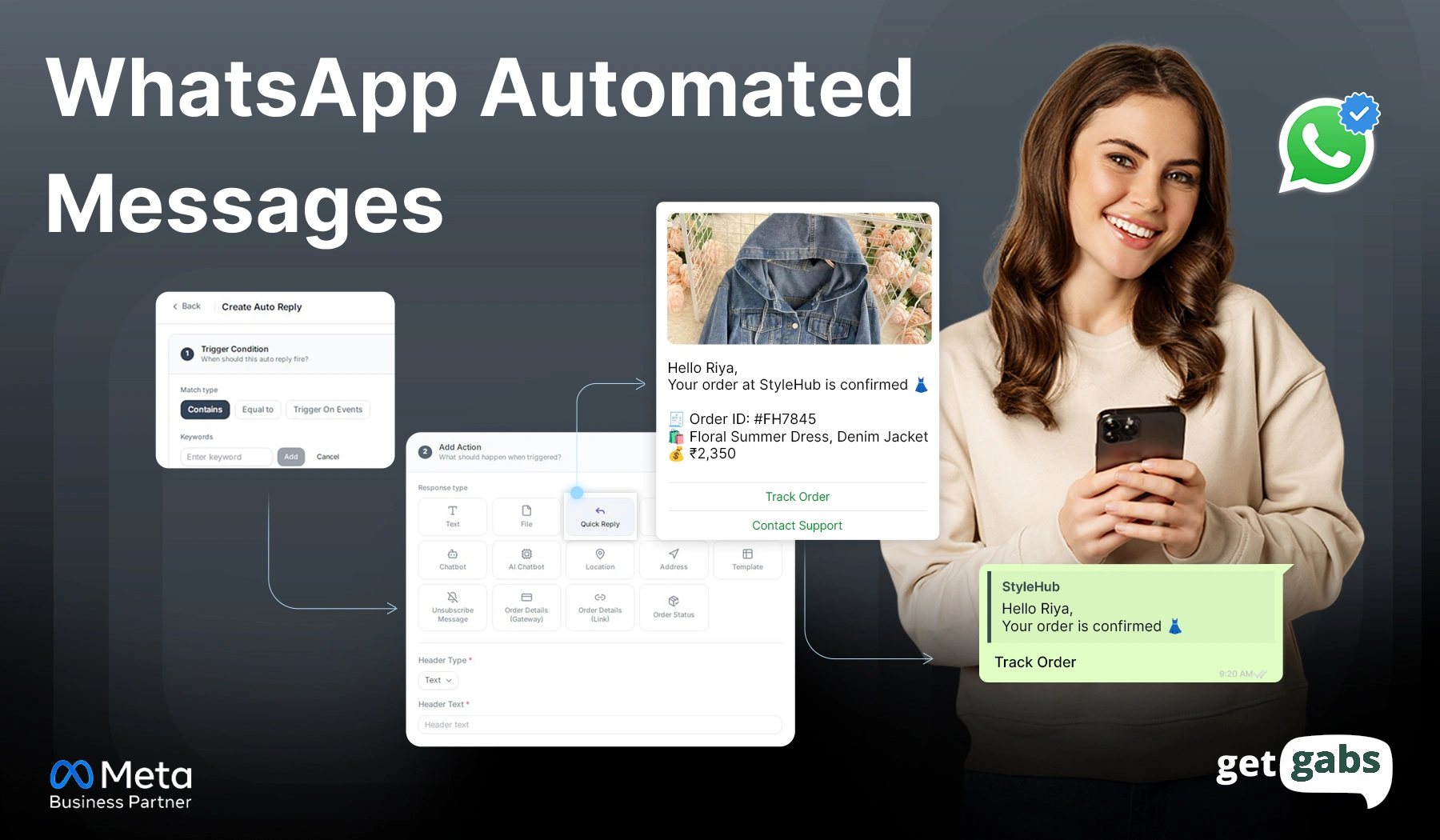
Learning how to send WhatsApp automated messages can save your business hours of work every single day. Imagine your customer messages you at midnight asking about your store’s timing. Instead of losing the lead until morning, the WhatsApp bot replies instantly with a relevant answer. That’s the power of WhatsApp...
Read More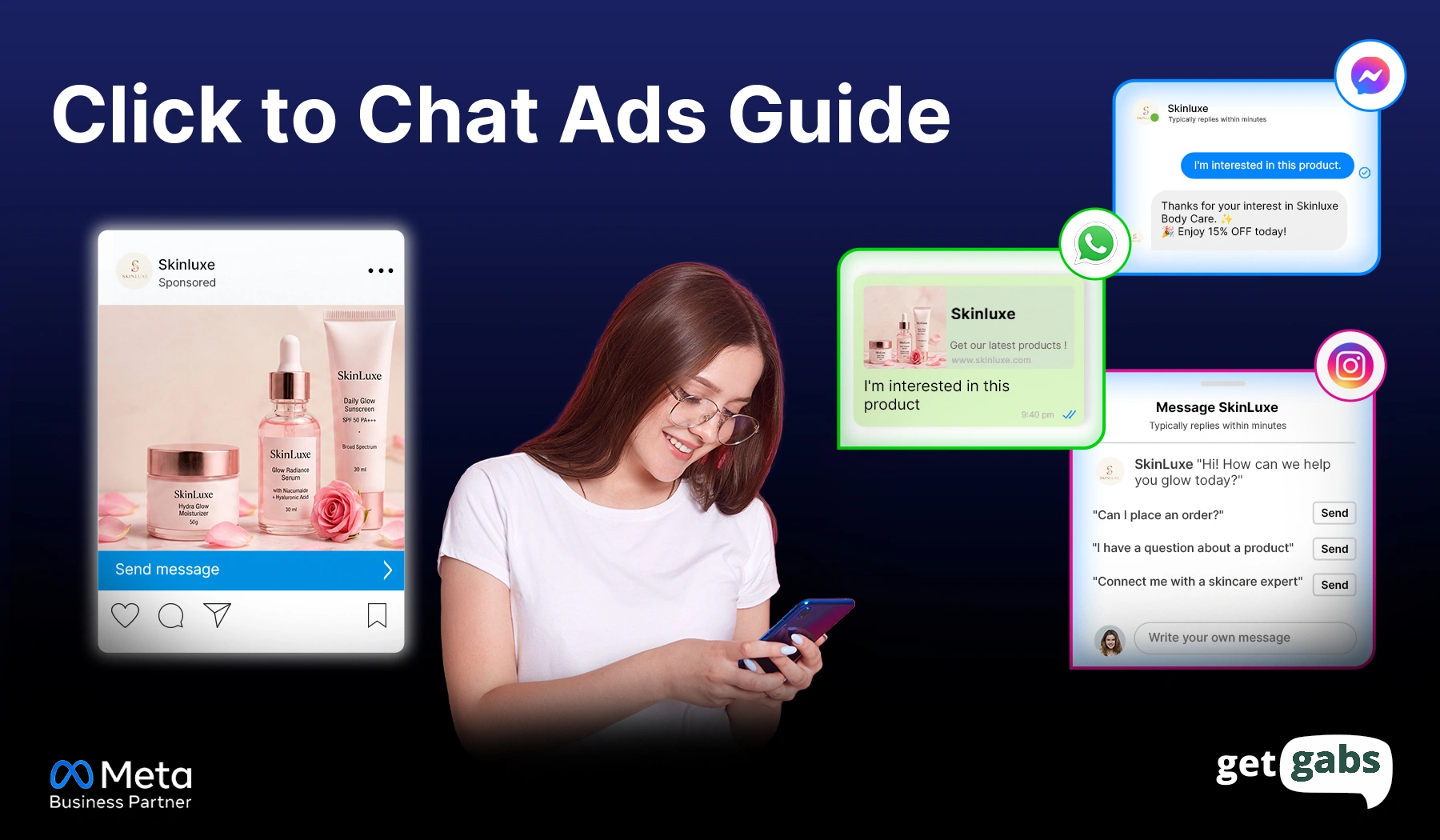
Click-to-chat ads are everywhere now. You might just not have noticed them as ads. That small WhatsApp icon on a sponsored post. The “Send Message” button that pops up mid-scroll on Instagram. Or the Messenger bubble that feels less like a pitch and more like someone’s actually waiting on the...
Read More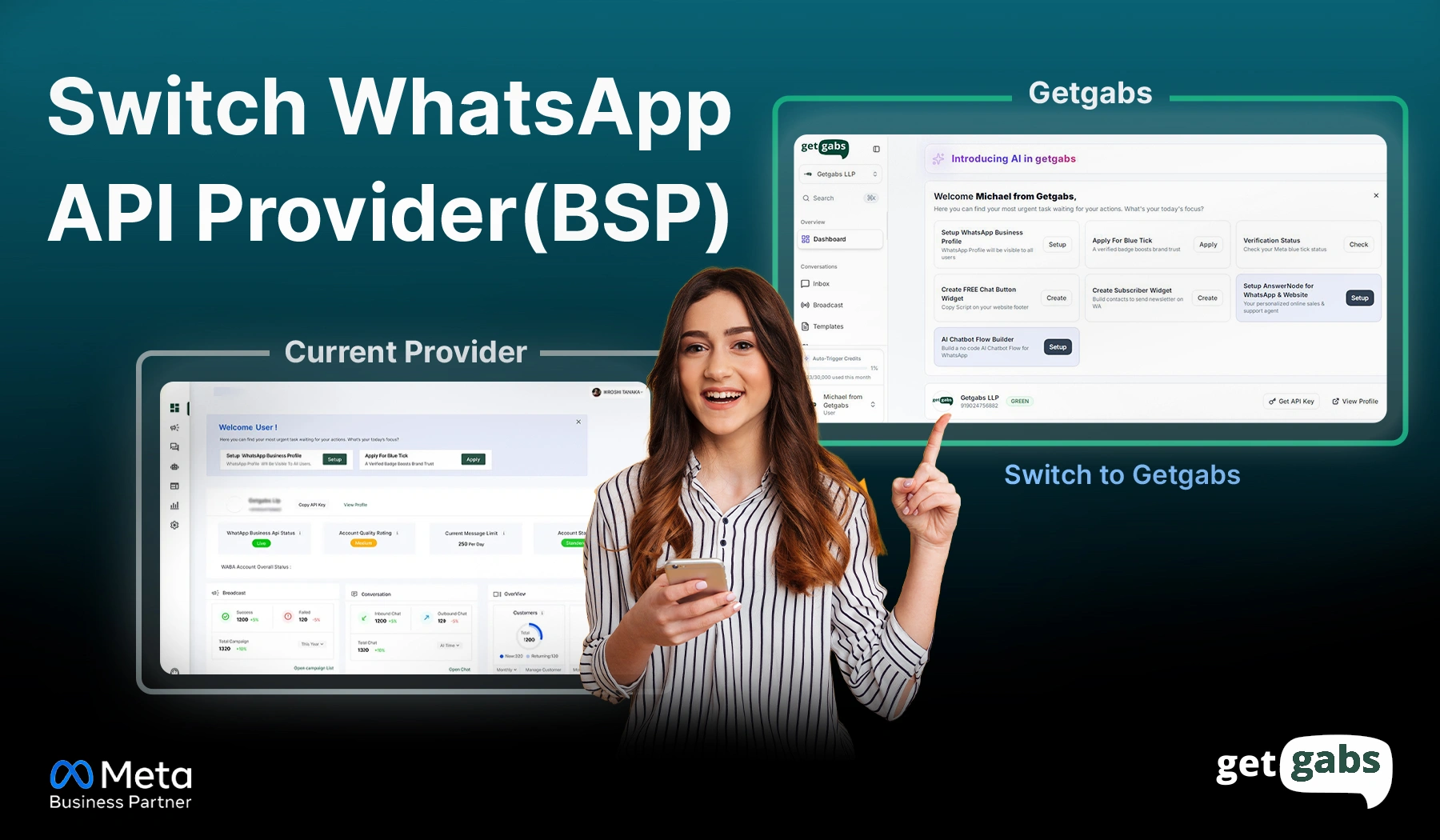
Want to switch your WhatsApp API provider without losing your business number? You can. And with the right planning, you can even keep your business number and your workflows and reduce disruption during the transition. Maybe your current provider raised prices or support goes quiet right when you need it....
Read More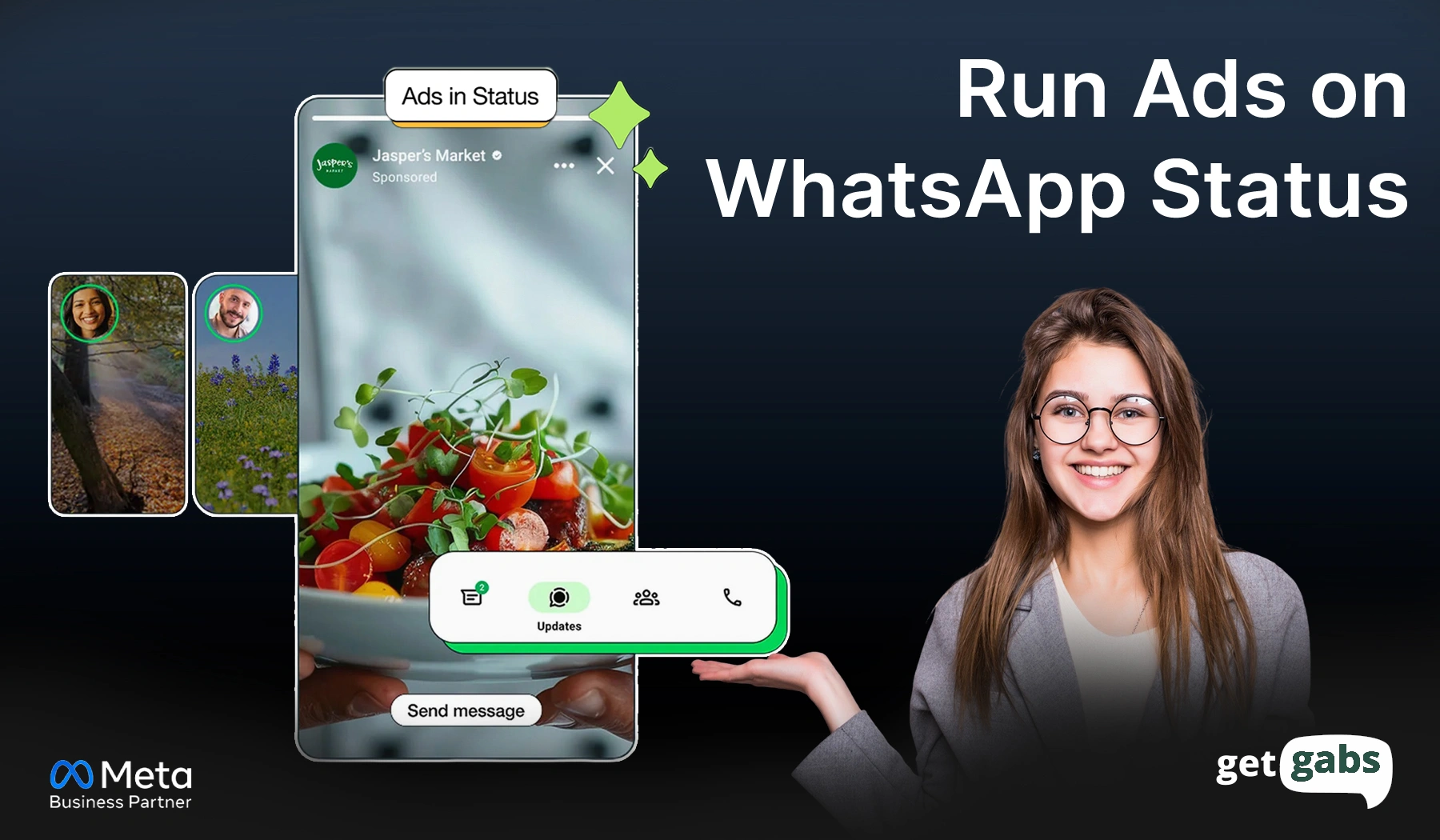
WhatsApp Status ads put your brand in front of over 1.5 billion people who check WhatsApp Status every day. And that’s not a statistic. One of those people could be your next customer. These vertical ads put your brand directly between the daily updates of your target audience. That means...
Read More
WhatsApp API error codes tell you exactly why an API request or message delivery fails. But when delivery stops and a strange error code like “131047” or “130429” pops up, it can be a bit difficult to know what went wrong and where to start to fix it. A failed...
Read More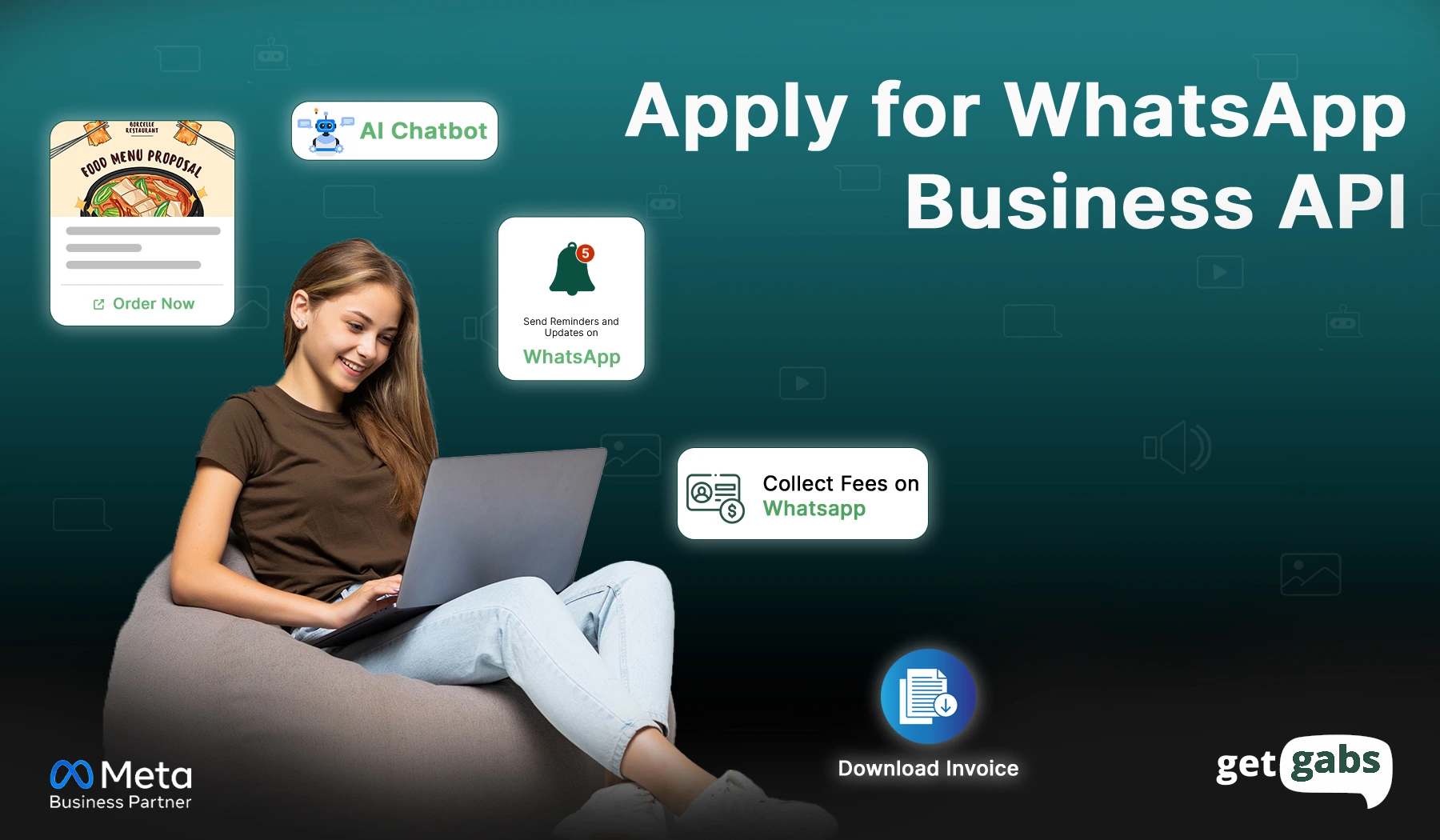
Are you looking to apply for a WhatsApp Business API Account? You are at the right place. WhatsApp Business API helps all types of businesses take customer communication to the next level. Do we have to register for WhatsApp Business API? Yes, to use the WhatsApp Business API, you need...
Read More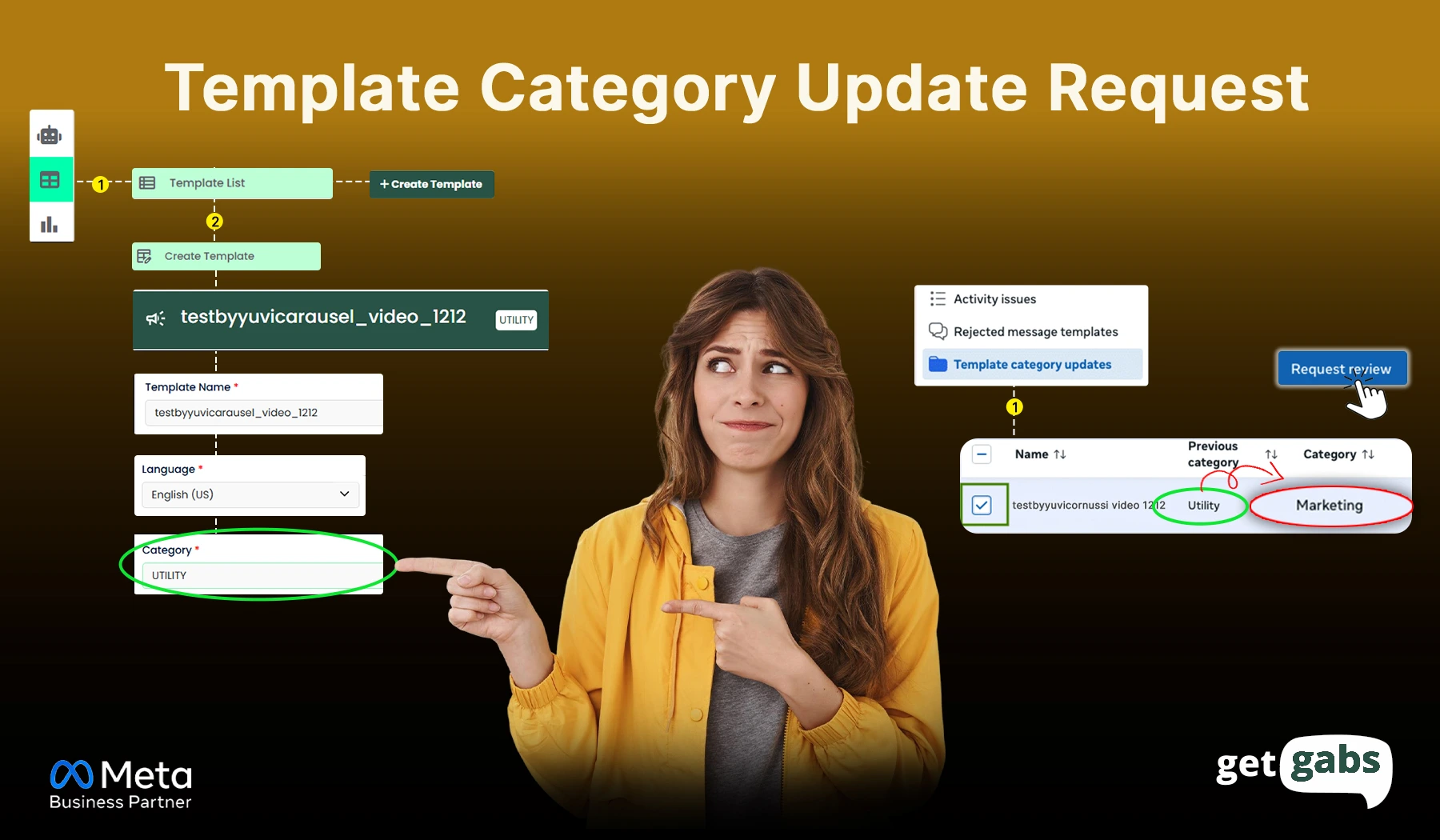
Are you trying to create a utility template, but it automatically changes to a marketing template? Refer to the step-by-step guide : Step 1: Log in to your Facebook account and open the URL https://business.facebook.com/ Step 2: Click on the Business Settings Step 3: Click on the WhatsApp Accounts &...
Read More
The best WhatsApp chatbot not only saves time but also completely transforms your business’s customer support. Imagine your customer sent a message at 2 Am. Nobody’s online, and you just lost a lead. That’s the reality for thousands of businesses still relying on manual WhatsApp replies in 2026. Customers now...
Read More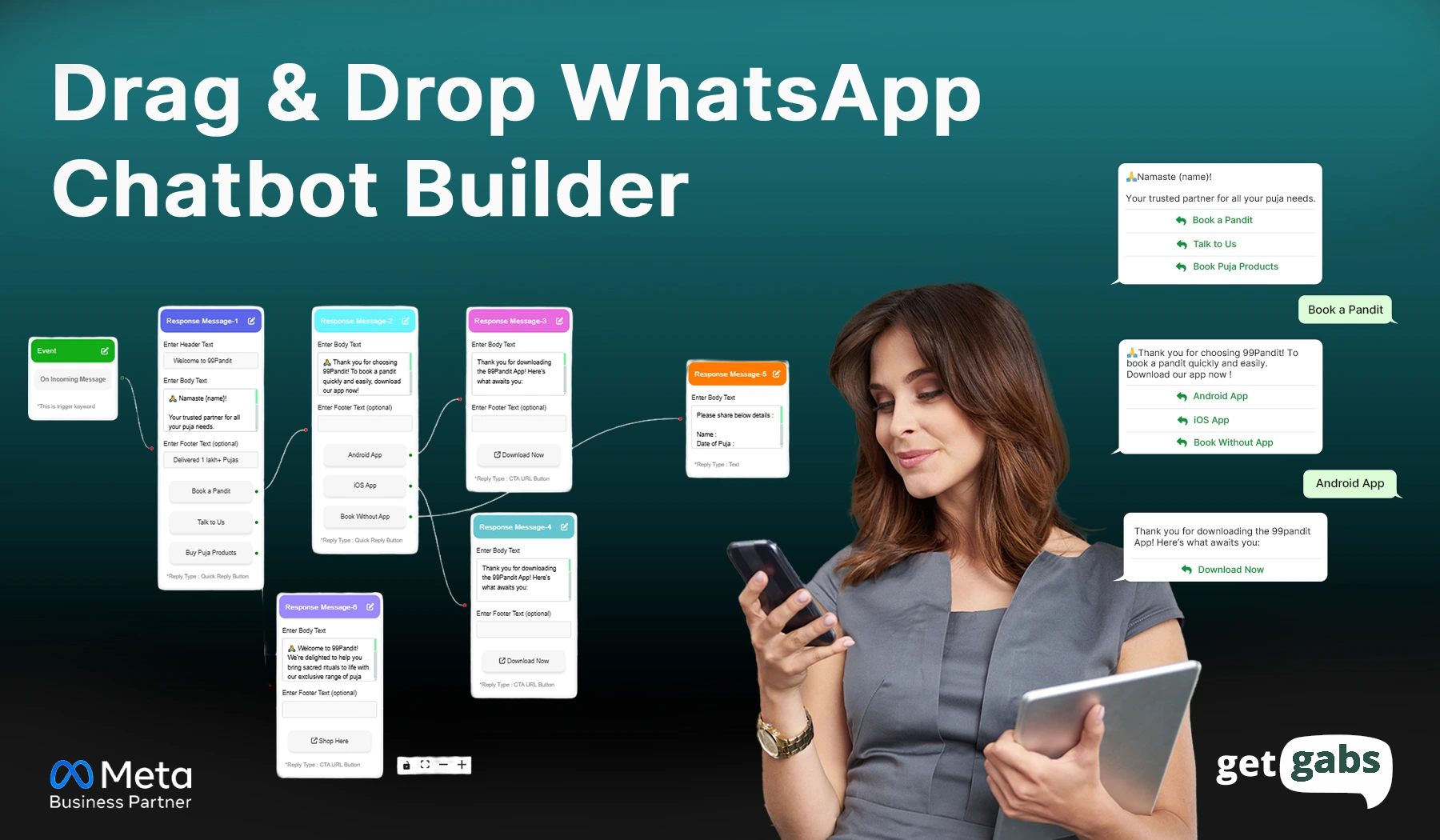
In today’s digital-first world, businesses thrive on meaningful and consistent customer engagement. WhatsApp chatbots have emerged as a powerful tool for automating interactions, streamlining operations, and providing 24/7 support. Leveraging Getgabs’ capabilities, you can easily create, deploy, and optimize your WhatsApp chatbot to meet your business needs. Here’s a step-by-step...
Read More
Official Meta Partner
Connect, engage, and convert faster with powerful automation, broadcasting, and real-time chat.


No setup cost
No markup charges
Official Meta Partner
Connect, engage, and convert faster with powerful automation, broadcasting, and real-time chat.
No setup cost
No markup charges