Discover marketing guides, automation tutorials, and tools to simplify communication and scale faster with GetGabs.
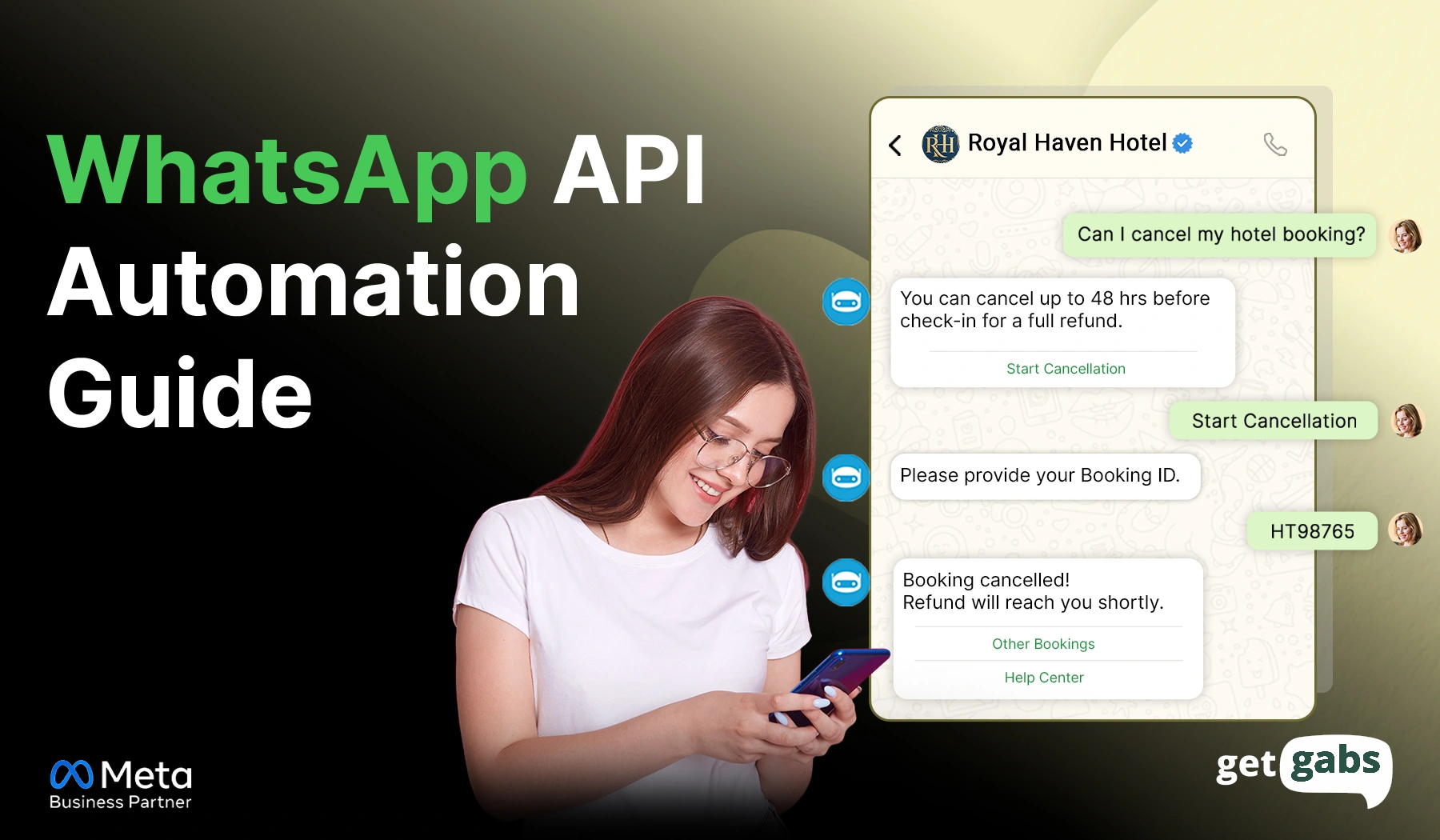
WhatsApp API automation for businesses is now replacing manual messaging as the default way to connect with customers. If your team still copies and pastes replies or manages leads via a single phone, you’re probably falling behind in 2026. With customers today expecting instant responses, slow replies mean leaving a...
Read More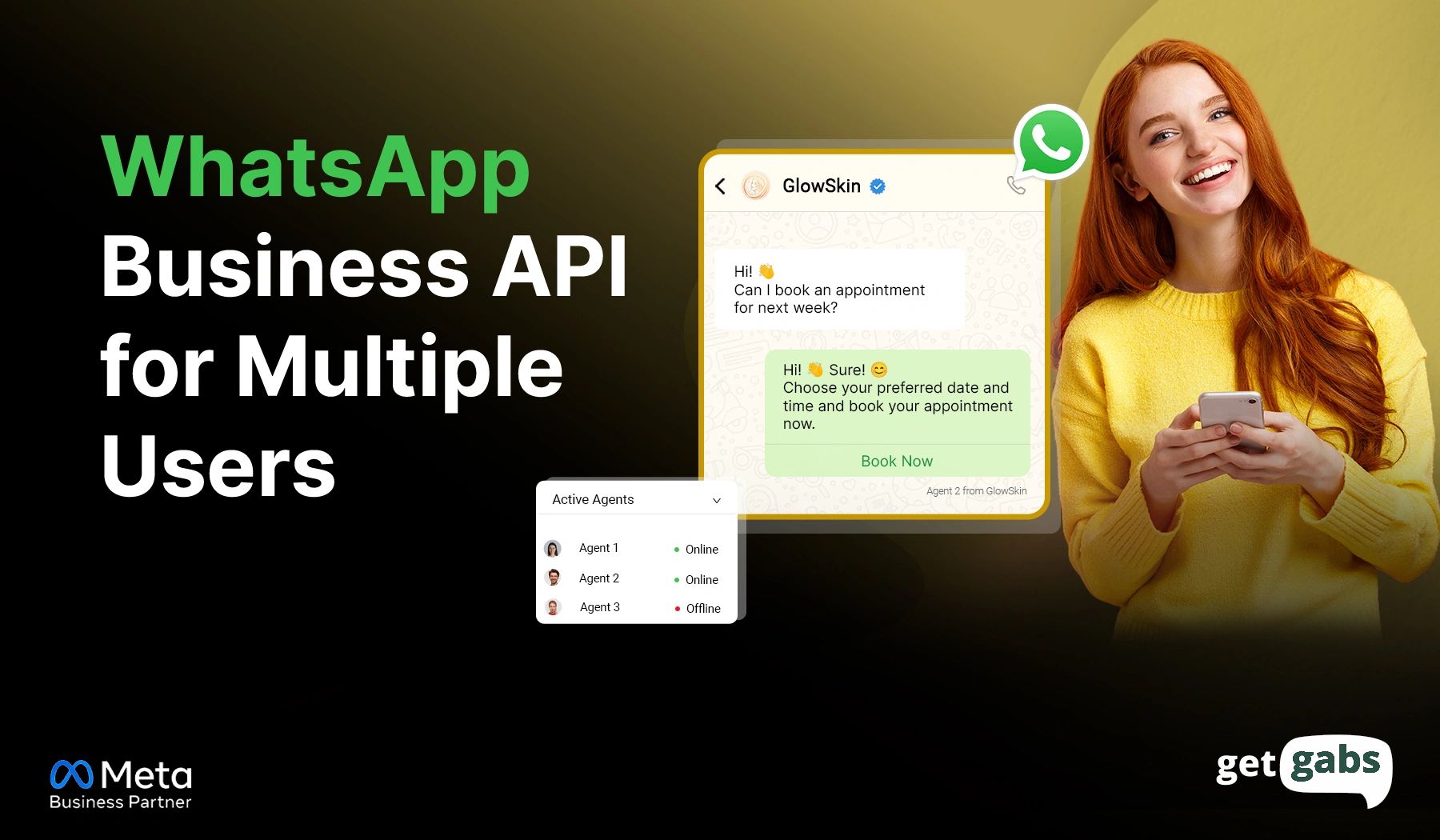
WhatsApp Business API for multiple users is an ultimate solution for businesses that struggle to manage customer conversations as they grow. As your company expands, handling messages from a single WhatsApp number becomes difficult. Sales inquiries get delayed, support requests go unanswered, and team members often lack visibility into customer...
Read More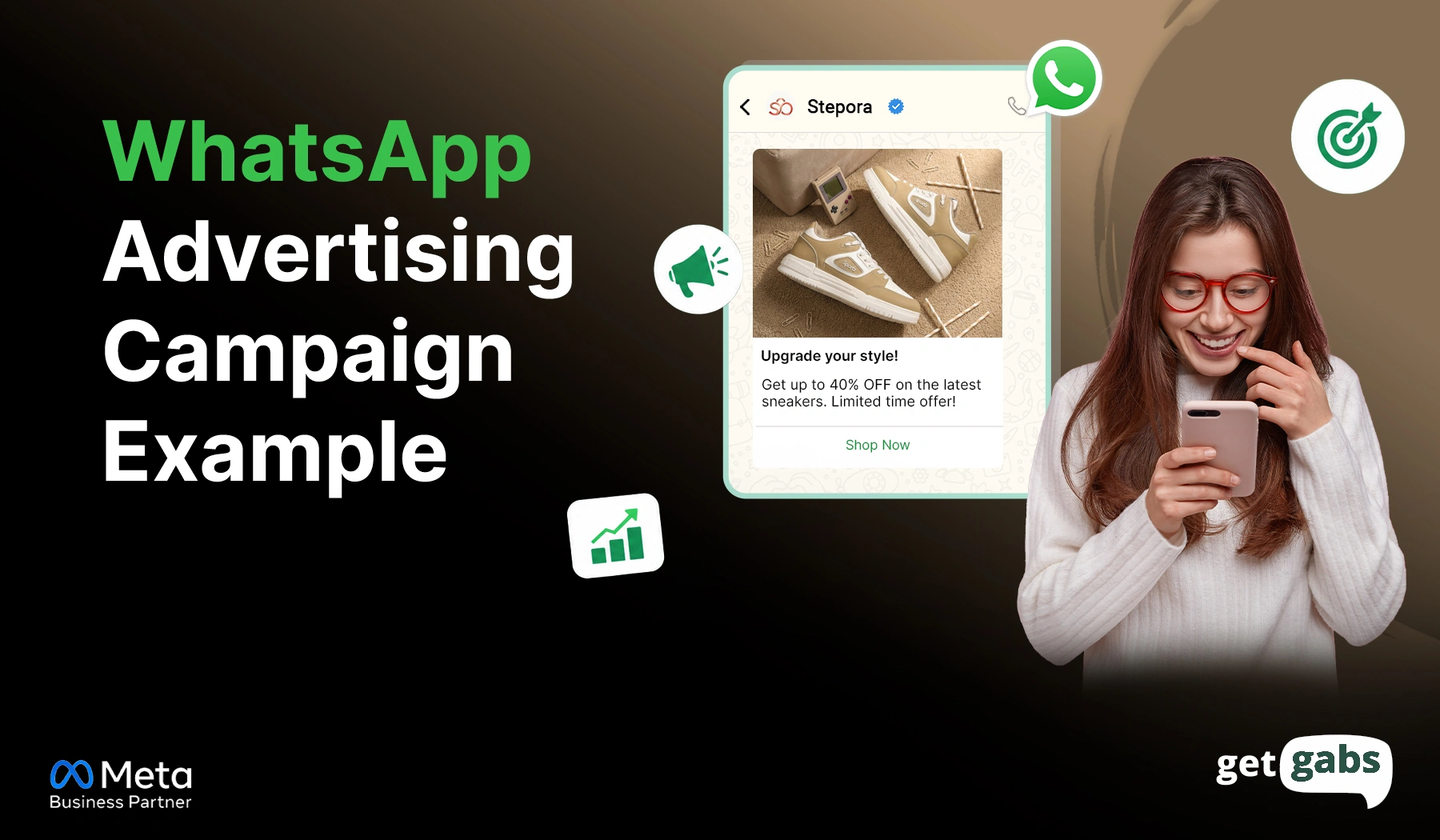
Looking for WhatsApp advertising campaign examples that actually work? You’re in the right spot. The best WhatsApp ad campaign examples do much more than promote a product or service. They give people a direct way to start a real-time conversation with just a tap. Still, many businesses struggle with low-quality...
Read More
How to send bulk messages on WhatsApp without getting banned is one of the most common concerns for businesses that heavily rely on WhatsApp for marketing and customer support. Most businesses often get it wrong. One wrong move or too-fast WhatsApp bulk broadcast, and your number is gone. Here, Meta...
Read More
Millions of businesses use WhatsApp daily. You know that only verified ones earn customers’ trust instantly? And if you also want that kind of authenticity, you need to learn how to apply for a verified blue badge on WhatsApp. It is an official verification mark by Meta that sits right...
Read More
Finding the best WhatsApp apps for Shopify can make or break your business. E-commerce stores can’t afford to fall behind. Traditional emails are slowly dying with a 20% open rate. Meanwhile, WhatsApp is thriving with a massive open rate of 80%. It is not just a small gap. Most sellers...
Read More
The best WhatsApp CRM is the infrastructure behind every brand that wants to automatically sync conversations, identify leads, and trigger automated follow-ups. With the global CRM market expected to reach $126 billion, investing in the best WhatsApp CRM allows you to centralize and automate customer communication at scale. With 98% of...
Read More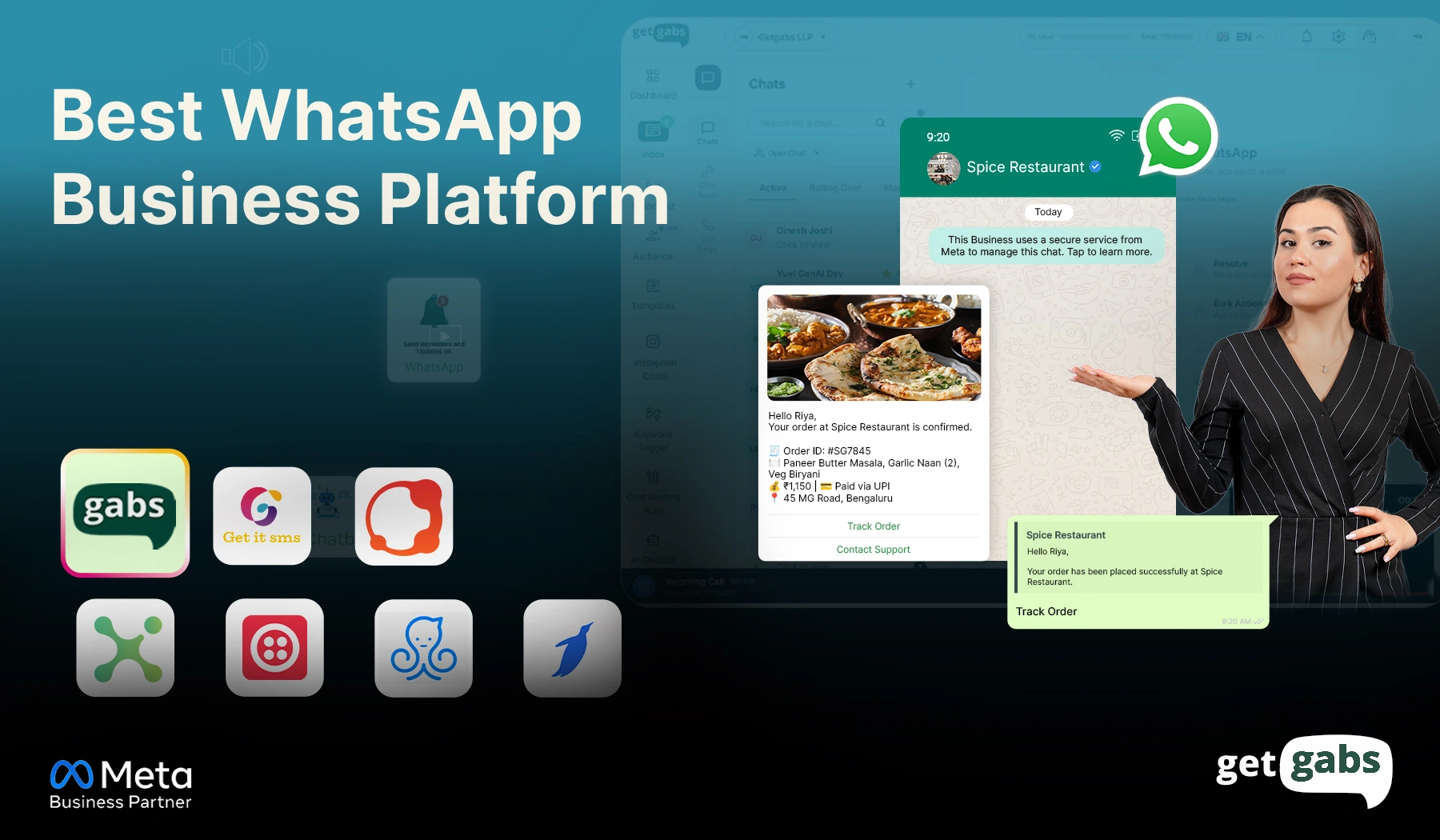
The WhatsApp Business Platform has changed the way businesses connect with customers, and the number makes it obvious why. 3 billion users open WhatsApp every single day. Their messages get read 98% of the time. When compared to email’s open rate of 21%, the gap becomes almost impossible to ignore. ...
Read More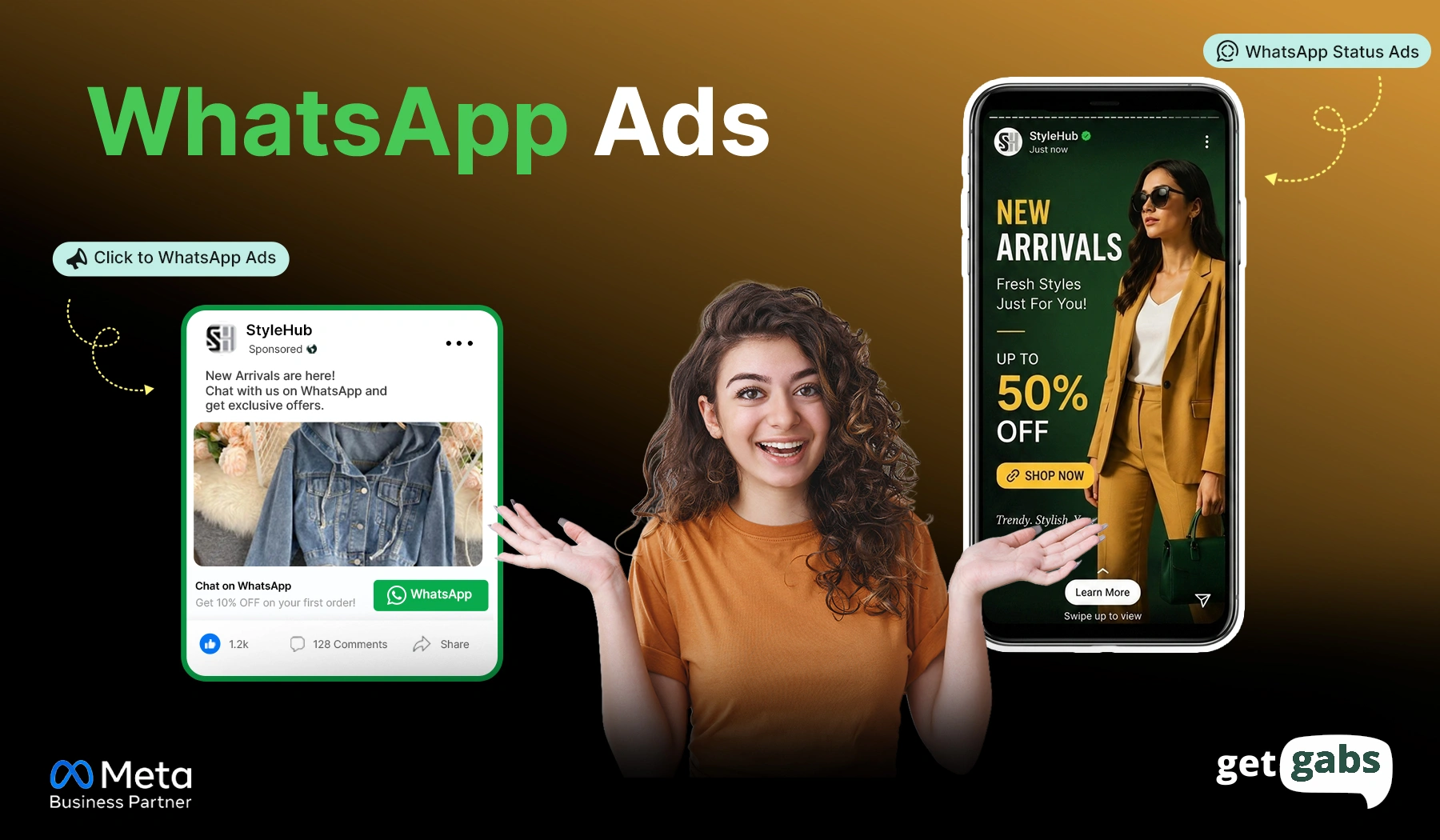
WhatsApp Ads are quickly becoming one of the smartest ways for businesses to turn ad clicks into real conversations. Instead of sending people to landing pages, this directly brings traffic into real conversations. And the results speak for themselves. As per some studies, ads for WhatsApp can lift conversion rate...
Read More
Official Meta Partner
Connect, engage, and convert faster with powerful automation, broadcasting, and real-time chat.


No setup cost
No markup charges
Official Meta Partner
Connect, engage, and convert faster with powerful automation, broadcasting, and real-time chat.
No setup cost
No markup charges