

Too Long? Read This First
- WhatsApp API automation for businesses is the use of the WhatsApp API to handle customer chats, order updates, and support at scale.
- It lets companies seamlessly connect WhatsApp to their CRMs, chatbots, and e-commerce tools to handle support and run personalized marketing campaigns.
- WhatsApp Automation works through a simple trigger → condition check → automated response → CRM sync flow, powered by webhooks that make replies feel instant.
- The tool supports every team across your business. It helps the marketing team run broadcast campaigns, the sales team automate lead qualification, and the support team deflect 90% of support tickets.
- WhatsApp API automation provider like Getgabs makes this easy to set up with a no-code chatbot builder, 0% markup on Meta costs, and hands-on onboarding support, making it a solid pick to move from manual messaging to automation.
WhatsApp API automation for businesses is now replacing manual messaging as the default way to connect with customers. If your team still copies and pastes replies or manages leads via a single phone, you’re probably falling behind in 2026.
With customers today expecting instant responses, slow replies mean leaving a lot of revenue on the table. As per some studies, businesses using WhatsApp automation respond within a median of 60 seconds and report an increase in customer satisfaction (CSAT) scores by over 20% to 40%.
In simple terms, WhatsApp API enables your business to scale customer communication, run 24/7 customer support, and send automated messages using official infrastructure.
In this guide, we will cover everything about WhatsApp API automation for businesses, including its working, cost, benefits, compliance rules, and how to pick the right automation tool.
What is WhatsApp API Automation for Businesses?
WhatsApp API automation for businesses means using WhatsApp Business API to send and manage messages automatically at scale. It is a bit different from basic auto-replies. It lets companies connect their WhatsApp directly to software like a CRM, e-commerce stores, and AI chatbots to handle support and run marketing campaigns at scale.
With WhatsApp business automation, you can:
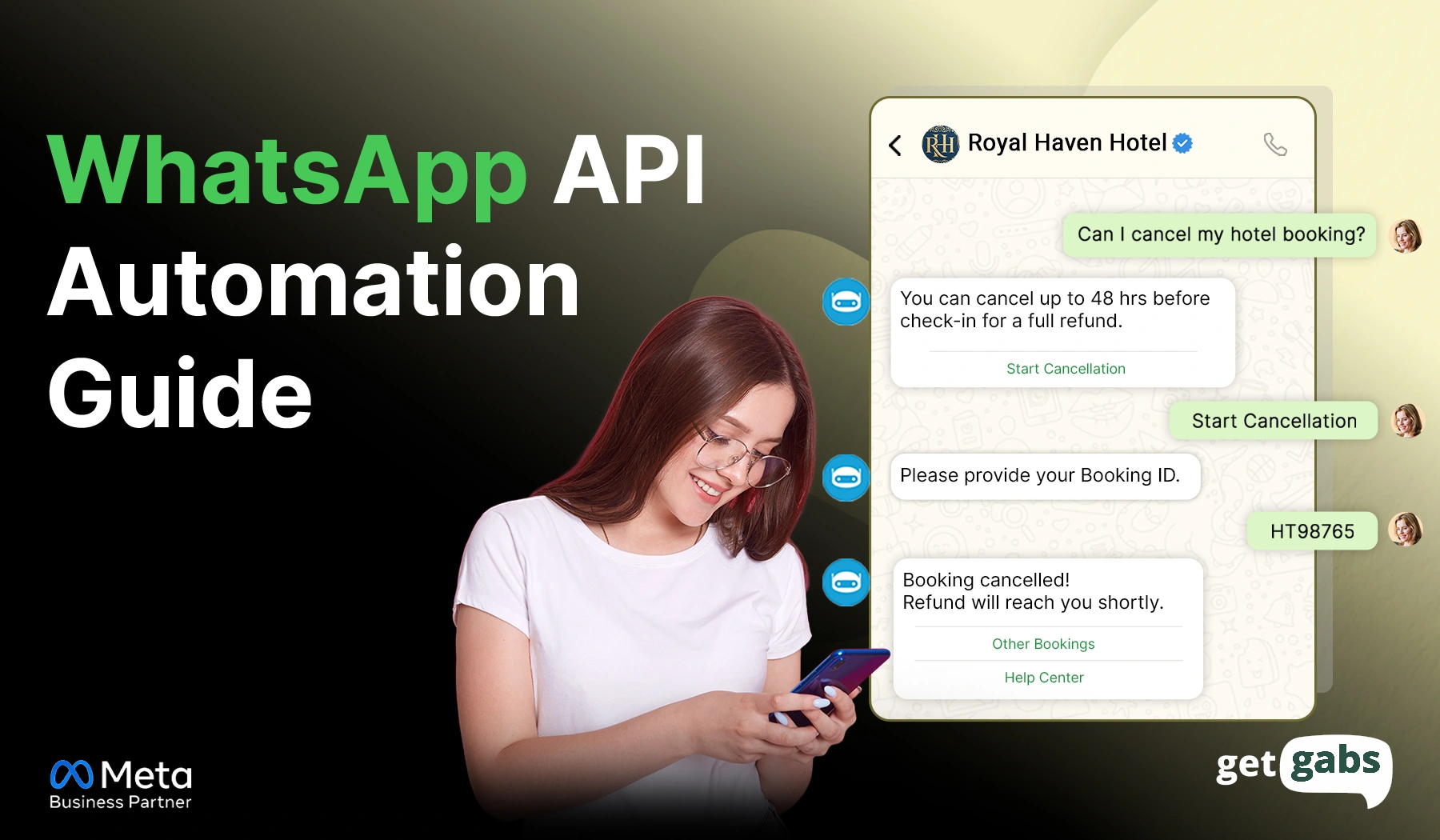
- Automate customer conversations via AI chatbots
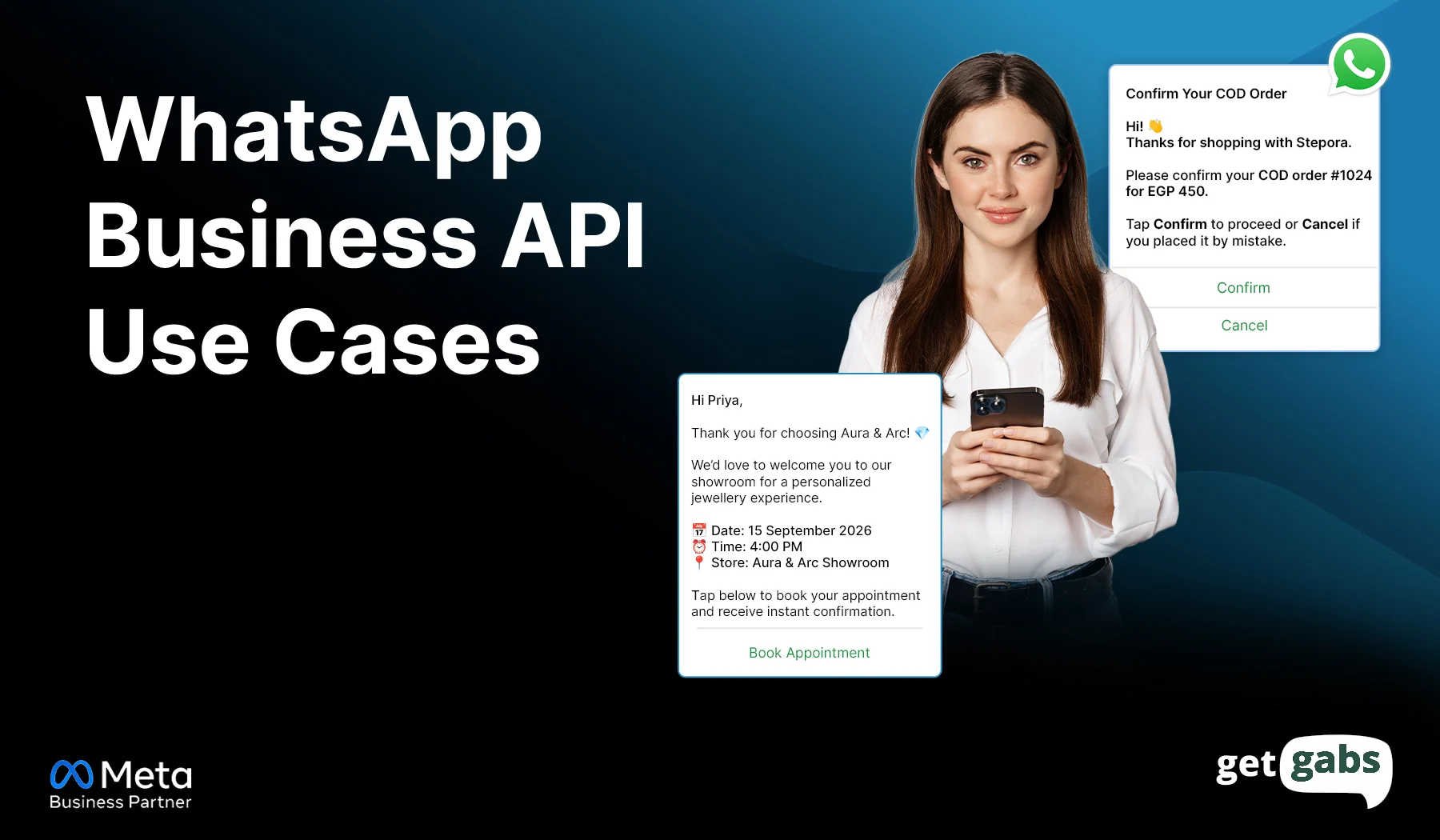
- Send order updates, appointment reminders, and payment notifications
- Run WhatsApp bulk broadcast campaigns to reach multiple customers at once
- Manage conversations with multiple agents via shared team inbox
- Integrate WhatsApp with your existing CRM, Shopify, and helpdesk platforms
- Analytics & reporting to track campaign performance
It eliminates the need for manual typing and boosts team productivity via an automated messaging workflow. In short, WhatsApp Business API helps businesses streamline customer communication, improve response time, and scale their operation via WhatsApp.
How Does WhatsApp API Automation Work?
WhatsApp Business API automation follows a simple process. Here’s what actually goes on behind the scenes that makes automation work:
- Trigger: A customer sends a message, clicks a button, or takes an action like placing an order. An action like this triggers your automation.
- Condition Check: The system checks the trigger against the set rules. Is this a new customer or a returning one? Is it inside business hours? This step decides what happens next.
- Template or AI Response: Based on the condition check, the system automatically sends a reply. It can be a pre-approved message template, auto-reply, or AI-chatbot response that eliminates the need for manual typing.
- Delivery: The system sends out the response via Meta Cloud API to instantly deliver a business message to the customer’s phone.
- Data Sync & Handoff: Each conversation’s data flows into your CRM, helpdesk, or sales tool. It enables the team to have complete context of every chat and route complex queries to a human agent when needed.
A webhook connects these steps in real time. It listens for new events like an incoming message and instantly triggers the next action in the chain. This is what makes automation feel instant instead of delayed.
For the exact step-by-step setup in a dashboard, see our guide on how to send WhatsApp automated messages.
Why Are Businesses Automating WhatsApp in 2026?
Businesses are shifting to WhatsApp API automation simply because it outperforms emails, SMS, and live chat in speed, cost, and results. Here’s why businesses are switching to WhatsApp business automation in 2026:
- Instant 24/7 Support: A slow reply often results in lost customers. An AI chatbot enables your brand to send instant responses the moment someone reaches out to you.
- Higher Open Rate: When compared to the email open rate of 20-25%, WhatsApp offers you an outstanding open rate of 98%, and 90% of messages among them get read within 3 minutes.
- You spend less on support: WhatsApp automation handles repetitive customer queries, which reduces support overhead and scales operations smoothly.
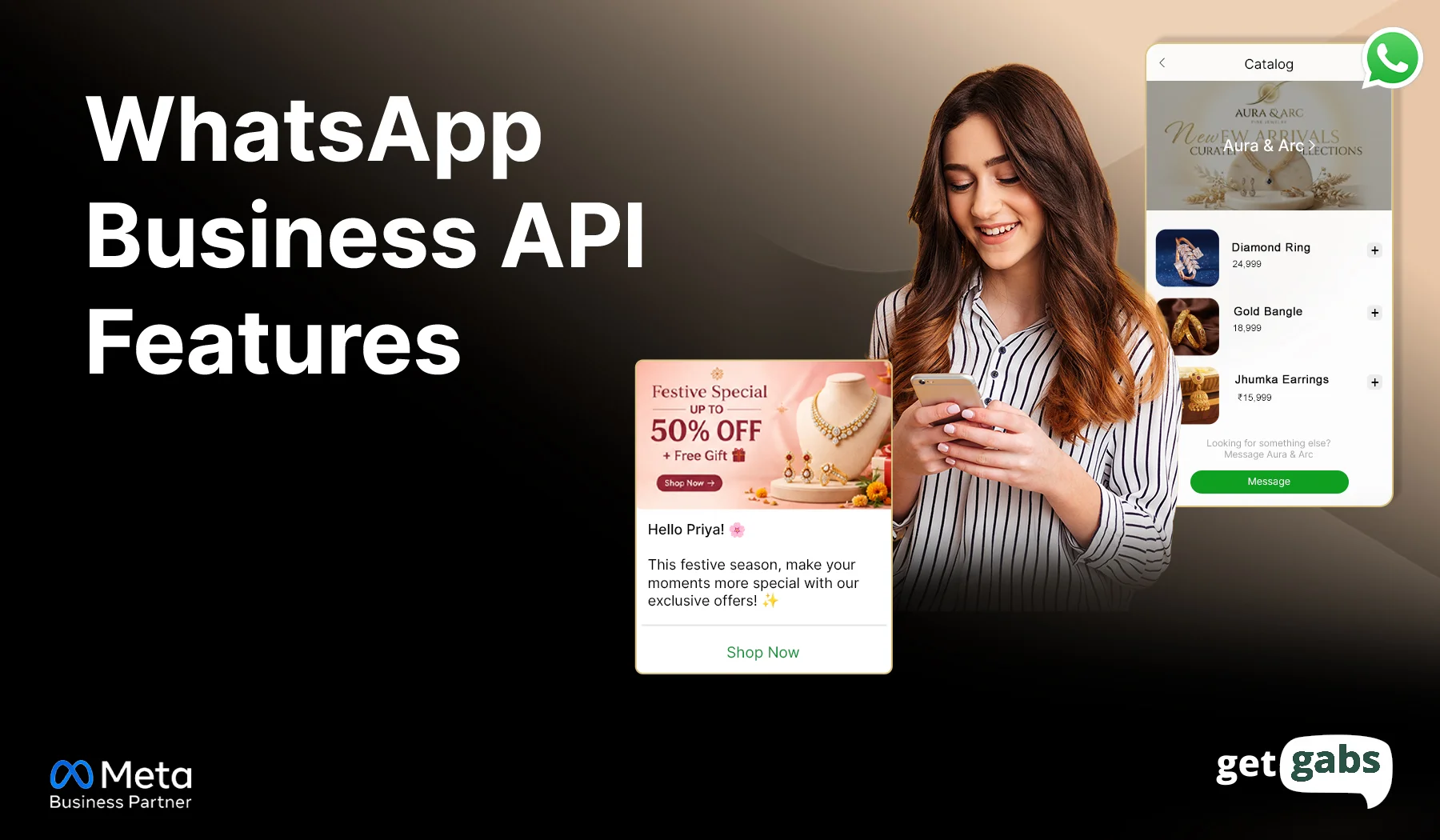
- Seamless Conversational Commerce: The API allows customers to browse the catalog, track an order, and complete a purchase using in-chat WhatsApp payment within WhatsApp. No switching between tools or drop-offs.
- Smart CRM Syncing: Each conversation automatically syncs in your CRM and helps brands trigger a personalized follow-up automatically.
- Scales without adding headcount: It lets brands reach thousands of customers at once with bulk broadcasting without hiring any extra team members.
WhatsApp API Automation Use Cases by Industry
WhatsApp API automation for business works differently based on your industry. Here’s how different sectors put it to work:
1. Ecommerce
WhatsApp for e-commerce helps online stores recover abandoned carts, send automated order confirmations or shipping updates, and even answer customer queries automatically. It boosts sales and improves the customer shopping experience.
2. Healthcare
Clinics and hospitals can automate appointments, share test reports, provide prescription updates, and deliver 24/7 support to their patients. Here’s how WhatsApp for healthcare can help you improve patient experience.
3. Education
Send automated admission updates, class & fee reminders, exam updates, and engage with students in real-time with WhatsApp for education. It helps educational institutes, colleges, and schools keep applicants informed and reduce late payments.
4. Travel
WhatsApp for travel lets tour operators and agencies generate leads via Click-to-WhatsApp ads, send booking confirmations, share real-time travel updates, and promote limited-time travel deals.
5. Finance
Banks and fintech companies can use WhatsApp for finance to send transaction alerts, balance updates, account notifications, and payment reminders in real-time.
How Does WhatsApp Automation Support Different Business Functions?
WhatsApp API automation is not just built for one team. It helps different teams across your business save time, reduce manual work, and improve customer support. Here’s how it works across your marketing, sales, support, and operations teams:
1. Marketing
Marketing teams can use WhatsApp API automation to send personalized campaigns at scale. They can even segment their contact list based on customers’ behaviour for targeted messaging.
Common Use Cases:
- Personalized WhatsApp broadcast campaigns
- Click-to-WhatsApp ad follow-ups
- Product launch announcements
- Feedback and survey collection
- Automated abandoned cart recovery reminders
Benefits: Higher engagement, recovered lost sales, and better campaign performance.
Result: WhatsApp cart recovery generally brings back up to 25% to 30% of lost sales, significantly outperforming the traditional email recovery rate of 8%.
2. Sales
With WhatsApp Sales CRM, sales teams can automate lead qualification, appointment booking and scheduling, and follow-up. AI-powered chatbot captures key details and forwards the more complex leads to the appropriate sales agent.
Common Use Cases
- Lead capture and qualification
- Automated follow-up messages
- Product inquiries
- Demo and consultation booking
Benefit: Faster response times and increased conversions.
Result: WhatsApp nurture flows help brands convert leads up to 23%, compared to 4.2% for email.
3. Support
Support teams can use automation to manage FAQs, order status, and deliver around-the-clock assistance via WhatsApp customer support. Businesses can deploy an AI-powered chatbot to automate up to 80% of customer queries.
Common Use Cases:
- AI chatbot to handle FAQs and lead qualification
- WhatsApp Forms to collect customer feedback
- Support ticket updates
- Shared team inbox for agent collaboration
- Automated order and shipping notifications
Benefits: Reduced support workload, instant resolution, and improved customer satisfaction.
Results: A good WhatsApp automation tool can deflect 70-90% support tickets before reaching a human agent.
How to Set Up WhatsApp API Automation (Step-by-Step)
Here’s the step you need to follow to set up WhatsApp API automation for your business:
Step 1: Choose a WhatsApp Business API Provider
Start by connecting with an official WhatsApp Business API provider like Getgabs. The platform helps you get instant access to the API and set up automation without any technical hurdles.
Step 2. Verify your business
Meta reviews and approves your WhatsApp Business API account. This usually takes a few hours to a few days, depending on how complete your business details are.
Step 3: Create Automation Workflows
Define the actions that you want to automate, like welcome messages, appointment reminders, order updates, or lead qualifications.
Step 4: Set Up Chatbots and Message Templates
Deploy a chatbot using a drag-and-drop flow builder to answer FAQs, and create approved message templates for notifications, reminders, and promotional campaigns.
Step 5: Integrate with Your CRM and Business Tools
Now connect your WhatsApp with your existing CRM, e-commerce store, helpdesk, or marketing tools to automatically sync customer data and send personalized messages.
Step 6: Test Your Automation
Before going live, test all your workflows, chatbot responses, and message templates to ensure everything is working right.
Step 7: Monitor and Optimize Performance
Track key metrics like response time, message delivery, customer engagement, and conversion. Use these insights to know what’s working for you and improve your automation workflows.
How to Choose a WhatsApp API Automation Provider?
Not all WhatsApp API automation providers are built for all. Here’s what to check before you sign up:
- Official Meta Business Partner Status: Before picking up, make sure your WhatsApp business API provider is verified by Meta and not a third-party reseller. It’s a sign of trust and reliability.
- Low or zero markup: Some providers add heavy markup on top of Meta per-message charges. That’s why you look for an automation platform with transparent pricing with zero markup on Meta cost to avoid paying extra.
- Template Approval Support: WhatsApp message templates require Meta approval before you send them to customers. Pick a provider that offers you guided support and helps you manage and track them.
- No-code chatbot builder: You don’t need to hire a technical team to build a simple flow. Opt for the WhatsApp API solution that offers you a no-code drag-and-drop chatbot builder that lets you design automated conversation flows without writing a single line of code.
- Integrations with your existing tools: Your provider should offer seamless integration ability to avoid manual work, manual data entry, and scattered communication.
- Real onboarding support: The right API platform helps you with setup, not just hand you a login. Pick the provider that offers strong onboarding and 24/7 support.
If you are looking for all this in one platform with strong automation, Getgabs is built exactly for you. It is an AI-based WhatsApp automation platform built on the official WhatsApp Business API that offers instant access to the API with 0% markup on Meta costs, strong automation, and onboarding support.
Conclusion
WhatsApp API automation for businesses is no longer optional in 2026. It’s how brands respond faster, cut support costs, and scale without adding any headcount. Using this, businesses can scale their customer communication by sending automated notifications, deploying an AI-powered chatbot, and managing chat across multiple team members. Be it marketing, support, or sales, automation touches each part of how you engage with your customers. The companies that lead the industry aren’t the ones that send the most messages. They’re the ones that send the right message to the right person at the right time.
WhatsApp Business API helps businesses improve response time and scale their operation via WhatsApp. If you’re all set to move from manual messaging to an automated workflow, start by picking the official WhatsApp API automation platform like Getgabs. Being an AI-powered automation platform, it offers you instant access to the API with zero markup on Meta cost, a no-code chatbot builder, a free WhatsApp API template generator, and onboarding support.
Frequently Asked Questions
No. WhatsApp API automation provider like Getgabs offers businesses a no-code drag-and-drop AI chatbot builder to automate workflows without writing any code.