

Too Long? Read This First
- WhatsApp Business API integration is a process of connecting WhatsApp directly to a company’s existing software like CRM, helpdesk, or support software to automate workflow and customer communication.
- It boosts sales, enables bulk messaging, centralizes customer data, qualifies leads with AI, and lets multiple team members manage customer chat from a unified inbox.
- A customer action triggers an event → the API receives the event → your CRM or other business tool processes it and starts the workflow → an approved template or automated reply goes out.
- To set up WhatsApp API integration, start by following steps like verifying your Meta Business account, configuring a dedicated number, picking a provider, connecting tools, getting templates approved, testing, and going live.
- Getgabs makes setup easy with no setup fees, seamless WhatsApp APi integration without technical hurdles, a shared inbox, an AI chatbot, and 0% markup on Meta's costs.
WhatsApp Business API integration is what actually separates businesses that simply chat from those that automate, scale, and grow via the most popular messaging app. But if you run it from the free Business app, you might already know the pain of a 256-contact broadcast cap, limited automation, and not being able to talk to your CRM.
WhatsApp Business API integration fixes this. Integrating the WhatsApp Business API allows businesses to automate customer communication, connect with CRM and e-commerce tools to sync customer data, manage team conversations, and send personalized messages at scale.
But getting API access is only step one. What actually makes it work is integration. There’s also a cost factor to consider. From October 1, 2026, Meta charges per message for service replies, so your messaging setup can directly affect your costs.
And you probably don’t want that. In this guide, you’ll learn what WhatsApp Business API integration is, how to set it up, its costs, the tools you can connect, and how to fix common integration issues.
What Is WhatsApp Business API Integration?
WhatsApp Business API integration is a process of connecting WhatsApp directly to a company’s already existing software like CRM, helpdesk, or support software. Think of the API as an interface that allows systems to talk, and integration as the link that connects those systems to automate your everyday business workflows.
For example, when a customer places an order on your Shopify store, the integration helps you send an instant confirmation message on WhatsApp, update the CRM, and trigger a shipment message later. Simple. No more copy-pasting or manual follow-up needed.
| WhatsApp API | WhatsApp API Integration |
| Sends and receives messages | Connects WhatsApp to business tools |
| Provides messaging access | Automates workflows |
| Works mainly with WhatsApp | Connects CRM, stores, support, and more |
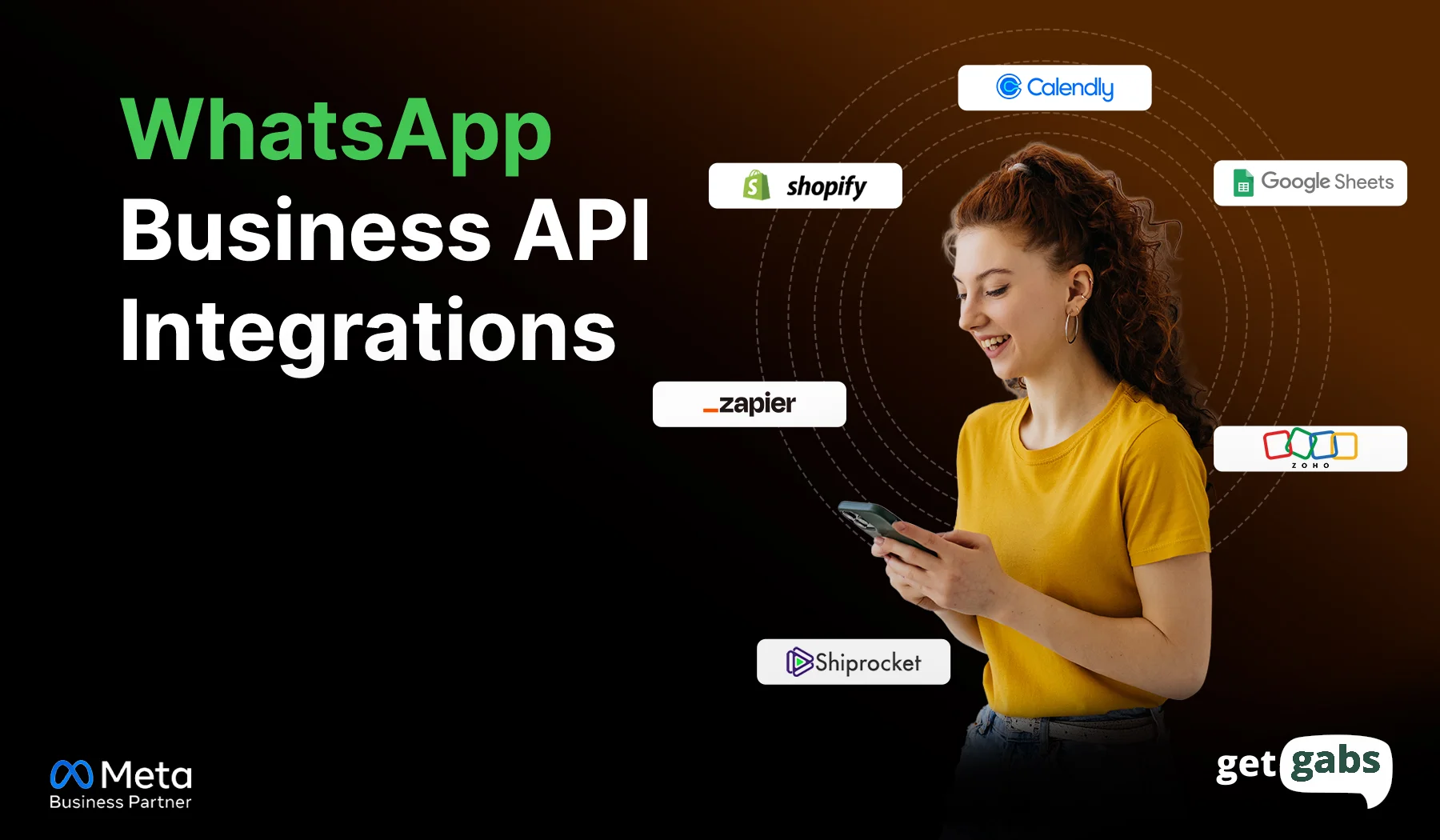
You can connect WhatsApp with CRMs to sync customer data and e-commerce stores like Shopify to automate order updates, payment tools to send reminders, support systems to route chats, and AI chatbots to qualify leads and answer FAQs.
With seamless WhatsApp API integration, businesses can reach customers directly, offer personalized interactions, streamline workflows, and boost sales.
Why Do Businesses Need WhatsApp Business API Integration in 2026?
WhatsApp API integration is much more than just sending a message. It helps businesses deliver more personalized responses, generate leads automatically, and keep customer chat connected to their tools.
Here are the key benefits of integrating WhatsApp Business API:
1. Turn Conversations Into More Sales
Integration helps businesses drive engagement and conversion via WhatsApp remarketing, product recommendations, timely follow-ups, and abandoned cart recovery. Businesses can use customer behaviour to send relevant messages instead of the same to everyone.
2. Uncapped Scalability & Bulk Messaging
Unlike the free business app with broadcast limits, the API helps businesses send bulk messages on WhatsApp to large groups of opted-in customers regarding shipping updates, order notifications, and reminders.
3. Unified Customer Data
By integrating WhatsApp with your CRM, e-commerce platform, and other business tools, it keeps orders, chats, and lead activity in one place instead of five different spreadsheets. This also gives a team complete chat history.
4. Qualify Leads Automatically
The API natively supports an AI-driven workflow and a smart AI chatbot that can ask questions, handle FAQs, collect customer details, and qualify leads before sending them to sales agents. It not only cuts support costs but also lets the sales team focus on leads likely to convert.
5. Multi-agent team collaboration
Let multiple team members manage customer conversations from a single WhatsApp number via a shared team inbox. The team can even assign chats, add notes, and pass a chat to another agent with full chat history.
See how it works in WhatsApp customer support automation.
6. Improve Business Control and Security
API based messaging offers businesses more control over users, conversations, templates, and integrations. It offers end-to-end encryption that keeps chat secure, and teams can manage access based on their roles.
How Does WhatsApp Business API Integration Work?
WhatsApp Business API integration connects WhatsApp with your CRM, e-commerce store, chatbot, or other business tools. When a customer takes an action, the connected system can process that event and trigger the right WhatsApp message automatically.
WhatsApp API Integration Workflow:
| Step | What Happens |
| 1. Customer action | A customer sends a message, places an order, or abandons a cart. |
| 2. API receives the event | WhatsApp API passes the relevant data between WhatsApp and your connected system. |
| 3. System processes it | Your CRM, Shopify store, chatbot, or automation tool checks the event and starts the right workflow. |
| 4. Message is triggered | An approved template or automated reply is sent through WhatsApp. |
| 5. Customer responds | The customer receives the message and can continue the conversation with a bot or agent. |
What Makes the Workflow Work?
- APIs: Connect WhatsApp with your Shopify store, CRM, chatbot, or other business tools.
- Webhooks: Send real-time events from WhatsApp to your connected system, like incoming messages or delivery status changes.
- Templates: Pre-approved templates used for specific business notifications and outbound messages.
- Automation triggers: Events that initiate an automation, like a new order, abandoned cart, form submission, or Support Request.
Example: Abandoned Cart Recovery
Customer abandons cart → Shopify detects the event → WhatsApp automation is triggered → Reminder is sent → Customer returns and completes the purchase.
What Can You Integrate With WhatsApp Business API?
| Integration | Popular Tools | What You Can Automate |
| CRM | Zoho CRM, HubSpot, Salesforce | Lead updates, follow-ups, sales reminders, customer data sync |
| E-commerce | Shopify, WooCommerce, OpenCart | Order confirmations, abandoned-cart reminders, shipping updates |
| AI Chatbot | Getgabs AI Chatbot, AI platforms | FAQs, lead qualification, product queries, human handoff |
| Payments | Razorpay, Cashfree, Instamojo | Payment links, payment reminders, payment confirmations |
| Lead Forms | Facebook Lead Ads, Google Forms, website forms | Instant replies, lead capture, qualification, lead assignment |
| Customer Support | Helpdesk tools, live chat platforms | FAQ responses, ticket updates, agent handoff |
| Marketing | Meta Ads, Click-to-WhatsApp Ads, email/marketing tools | Lead generation, remarketing, follow-ups, campaign responses |
For Shopify users: You can also explore the best WhatsApp apps for Shopify to compare ways to connect WhatsApp with your store.
Prerequisites for WhatsApp API Integration
Before integrating WhatsApp Business API, businesses make sure they meet the following requirements:
Quick Checklist:
- A Meta Business Portfolio (formerly Business Manager)
- Business verification documents
- A dedicated phone number that is not actively being used on the WhatsApp Business app, or a plan to migrate it
- An active business website that actively displays your business name.
- A valid payment method
Tip: Do not forget to collect customer opt-in on WhatsApp before sending any marketing or promotional messages.
Just getting these things ready beforehand makes the rest of the setup process smoother.
How to Set Up WhatsApp Business API Integration?
Setting up the WhatsApp Business API integration is much easier than you think. Whether you’re an SMB or a full-fledged marketing team, a Meta WhatsApp Business API provider like Getgabs makes the entire setup easy and quick.
Here’s a step-by-step guide to integrate the WhatsApp API:
Step 1: Create and Verify Your Meta Business Account
As WhatsApp is owned by Meta, first you need to create and verify a Meta Business Manager account.
- Create a Meta Business Portfolio
- Add your business details
- Submit verification documents
- Complete Meta’s business verification process
Pro tip: Make sure your business name, website, and documents match exactly.
Step 2: Configure Your Phone Number
Now connect the dedicated phone number to the WhatsApp API account. Remember, the number cannot be actively linked to a personal or WhatsApp Business account.
Step 3: Choose a WhatsApp Business API Provider
Most businesses access the API via official WhatsApp Business API providers like Getgabs rather than building directly on Meta’s infrastructure. The platform offers:
- Fast onboarding with no setup fees
- Seamless CRM and e-commerce integrations
- Shared team inbox access
- Built-in automation and AI chatbot
- 0% markup on Meta’s cost
Step 4: Connect Your Business Tools
Once you set up WhatsApp API, it’s time to integrate with your tools and systems to create real value.
- E-commerce store: Shopify or WooCommerce to send order updates and abandoned cart recovery messages.
- CRM: Zoho CRM or HubSpot for lead management and follow-ups
- Payment Platform: Razorpay or any other payment tool to send payment reminders and confirmations
- Lead Forms: Send welcome messages to Facebook or Google Form submissions.
- Customer support Tools: Shared team inbox to enable easy team collaboration and AI chatbots for automated conversations.
That’s where WhatsApp automation starts to play its game without manual effort needed at every touchpoint.
Step 5: Create and Approve Message Templates
For notifications and business-initiated conversations, businesses need to create and submit WhatsApp templates for Meta approval. Common templates include:
You can also speed up template creation with an AI WhatsApp Template Generator instead of writing every message manually.
Step 6: Test Your Workflows and Go Live
Before you launch, test each of your flows. Place a test order, check the message delivery, test the chatbot flow, and verify the CRM updates.
Once everything is set up and looks good, you can start engaging with your customers at scale via WhatsApp Business API.
Real Examples of WhatsApp API Integration with Getgabs
Integrating Getgabs WhatsApp Business API into your business operations can help you improve customer engagement, streamline communication, and drive growth.
Let’s explore real-world use cases of WhatsApp Business API integration from businesses that have partnered with 99Pandi to see real results:
99Pandit: Automating Puja Bookings and Customer Care
99Pandit is an online platform that enables users to book verified pandits for 400+ ceremonies across 70+ cities in India and worldwide as well. Every booking needed a manual call or SMS. Reminders went out by hand, nobody followed up after a puja, and the support team was buried in questions.
By integrating the WhatsApp Business API with Getgabs, 99Pandit automated the whole journey:
| Trigger | Message | Result |
| Customer books a puja | Instant confirmation with booking ID and pandit details | Confirmation in seconds, not hours |
| 24 hours and 2 hours before the ceremony | Automated reminders with timings and details | Fewer “where is the pandit?” calls |
| Customer asks a common question | AI Chatbot replies 24/7 | Team handles only complex chats |
| 2 hours after the ritual | Star rating plus a Google review link | More feedback with no manual calls |
| Festival season | Broadcast with seasonal offers | Customers return to book again |
Within 60 days, 99Pandit reported:
- 3x faster booking confirmations
- 68% fewer manual support calls
- 40% more repeat bookings
- 55% post-puja feedback rate
- 2x festival campaign revenue compared with the same period last year
- 200% return on investment
Read the full 99Pandit Case study here.
Conclusion
WhatsApp Business API Integration helps brands turn simple WhatsApp into a powerful channel for sales, support, and marketing. Rather than handling everything manually, it allows brands to connect WhatsApp with CRM, helpdesk, e-commerce tools, chatbots, and other systems. When done in the right manner, it helps businesses automate customer messages at scale, send personalized responses, let multiple team members manage chats, send automated order updates, and keep customer data and conversations connected.
The key is to start with the official WhatsApp API provider, set it up correctly, use approved templates, and collect customer opt-ins. If you want to integrate the WhatsApp API easily without any technical hurdles, Getgabs is worth considering. The platform offers instant access to the Meta API at 0% markup on Meta cost and helps businesses unlock the full potential of WhatsApp API integration to start automating customer conversations and workflows.
Frequently Asked Questions
You can integrate the WhatsApp API with CRM tools like Zoho or HubSpot, e-commerce platforms like Shopify or WooCommerce, payment gateways like Razorpay and Cashfree, and other support tools.