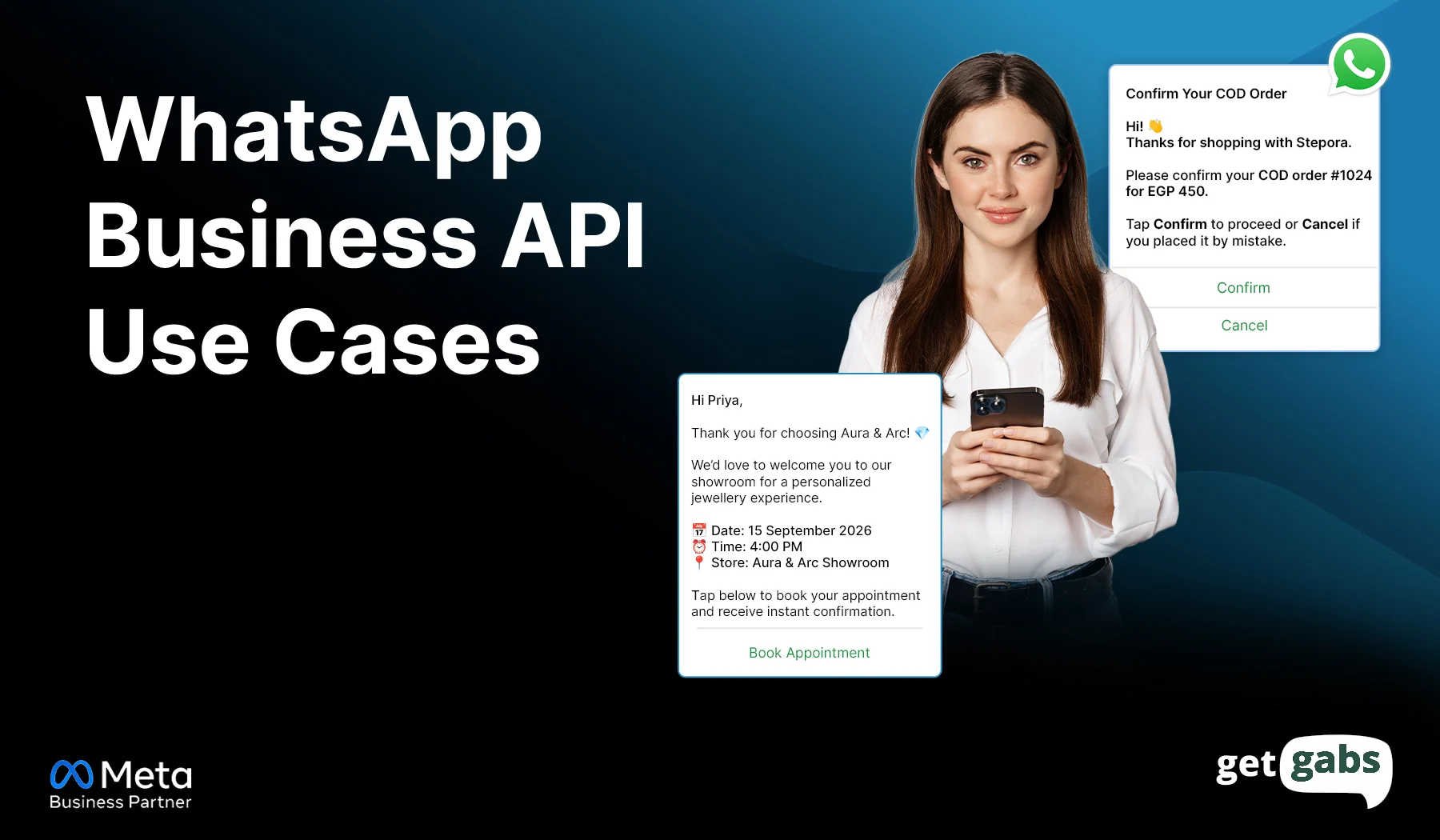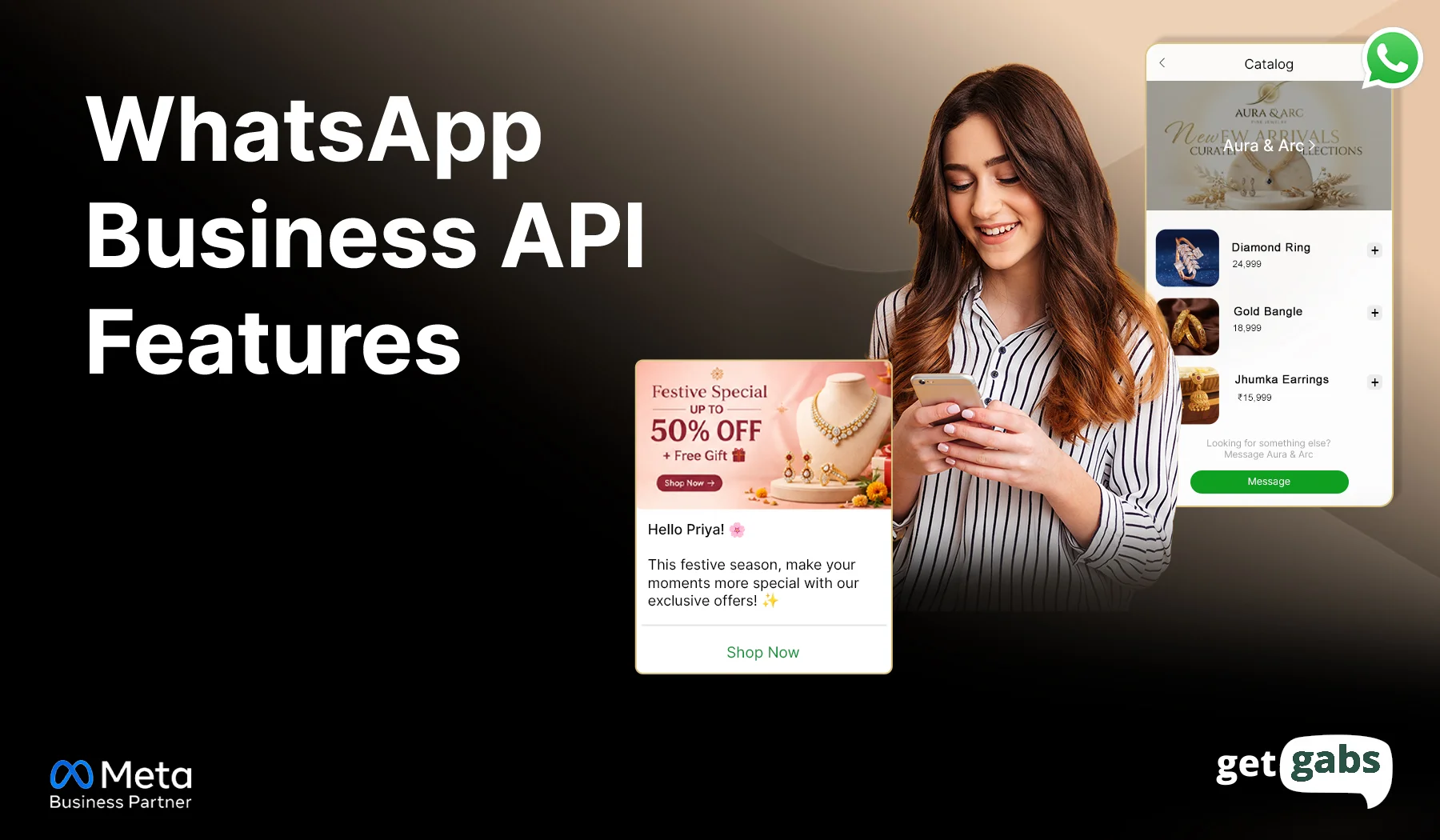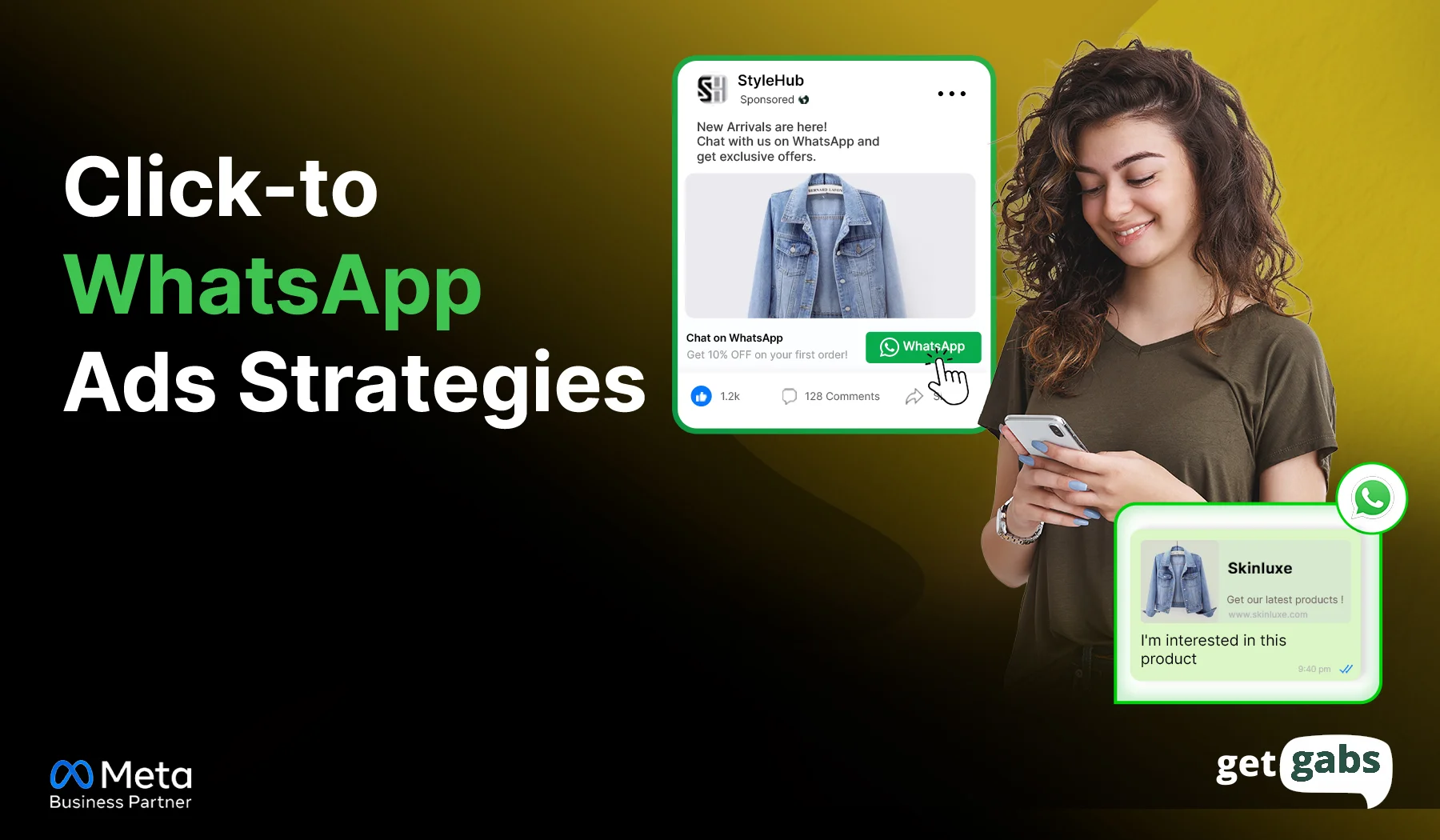


Too Long? Read This First
- WhatsApp marketing is the use of software or AI to send, manage, and respond to messages on WhatsApp automatically without manual intervention.
- While the WhatsApp Business app offers basic automation, the WhatsApp Business API enables brands to run real automation at scale.
- Some of the core features of WhatsApp automation include automated welcome messages, AI chatbots, broadcast campaigns, abandoned cart recovery, and more.
- To set it up, you need API access via Meta Business Partner, building an opt-in contact list, defining an automation strategy, creating approved templates, and regularly testing and optimizing.
- Getgabs offers brands official API access, a no-code chatbot builder, and 0% markup on Meta charges to start with WhatsApp automation at affordable pricing without any technical headache.
WhatsApp marketing automation is changing how businesses engage, nurture, and convert customers in 2026. If you are a business or marketer using WhatsApp, you know the drill behind some small tasks that need to be done repeatedly.
Ten leads are asking about your business’s opening hours. Others want to know if your best-selling item is in stock or not, or are replying to common queries on repeat like “Where is my order?” Such repetitive replies eat up your whole day, and manual follow-ups quietly kill your sales. While you type one answer, five more messages pile up.
That’s where Automated WhatsApp marketing comes in, replacing slow and manual outreach with instant and personalized customer engagement at scale. It lets brands welcome new leads, recover abandoned carts, answer FAQs, and close deals without lifting a finger.
In this guide, we will learn everything about WhatsApp Marketing automation, covering its workings, key features, setup guide, and best practices.
What Is WhatsApp Marketing Automation?
WhatsApp marketing automation is the use of software or AI to send, manage, and respond to messages on WhatsApp automatically without manual intervention. The basic automation, like quick replies and away messages, is available on the free WhatsApp Business app.
But to run real automation at scale, you need the Meta WhatsApp API to access chatbots, broadcast campaigns, CRM integration, multi-agent inboxes, and full automation.
With WhatsApp automation, businesses can:
- Send welcome messages the moment someone joins.
- Recover lost sales via automated abandoned cart recovery reminders.
- Deploy a chatbot for 24/7 customer support and answer FAQs.
- Broadcast campaigns to reach thousands of opt-in contacts.
- Automatically route hot leads to your sales team.
Instead of making your business feel robotic, WhatsApp marketing automation ensures the delivery of an instant, personalized, and human-like customer experience at scale.
WhatsApp Business App vs. WhatsApp Business API: Which Automation Do You Need?
| Automation Capability | WhatsApp Business App | WhatsApp Business API |
| Away & greeting messages | Yes but basic | Yes (advanced with conditions) |
| Quick replies | Yes (manual selection) | Yes, and AI-suggested replies |
| AI chatbots | Not supported | Fully supported |
| Automated workflows/drip flows | Not supported | Fully supported |
| Broadcast automation | Manual and up to 256 contacts | Automated and unlimited opted-in contacts |
| CRM-triggered automation | Not supported | Fully supported |
| Cart recovery automation | Not supported | Fully supported |
| Audience segmentation | Not supported | Fully supported |
| Multi-agent automation routing | Not supported | Fully supported |
| Setup effort | Download and use in minutes | Requires BSP onboarding and approval |
| Best for | Solopreneurs and small teams | Growing and scaling businesses |
Verdict: Which One Should You Use?
WhatsApp Business works fine if you want to start with basic automation like away messages, greetings, and quick replies. But for businesses looking for real WhatsApp marketing automation like AI-chatbots, drip flow, cart recovery, or CRM-triggered messages, you need WhatsApp Business API access via an official Meta Business Partner.
Core Features of WhatsApp Marketing Automation
Every WhatsApp marketing automation strategy runs on a few key features. Here is what each of them does:
1. Automated Welcome Messages
Send a warm welcome message automatically the moment the customer sends you their first message. It greets the customer, creates a good first impression, and sets the tone before you say anything. Use it to say thank you, share a discount code, or ask what they are looking for.
The win: Make customers feel valued and improve engagement.
2. AI Chatbots and Auto-Replies
Set up an AI-powered WhatsApp chatbot to automate welcome messages, qualify leads, and answer customer questions instantly without any human intervention. A well-built chatbot helps businesses cut support response time to under 5 minutes.
The win: Offer 24/7 customer support, reduce response time, and free your team to focus on high-value conversations.
Check out our No-code WhatsApp chatbot Guide to learn how to build and deploy a WhatsApp chatbot without writing a single line of code.
3. Automated Broadcast Campaigns
Send personalized WhatsApp broadcast messages to the entire opted-in contacts list at once. Unlike the free app’s 256-contact limit, the API enables scale without switching tools.
The win: One campaign to reach thousands of contacts and near-instant visibility.
4. Drip Campaigns and Journeys
Drip campaigns allow businesses to send a series of set messages over a period of time. A welcome message is automatically triggered on day one, a product tip on day three, and a discount code on day seven are all part of the nurturing of leads and driving towards conversion.
Brands running behavior-triggered drip flow report ROI improvement of 10x or more on retargeted leads.
The win: Leads get nurtured without lifting a finger.
5. Cart Abandonment Recovery
Most shoppers add items to their cart and leave without checking out. An automated abandoned cart recovery reminder brings them back with a friendly nudge or small offers. It helps online stores recover 25-40% of otherwise lost sales.
The win: Recover lost revenue, improve conversion, and encourage customers to buy.
6. Order and Shipping Notification
The customer wants real-time details of their order. Send automated notifications for order confirmation, shipping alerts, and delivery updates.
The win: Reduce support calls and failed deliveries by informing customers about borders in advance.
7. Catalogs and In-Chat Payments
Allow customers to browse, add items to their shopping cart, and pay within the chat. A WhatsApp catalog is like a virtual storefront, and in-chat WhatsApp payments complete the circle rapidly. You can even send tailored product recommendations in the chat.
The win: Boost conversion and complete purchases faster by keeping the entire buying journey within WhatsApp.
8. Customer Segmentation
Group your customer based on their behavior, purchase history, and location using colored labels. It replaces one-size-fits-all marketing with hyper-personalized messaging to target the right customers.
The win: It boosts conversion rate and optimizes advertising spend.
9. Automated Routing & Scheduling
Route incoming leads to the right salesperson or department automatically when needed. You can even schedule broadcast messages or drip messages to send them at the right time.
The win: The right message reaches the right person at the right time while eliminating the need for manual sorting.
How to Set Up WhatsApp Marketing Automation: Step-by-Step
Getting started with WhatsApp marketing automation is a straightforward and instant process:
Step 1: Get WhatsApp Business API access: Apply for WhatsApp API via an official Meta Business Partner like Getgabs to simplify the process and get faster approval. The platform will handle all technical needs and ongoing compliance.
Walk through our detailed guide to learn how to apply for the WhatsApp Business API.
Step 2: Build Your Contact List: WhatsApp needs to collect a clear opt-in from contacts before you send any marketing messages. Add clear opt-in checkboxes to your website, checkout page, and social ads.
Step 3: Define Your Automation Strategy: Find out which customer touchpoints benefit most from automation. Starting point includes:
- Customer Support: Let a bot handle FAQs and simple issues.
- Sales: Automatically qualify leads and recommend products.
- E-commerce: Recover abandoned carts and send order status updates.
- Marketing: Promotional campaigns & customer re-engagement on autopilot.
Step 4: Create Message Template: Any message that you send to begin a new conversation requires a pre-approved template. Keep your template clean and skip spammy language to get faster approval from Meta.
Tip: Save time by using the Getgabs AI WhatsApp Template Generator to create Meta-compliant WhatsApp message templates quickly.
Step 5: Build Automation Flows: Start simple. Build a welcome message that fires the moment someone opts in to thank them.
Step 6: Track, Test, and Improve: Monitor the key metrics like open rate, click-through rate, and conversion. Test out different message copies, send times, and offers to see what exactly is working for you and what is not.
Best Practices to Maximize WhatsApp Marketing Automation
Setting up automation is just half of the story. Running it well is the other half. Here are some simple rules to follow to get the most out of WhatsApp automation:
1. Respect message timing
Send a message during daytime hours in your customer’s time zone and avoid excessive frequency. Schedule a broadcast when people actually check their phones.
2. Personalize every message
Automation should not feel robotic. Use conversational language and variables like customer name or order number to make the message feel more personal.
3. Make opt-out easy
Each marketing message should have a clear way to opt out. Just simply add “Reply Stop” to opt out. It is important to stay under Meta’s Business Messaging Policy and avoid account restrictions.
4. Integrate with your tech stack
Integrate WhatsApp CRM, eCommerce, and helpdesk. It centralizes customer data and supports automation to initiate real action instead of automation going on its own.
5. Monitor and Optimize Regularly
Monitor important data such as open rates, response rates, delivery rates, and conversion rates. Optimize your messages, timings, and flows based on this data. Test A/B multiple strategies to determine which ones are most effective for your business.
Industry-Specific Use Cases for WhatsApp Automation Marketing
WhatsApp automation is not a one-size-fits-all. Here’s how different industries use it for their work:
1. E-commerce: Recover Sales and Boost Repeat Sales
- Recover abandoned carts with automated reminders.
- Send order confirmation, shipping updates, and delivery alerts.
- Share personalized product recommendations based on past purchases.
- Sell directly through a WhatsApp catalog.
2. Healthcare: Cut No-Shows and Improve Patient Care
- Cut no-shows with appointment reminders
- Share prescription refill alerts automatically
- Notify customers the moment lab results are ready.
- Reduce support calls via WhatsApp chatbot by offering an instant answer to common queries.
3. Education: Simplify Admissions and Student Communication
- Automate admission inquiries and share course details instantly.
- Send instant alerts regarding fee due dates.
- Notify students about class schedules, exam dates, and results.
- Deploy a chatbot to handle FAQs.
4. Real Estate: Qualify Leads and Close Faster
- Qualify leads automatically by asking about budget and location upfront.
- Schedule site visits via automated booking flows.
- Send automated reminders before each viewing.
- Follow up with leads who went quiet without any manual chasing.
5. Travel & Hospitality: Keep Guests Informed at Every Step
- Send booking confirmation and itinerary details instantly.
- Automatically share check-in reminders and local recommendations.
- Notify guests about flight delays or booking changes in real-time.
- Collect feedback automatically after checkout.
Common WhatsApp Automation Pitfalls and How to Avoid Them
While WhatsApp automation can supercharge your response time, setting it carelessly can also make it fail. Below are some common pitfalls and how you can avoid them:
Pitfall: Account health risk
Sending too many irrelevant messages often leads to spam and can hurt your account health.
Fix: Use the right WhatsApp automation tool to segment the audience and personalize the message to deliver relevant content and boost engagement.
Pitfall: Choosing a provider without support
Template rejections, compliance questions, and technical hassles often come more than you’d expect. A provider that leaves you alone to figure it out slows you down.
Fix: Choose an official WhatsApp automation platform like Getgabs that offers real support instead of just API access.
Pitfall: Failing to Provide an Agent Handoff
A rigid chatbot that never allows customers to talk to a real person often results in frustrated customers, dead ends, and lost leads.
Fix: Create a hybrid support experience where the chatbot will handle routine inquiries and automatically hand over complex queries to a human agent with a full history of conversation context.
Why Choose Getgabs for WhatsApp Marketing Automation?
Choosing the right WhatsApp automation tool is equally important as implementing the right strategy. Getgabs is a complete automated WhatsApp marketing software designed to help brands attract leads, automate conversations, engage customers, and drive sales from a single dashboard.
Key reasons businesses choose Getgabs include:
- Official WhatsApp Business API with quick onboarding and Meta approval support.
- No-code AI chatbot builder to automate customer conversations and lead qualification.
- Automated broadcast campaigns with audience segmentation and personalization.
- Shared team inbox for seamless collaboration across sales and support teams.
- Click-to-WhatsApp Ads integration to capture and nurture leads automatically.
- CRM and eCommerce integrations to keep customer data synchronized.
- Advanced analytics and reporting to measure campaign performance and ROI.
- 0% markup on WhatsApp conversation charges, ensuring transparent pricing.
- Dedicated support team to assist with setup, compliance, templates, and optimization.
No coding or juggling between five different tools. Just a single platform to handle your entire customer journey without lifting a finger or technical hassle.
Conclusion
WhatsApp marketing automation is no longer optional for businesses that want to stay competitive in 2026. With today’s customers expecting instant and personalized responses within 24/7 support, WhatsApp helps you deliver it all. From an automated welcome message and abandoned cart recovery to instant customer support via AI chatbots, WhatsApp automation marketing lets you run your business on autopilot while enabling your team to focus on high-value clients.
The companies that are winning with WhatsApp automation are the ones beginning with a smart strategy like getting customer consent, personalizing broadcasts, and tracking results closely. Small and consistent improvement might not seem like a huge deal, but it compounds into better engagement, higher conversion, and building strong customer relationships. If you are all set to move beyond basic away messages and build real automation, connect with Getgabs today. The platform offers official API access, a no-code chatbot builder, and dedicated support to easily get started with automation.
Frequently Asked Questions
Yes. WhatsApp authorization is completely legal when done with an official Meta Business Partner and customer consent. Tools like Getgabs make sure your automation stays within compliance.