

Too Long? Read This First
- Click-to-chat ads enable visitors to start real-time conversations with just a single tap on WhatsApp, Instagram, or Messenger.
- It eliminates the need to fill out forms or waiting page to load and converts much better than regular ads.
- There are three main types of Meta click-to-message ads: click-to-WhatsApp ads, click-to-Instagram ads, and click-to-Messenger ads.
- These ads work great for brands and industries needing direct communication to close high-intent leads.
- The whole setup process happens entirely in Meta Ads Manager, and success depends more on instant replies and follow-ups than ad creative itself.
- If WhatsApp is your chosen platform, Getgabs can help you run ads that click to WhatsApp to get more conversions with just a tap.
Click-to-chat ads are everywhere now. You might just not have noticed them as ads. That small WhatsApp icon on a sponsored post. The “Send Message” button that pops up mid-scroll on Instagram. Or the Messenger bubble that feels less like a pitch and more like someone’s actually waiting on the other side.
That’s the whole idea behind them. No landing page to load, no form asking for your email, and no drop-offs. Just a one-tap and you’re in a real conversation on WhatsApp, Instagram, or Messenger.
It is a small change with a big payoff. Some brands even report that Click to Message Ads drive up to 27 times more clicks than traditional click-to-website ads. And that’s simply because customers feel chatting is easier than browsing.
In this guide, we learn everything about click-to-chat ads, including their working, their benefits, and how to create them to boost user engagement and lead quality.
What Are Click-to-Chat Ads?
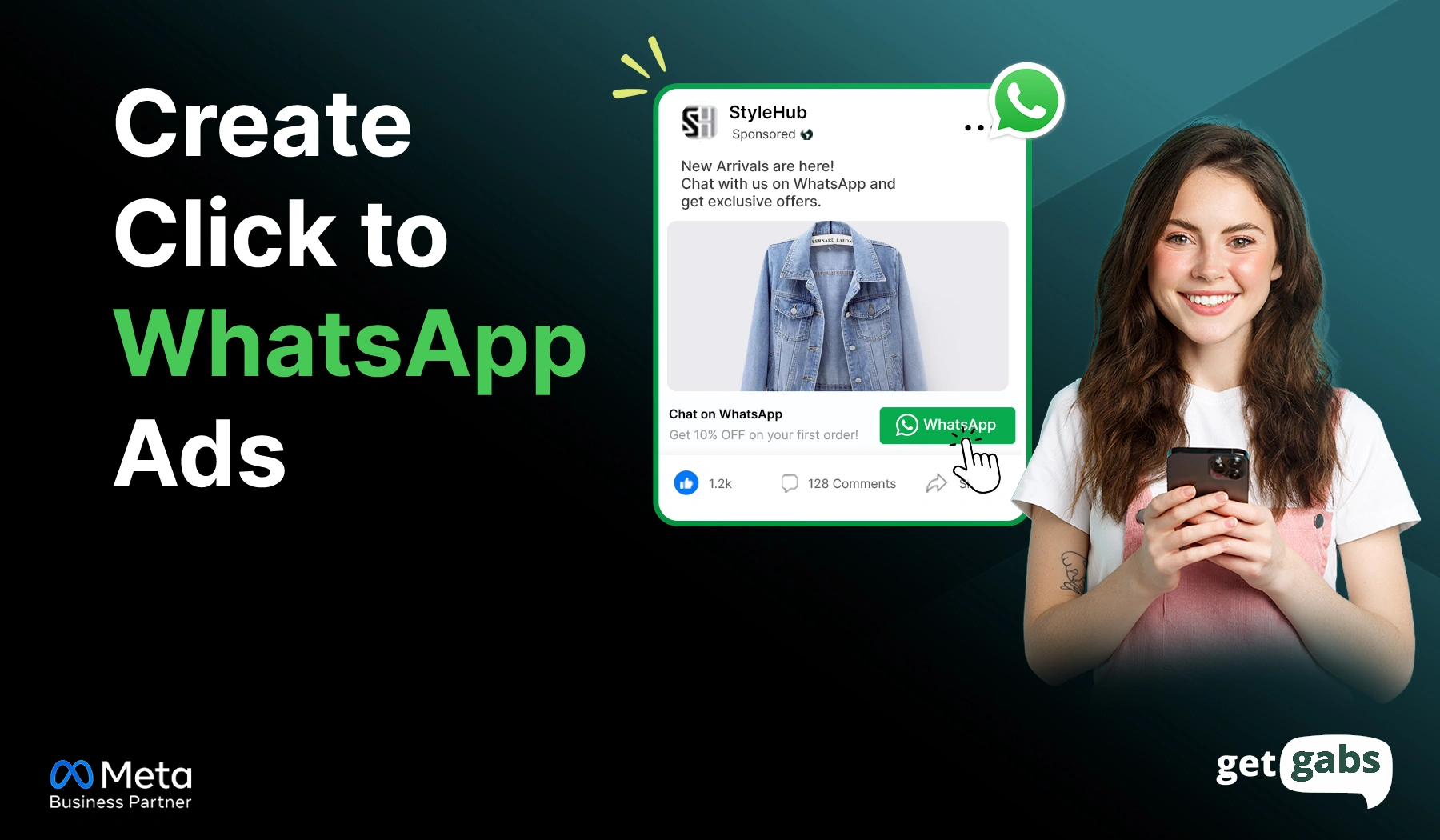
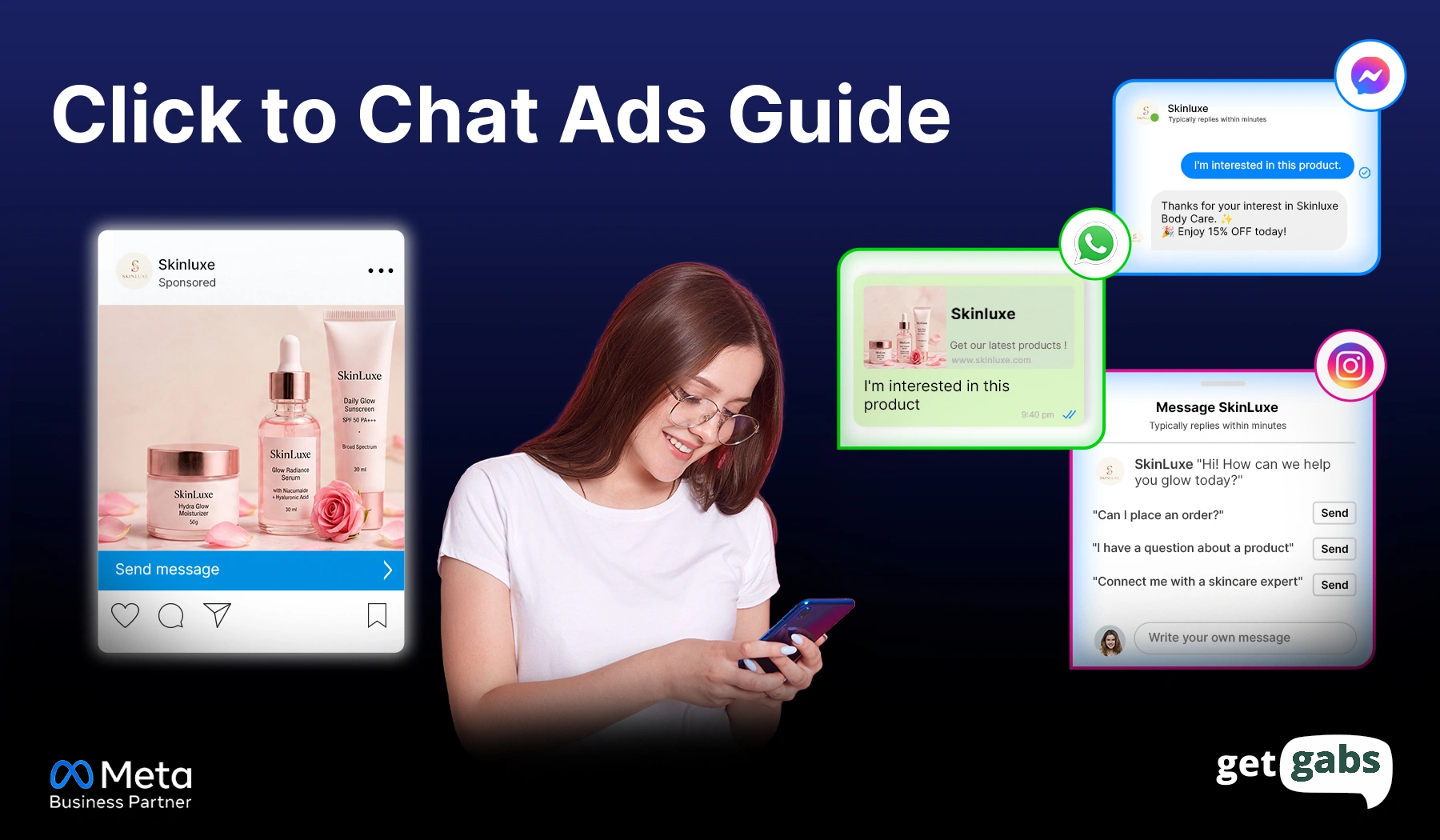
Click-to-chat ads are online ads that are digital advertisements that enable users to start a real conversation with just a tap instead of being sent to a website. These ads generally run on Instagram and Messenger with a call-to-action button like “Send Message” or “Chat on WhatsApp” in place of the usual “Learn More”.
Just a tap and a direct chat window opens instantly on WhatsApp, Messenger, or Instagram. No longer need to wait for page load or fill out a form.
Here’s how they’re different from regular ads:
| Traditional “Learn More” Ads | Click-to-Chat Ads |
| Take you to a website or landing page | Take you straight to a chat window |
| Need you to browse, search, or fill a form | Need just one tap to start talking |
| Higher chance of drop-off | Feels quick and personal with fewer drop-offs. |
| One-way: you read, then maybe act | Two-way: you can ask questions right away |
These ads are not just limited to Facebook or Instagram. Meta now even allows them to be placed right inside WhatsApp Status and Channel tabs. And tapping this opens a WhatsApp chat window, not Instagram or Messenger, as the ad itself lives inside WhatsApp.
How Do Click-to-Chat Ads Work?
A click-to-message ad connects the ad platform (where people see the ad) and a chat app (where the conversation happens). Here’s what happens step by step:
- The user sees the ad on Messenger or Instagram with a click-to-chat button like “Send Message”.
- The moment they tap the button, a chat window opens directly inside WhatsApp, Messenger, or Instagram.
- The app automatically sends a pre-configured and customizable message (e.g., “Hi! I am interested in your services”).
- The user hits the button, and the conversation starts.
- Businesses here can use AI chatbots to send instant replies and qualify leads without human intervention.
Ad Source vs. Chat Destination
- Source: It’s where the ad is shown.
- Destination: Where real-time conversation happens.
Like “Instagram ads to WhatsApp” means that the ad will show on Instagram and bring the user to the WhatsApp chat window with a single tap. But remember, you can pick only one destination per campaign.
| Ad Type | Source | Destination |
| Facebook Ads to WhatsApp | ||
| Instagram Ads to WhatsApp | ||
| Facebook/Instagram Ads to Messenger | Facebook or Instagram | Messenger |
| Instagram Ads to Instagram Direct | Instagram Direct |
Types of Click-to-Chat Ads
Not all Click-to-Chat ads are the same. They differ based on which app the chat opens in.
Click-to-WhatsApp Ads vs Click-to-Instagram Ads vs Click-to-Messenger Ads
| Factors | Click-to-WhatsApp ads | Click-to-Instagram ads | Click-to-Messenger ads |
| Chat opens in | Instagram Direct | Facebook Messenger | |
| Best for | Global reach, high-volume support | Fashion, beauty, content-driven brands | US/Canada-focused businesses |
| Setup requirement | WhatsApp Business App or API | Instagram professional account | Facebook Page |
| Open/response rate | Very high (98% open rate) | High | High |
| Message window | 24-hour reply window | No strict window | 24-hour reply window |
| Automation options | Chatbots via WhatsApp Business API | Instagram auto-replies and limited bots | Messenger bots and quick replies |
| Cost | Highly cost-effective | Moderate | Often lowers |
| Best For | Best for industries with high-ticket products or services, consultation-based sales, and local businesses | Best for visually driven businesses and younger audiences like fashion or beauty brands | Best for businesses with Facebook-focused audiences or those using automation. |
Which one to choose? Go with WhatsApp if your audience is global and needs automation at scale. Stick with Instagram if you’re an Instagram-first brand, and go with Messenger if most of your customers already use it.
Why Are Click-to-Message Ads More Effective Than Traditional Ads?
Click-to-chat ads bridge the gap between curiosity and conversation. Here are the key benefits of click-to-chat ads that make them a more effective option than traditional ads:
- Frictionless Engagement: Traditional ads force users through multiple steps like clicking, loading a page, or filling out a form. Click-to-message ads remove all this friction by enabling users to land directly into a chat window with just a tap.
- Higher Conversion: A chat message shows real intent right away. Like when someone asks “Do you have this in blue?”, you know what they want. That’s why they tend to convert 2-3x higher than standard landing form-based ones — the intent is already there.
- Improved Lead Quality: A person who initiates shows that they have chosen to engage with your business. It filters out casual browsers and retains interested buyers. Many businesses have seen a 30-40% increase in their lead conversion rates from chat-based leads.
- Personalized Engagement: Click-to-message ads enable one-on-one conversations and let businesses answer questions and guide customers in real-time. This creates a more personalized experience. This is one of the biggest reasons response rates on click-to-WhatsApp ads run as high as 98%.
- Works Well With Automation: Businesses can even deploy a chatbot to send instant responses and offer 24/7 customer support to ensure no missed messages.
How Different Industries Use Click-to-Chat Ads?
Click-to-conversation ads work for almost every business, particularly in those where trust, personalization, and instant communication directly influence decisions.
Here’s how different industries use these ads to achieve desired results:
1. E-commerce & Retail
Click-to-chat ads are a great way to turn social traffic into one-to-one messaging conversations for online stores. Customers can make a direct enquiry about whether the product is available, its size, price, shipping, and returns.
Common use cases:
- Tailored product recommendations.
- Abandoned cart recovery
- Use a chatbot for WhatsApp or Messenger to send instant answers.
Example: A clothing brand is advertising a new collection on a Click-to-WhatsApp campaign. By tapping on it, users will be directed to a chat window where the bot can instantly provide them with information about size, available offers, and delivery dates.
2. Healthcare & Clinics
Healthcare can leverage click-to-messenger ads to make appointment booking and patient interaction easier. The patient can directly reach the clinic without phone calls on WhatsApp, Messenger, or Instagram.
Common use cases:
- Appointment booking and scheduling.
- Doctor availability inquiries
- Treatment procedure and costs
Example: A dental clinic runs click-to-Facebook ads offering free consultation bookings. Interested patients directly click the ad and start a conversation with the clinic to select a preferred appointment slot.
3. Real Estate
Buying or renting a property involves many questions before scheduling a visit. With Meta click-to-message ads, real estate agents can easily connect with prospective buyers.
Common use cases:
- Property inquiries & virtual tour requests.
- Negotiate price or terms directly in chat.
- Share brochures and floor plans.
Example: A real estate agency promotes a new residential project via click-to-Instagram ads. Prospective buyers click the ad and get property details, pricing, and availability unit information within chat.
4. Education & Online Courses
Using click-to-messaging ads, education institutions and training providers can respond to inquiries about admission and enrollment.
Common use cases:
- Course recommendation
- Guide parents in the admissions process live
- Distribute brochures or link them with an advisors
Example: An online coding school is targeting recent graduates with click-to-chat ads. Students/parents can ask direct questions regarding course duration, fees, and placement assistance before enrolling.
If your customers hesitate or need reassurance before buying, click-to-message ads turn this hesitation into a real conversation and qualify better leads.
How to Create Click-to-Chat Ads in Meta Ads Manager?
Creating an ad that clicks to chat requires following some simple steps. But first, have a look at things that you will need before you begin:
- A Facebook Page
- A WhatsApp Business or API account (if your destination is WhatsApp)
- A professional Instagram account (if your destination is Instagram)
Here’s how you can run click-to-chat ads with simple steps:
Step 1: Open Meta Ads Manager
Log in to Meta Ads Manager and tap on the green Create button to begin a new campaign.
Step 2: Choose Your Campaign Objective
Select between “Engagement” and “Leads” objectives that support your messaging. Tap Continue.
Step 3: Select Your Messaging Destination
Pick the option where you want conversations to happen:
- Messenger
Note: You can choose only one messaging destination per campaign. If you pick WhatsApp, setting up a WhatsApp Business API on your own can be a bit technical. That’s where a platform like Getgabs helps you simplify this by offering instant access to the API and its features such as broadcasting, drip campaign, AI chatbot, and shared team inbox to manage leads on both WhatsApp & Instagram without any coding needed.
Step 4: Define Your Audience
Target the right people based on location, age, gender, interests, behaviours, custom audiences, and lookalike audiences.
Step 5: Set Your Budget and Schedule
Define your daily or lifetime budget and decide when your ads should start and stop.
Step 6: Create Your Ad
Upload your image, video, or carousel with a strong Call-to-action button like Send Message, Chat on WhatsApp, or Message Us.
Step 7: Add a Welcome Message
It’s time to add a pre-filled message that will appear the moment users enter the chat window as a warm welcome.
You can also set up an automated greeting or automated replies to answer queries instantly even outside business hours with tools like Getgabs AI Chatbot.
Step 8: Review and Publish
Double-check your campaign settings, targeted audience, message destination, and placements. Once everything looks right, tap Publish to launch your click-to-chat ad.
Best Practices to run Click-to-Chat Ads
Running a click-to -message ad is easy. But getting casual visitors to actually convert requires a bit more effort. Here’s what it needs to get it right:
- Match Your Greeting Message to the Ad: If your ad shows a summer sale, your pre-filled message should mention it too. It makes the chat feel more natural instead of random.
- Route Serious Chats to a Human: Chatbots work great to handle FAQs. But big-ticket pricing or complaints need a real person. Make sure your bot is capable enough to route the complex queries to a human agent.
- Automate Response: Make sure you send a reply within minutes to keep user interest alive. An hour later can make your leads go cold and miss. Automate your first reply to keep the conversation alive until an agent or AI picks it up.
- Retarget Message Engagers: Not every consumer purchases on the primary chat, so retarget the message engagers. A quick follow-up with a small discount a day or two later can help them come back.
- Track the Right Metric: Click-to-message ads are not a real win. But the first message being sent is what’s important. Monitor that number through your messaging service and fine-tune your ads to that number. It keeps your campaigns on purpose, on target, on point – real conversation.
Conclusion
Click-to-chat ads offer businesses a powerful gateway for lead generation with the ability to boost conversion and minimize drop-offs. It enables visitors to start a real-time conversation on Instagram, WhatsApp, and Messenger with just a tap.
No more forms or waiting for the page to load. That’s why more marketers are shifting their ad spend towards Meta Click to Message ads instead of traditional ads. When someone messages you first via these ads, it means they’re already interested in your product or service. That’s a big head start compared to someone who just clicked a link and left.
If you are also looking to run click-to-chat ads, just follow the simple steps mentioned above. Also keep small key points like testing your greeting message, tracking your reply times, and seeing what resonates with your audience in your mind.
The setup can take a little while, but the results shape your entire lead funnel. And if you want to create click-to-WhatsApp ads as your chosen format, Getgabs makes the whole process easier. Being an official WhatsApp API partner, it offers you instant access to the API at zero markup to turn each chat into a conversion.
Frequently Asked Questions
Yes, for most of the businesses. Click-to-chat ads remove the roadblock of going to a landing page. It reduces drop-offs and improves conversion rate, as chatting feels more personal than browsing.