

Too Long? Read This First
- WhatsApp Promotional Messages are business-initiated messages sent through Meta-approved marketing templates to share offers, launches, and discounts.
- To keep your promotional campaign running smoothly, always collect proper opt-in, use approved templates, provide a clear opt-out option, and maintain a good quality rating.
- Businesses can send WhatsApp promotional messages by getting access to the WhatsApp API, targeting the right audience, creating and submitting a template for approval, and sending instantly or scheduling them for later.
- Most template rejections come down to fixable issues like missing opt-out lines, the wrong category, or weak CTAs.
- Platforms like Getgabs make it easier to manage, automate, and run WhatsApp promotional campaigns with the official WhatsApp API with zero markup on Meta‘s messaging cost.
WhatsApp Promotional Messages are how smart businesses get seen when everything else gets ignored. If your marketing emails are getting ignored, ads get scrolled past, and bulk SMS feel spammy, you’re not alone.
Most businesses struggle to reach their audience at the right time with a message that is actually read. That’s where well-timed WhatsApp promotional messages make all the difference.
Businesses can deliver personalized offers, product launches, festive discounts, and exclusive updates directly to the app people open on average 23 to 30 times a day.
But sending promotional WhatsApp messages wrong and you’re not just ignored but blocked. Get it right with proper opt-in and an approved template, and it becomes one of your best-converting channels.
In this guide, we will cover what promotional messages are, how to send them, real templates, how to create them, and mistakes to avoid getting your campaign rejected or ignored.
What Are WhatsApp Promotional Messages?
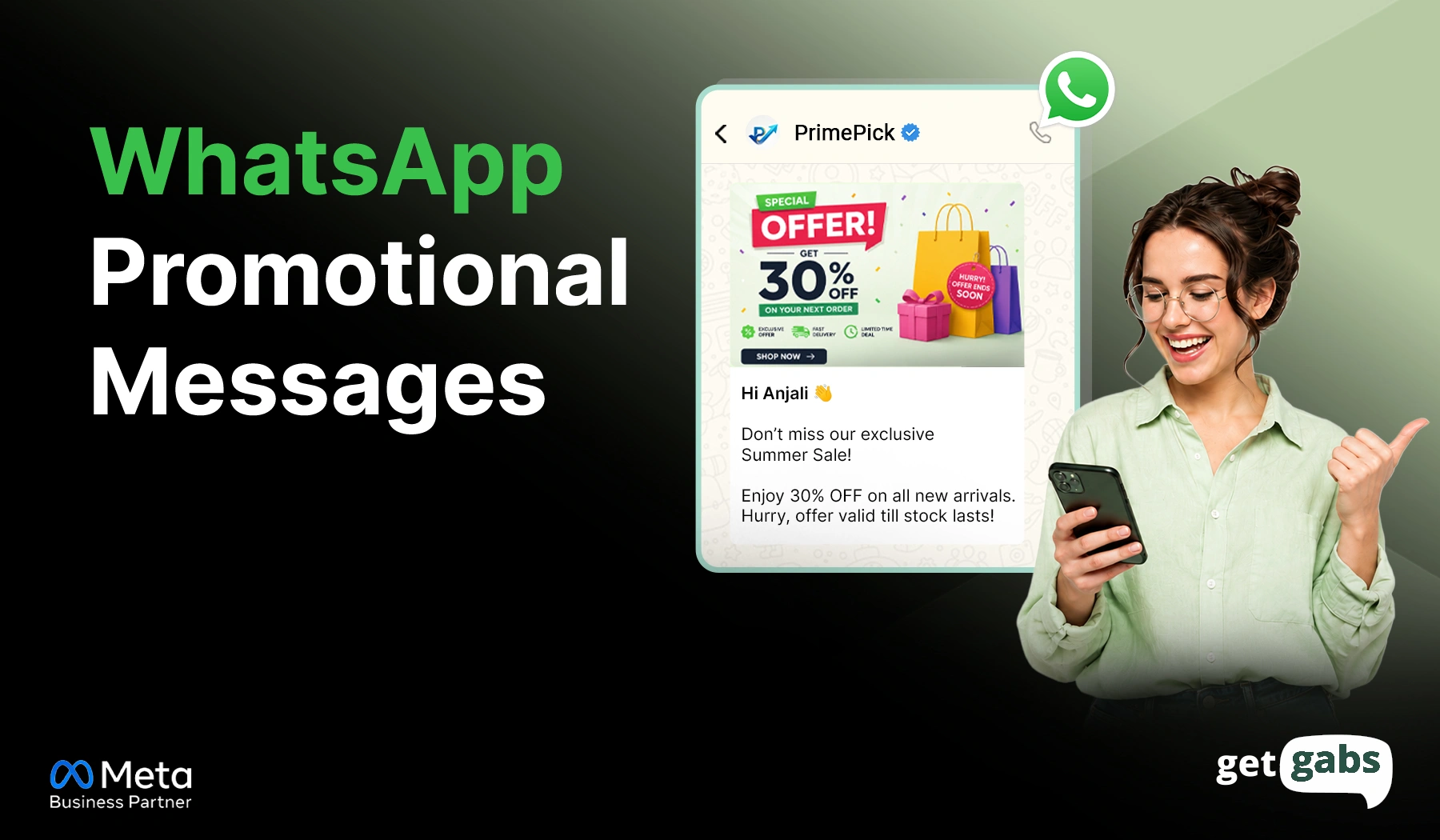
WhatsApp promotional messages are business-initiated marketing messages sent to promote products, share special offers, or announce new launches. Customers receive them only if they agree to receive marketing messages from that business.
Unlike regular chat messages, promotional WhatsApp messages cannot be sent as a free-form text. They must be created using pre-approved marketing templates that comply with Meta’s messaging policy. Plus, brands can even send bulk promotional messages and add images, videos, PDFs, and CTA buttons like “Shop Now” for better engagement.
But they can’t be sent via a regular WhatsApp account. Businesses need access to the WhatsApp Business API via an official WhatsApp API provider to manage campaigns, automation, and customer engagement effortlessly. In short, a WhatsApp promotional message is a Meta-approved way to put real offers in front of customers to convert, not to spam.
Promotional vs Marketing vs Utility vs Transactional Messages
Many businesses use the “promotional” and “marketing” terms interchangeably. In fact, Meta groups them under one category. Meta currently classifies business template messages in Marketing, Utility, and Authentication types, while Transactional or service messenger messages are free-from replies sent within the 24-hour customer service window.
Knowing where they fit helps you avoid template rejections and pick the right one for each use case. Here’s how they compare:
| Type | Purpose | Need Opt-In? | Approval Needed? |
| Promotional/Marketing | Offers, discounts, launches | Yes | Yes |
| Utility | Order/account updates | No (existing customer) | Yes |
| Authentication | OTPs, login codes | No | Yes |
| Transactional (session) | Replies within 24-hr window | No | No |
Where Promotional Fits Under Meta’s Official Categories
On Meta’s dashboard, there is no separate promotional label. It means discounts, special offers, product launches, abandoned cart reminders, and re-engagement campaigns all fall under the Marketing category. For the full breakdown of how marketing messages work on WhatsApp, check out our complete WhatsApp marketing guide.
Compliance Requirements Before Sending WhatsApp Promotional Messages
Before sending a WhatsApp promotional message, it is important to keep certain rules in mind. Failing to follow them can lead to message restrictions, lower quality ratings, and account suspension.
- Opt-in mandatory: Businesses can’t send promotional messages to an audience who hasn’t opted in. You can collect opt-in using website forms, Click-to-WhatsApp ads, or QR codes.
- Templates need approval: Each promotional message must use a pre-approved template. You can create and submit a WhatsApp template to Meta to get approval and use it for the campaign.
- The 24-hour window applies: When the customer sends you a message, you can respond freely without any template. Any new message must use a pre-approved template after 24 hours.
- Opt-out has to be easy: Every promotional message should include a clear way to unsubscribe to let customers stop receiving promotional messages.
- Maintain a Good Quality Rating: WhatsApp sees how users respond to your messages. Too many blocks, spam reports, or low engagement can drop your quality ratings and limit the number of people you can message.
How to Create Effective WhatsApp Promotional Messages?
A good promotional WhatsApp message doesn’t feel like a sales pitch. The right messages are the ones that are relevant, personalized, and encourage customers to take action. Here’s how you can create a well-crafted and effective promotional message:
- Start with one goal: Before writing your message, know what you want your customer to do after seeing that message. Whether you announce a discount, drive website visits, or re-engage with active customers.
- Personalize Message: Generic messages often get ignored. Use customer data and audience segmentation to send a personalized message for better engagement.
- Lead with the offers: Add small discounts, deals, or updates in the first line to grab attention.
- Add a clear CTA: Your message should tell customers what to do next. Add clear CTA buttons like “Shop Now” or “Claim offer” instead of a plain link.
- Use Rich Media: Add images, PDFs, videos, a product catalog, or a CTA button to make promotional messages more engaging and easier to interact with.
- Right Timing: Send your promotional broadcast during the time your audience is most active.
How to Send WhatsApp Promotional Messages (Step-by-Step)
Sending promotional messages is simple once you know the right steps. Here’s the step-by-step process to send WhatsApp marketing messages:
Step 1: Get WhatsApp Business API Access
Meta doesn’t offer a ready-to-use dashboard to send bulk promotional messages. You need to connect with BSP or an official WhatsApp API provider like Getgabs to set up the WhatsApp API to send messages.
Step 2: Prepare Your Contact List
Upload or sync your opted-in customer contact list via a CSV file or CRM integration.
Step 3: Segment Your Audience
Not every customer needs the same message. You can segment your contact list based on their purchase history, location, interests, or behaviour to send relevant promotions.
Step 4: Create and Submit Your Template
Create your message inside Meta Manager or your provider dashboard and submit it to Meta for review. Make sure to select marketing as your template category, add your message text and dynamic variables like the customer’s name, and include rich media with a CTA button.
Using an AI WhatsApp template generator can help you speed up and cut down on rejected templates.
Step 5: Launch or Schedule the Campaign
Once approved, it’s time to send a promotional WhatsApp message:
- Select your approved template in your chosen WhatsApp tool.
- Choose your target audience or contact list.
- Map the template to your contact data.
- Send it instantly or schedule WhatsApp messages for later.
For the full walkthrough with screenshots, see how to broadcast WhatsApp messages on Getgabs.
That’s all. Following these steps, businesses can send WhatsApp promotional messages that comply with Meta’s policies and improve campaign results.
WhatsApp Promotional Message Examples and Templates
The success of a WhatsApp promotional campaign mainly depends on the message itself. Below are some ready-to-use promotional message examples:
1. Discount Offer Message
Template example: “Hey [Name]! Good News. Enjoy [discount]% off on [category] for this weekend. Use code SAVE20 at checkout and grab your favourites. Shop Now: [Link].”
Best for: Retail stores, eCommerce businesses, and seasonal sales.
2. Product Launch Message
Template example: “Hi [Name]. Our latest collection is out. Explore our new product and be the first one to experience it. Check them here: [Link].”
Best For: Product launches and new arrivals.
3. Flash Sale Message
Template example: “Flash Sale Alert! Get up to 50% off on selected items only for the next 24 hours. Offer valid for a limited time only. Shop Now: [Link]”
Best for: Limited-time promotions and inventory clearance.
4. Abandoned Cart Recovery Message
Template example: “Hey [Customer Name]. You left some items in your cart. Complete your purchase today to claim 10% off. Finish your order here [Link].”
Best for: Recovering lost sales and increasing conversions.
5. Event Promotion Message
Template example: “You’re invited! Join us in our upcoming webinar on [Date]. Learn valuable insights and connect with industry experts. Reserve your seat today. [CTA button].”
Best for: Webinars, workshops, and business events.
6. Customer Re-Engagement Message
Template example: “Did you miss us, [Name]? Here’s an exclusive deal for you. Buy 2 and get 1 free on all [Product category ]. Use code B2G1 at checkout.”
Best for: Re-engaging inactive customers and boosting repeat purchases.
How Much Do WhatsApp Promotional Messages Cost?
Promotional WhatsApp messages are charged per template instead of a flat subscription. Meta sets the base rate, and your WhatsApp API provider adds a small platform fee on top. Here’s what affects your cost:
| Factor | What It Means |
| Meta’s per-message rate | Varies by country |
| Provider platform fee | Flat monthly fee, per-message fee, or both |
| Send volume | Higher volume can lower the per-message rate |
Rates change by country and update often, so check Getgabs’ Meta Rate Card for current, country-specific pricing before you plan a campaign budget.
Common Reasons WhatsApp Promotional Message Templates Get Rejected
Even great campaigns can be delayed if the template doesn’t follow Meta’s guidelines. Template rejection happens due to some small mistakes and is easy to fix.
- Missing Opt-Out Option: Your promotional message should give customers an easy way to opt out. Add a line like “Reply STOP to unsubscribe” to improve customer trust and help meet Meta’s requirements.
- Choosing the Wrong Template Category: Many businesses submit promotional messages under the Utility category. If your message includes discounts, product launches, or marketing content, it should be submitted in the Marketing template.
- Weak or Missing Call-to-Action: Your marketing message should explicitly state to customers what you want them to do next. Including a CTA can help increase approval chances and campaign performance.
- Spam-like Language: Avoid too many capitals, punctuation, or too much sales language to be reported as spam.
- 5. Incorrect Variables: Dynamic variables like customer names, order IDs, or links should be placed in good format. Missing or broken variables can create issues during approval.
- Vague Promotional Content: Be clear about what you are offering. Messages with certain discounts, products, and benefits are likely to be approved and understood by customers.
Template rejections are different from delivery errors. If your approved messages are going out but failing to reach customers, that’s usually a separate issue. Check our guide to WhatsApp API error codes and solutions to troubleshoot those.
Why Choose Getgabs to Send WhatsApp Promotional Messages?
Choosing the right tool among so many available WhatsApp API providers can make a huge difference in your campaign results. The best tool not just lets you shoot messages but also enables you to reach customers at scale, personalize messages, automate follow-ups, and track performance in real time.
And a WhatsApp automation platform like Getgabs makes it possible. It is an automated WhatsApp marketing software designed to help businesses manage their entire promotional campaign from a single dashboard.
Key reasons businesses choose Getgabs include:
- Official WhatsApp Business API with quick onboarding and Meta approval support.
- No-code AI chatbot builder to automate customer conversations and lead qualification.
- Automated broadcast campaigns with audience segmentation and personalization.
- Create, edit, and submit marketing templates directly from the dashboard.
- Shared team inbox for seamless collaboration across sales and support teams.
- Send instantly or schedule promotional campaigns for peak engagement hours.
- CRM and eCommerce integrations to keep customer data synchronized.
- Advanced analytics and reporting to measure campaign performance and ROI.
- 0% markup on WhatsApp conversation charges, ensuring transparent pricing.
- Dedicated support team to assist with setup, compliance, templates, and optimization.
Just a single platform to manage your entire promotional campaign on WhatsApp without any technical friction.
Conclusion
WhatsApp promotional messages are one of the most effective ways for businesses to reach out to customers, offer promotions, advertise products, and boost sales. These messages generally have higher engagement and conversion rates when compared to traditional marketing. The essentials are to obtain proper opt-in, use approved templates, personalise the content, and select the right template category. To sum up, their effectiveness relies on abiding by Meta’s guidelines, as well as creating messages specifically for the correct audience and offering value to customers.
Skip this, and you risk getting banned. Get them right, and WhatsApp becomes one of your highest-converting channels. If you’re seeking an affordable way to send, automate, and manage WhatsApp promotional campaigns at scale, Getgabs is built for you. From official WhatsApp API access, broadcasting, template management, to analytics, Getgabs offers you everything to turn conversation into conversion. Start with Getgabs today to turn your campaign into real results.