

Too Long? Read This First
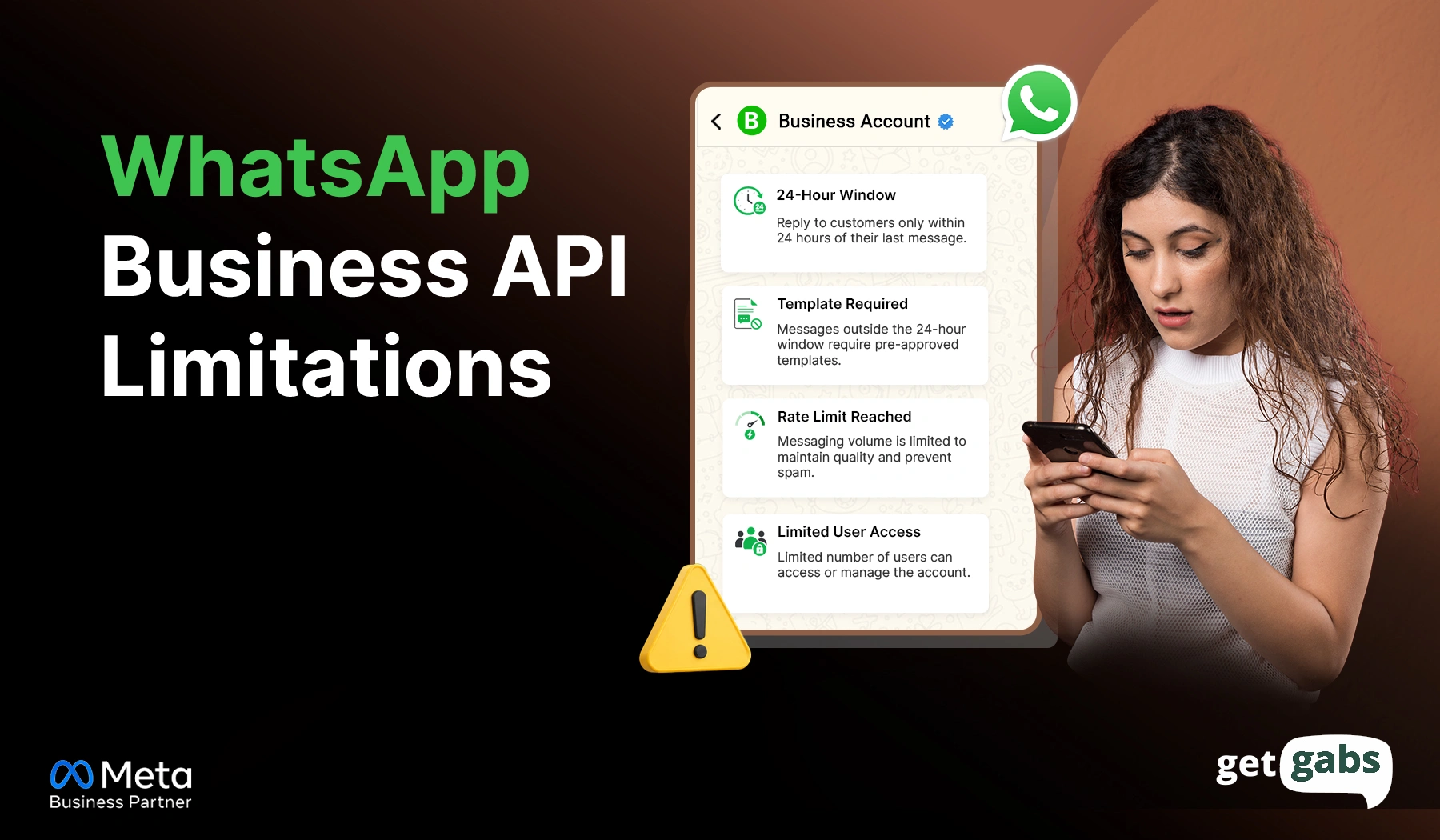
- WhatsApp Business API limitations in 2026 include message tier caps, a 24-hour conversation window, opt-in rules, and quality rating restrictions.
- Some outdated limitations include per-conversation pricing and lost chat history on migration.
- Since January 2026, Meta also restricts general-purpose AI chatbots from being used as a standalone product on the platform.
- None of these limitations are impossible to work around. They just need the right planning around opt-ins, template timing, and account quality.
- Choosing the best WhatsApp Business API provider like Getgabs offers instant access to the API along with hands-on support for templates, compliance, and messaging caps, so these limitations don't slow your campaigns down.
WhatsApp Business API limitations catch most businesses off guard after they’ve already signed up. It is a powerful tool that helps businesses connect with CRM systems, automate conversations, and engage customers at scale. But Meta puts real rules around it.
The restrictions are mostly linked to the following considerations: How many customers can be messaged, how message templates are approved, the 24-hour conversation window, the actual cost of a message, and which industries have extra restrictions.
But you know what? Not all limitations are about impossibilities. Some are hard restrictions; others are based on price and eligibility, account quality, volume of messages sent, or Meta policies. Knowing this can save you a ton of money.
In this guide, we’ll discuss real WhatsApp Business API limitations that remain relevant today, highlight which ones are no longer applicable, and provide you with a hands-on solution for each of them.
Short Answer: What Are the Main WhatsApp Business API Limitations?
The primary WhatsApp Business API limitations in 2026 are the 24-hour conversation window, messaging tier caps, opt-in requirements, quality rating restrictions, per-conversation pricing, and restrictions on general-purpose AI chatbots. Per-conversation pricing and chat history loss during migration are outdated concerns and no longer apply.
- Businesses can send free-form messages within a 24-hour conversation window.
- Meta-approved templates are needed for business-initiated messages.
- Messaging-tier caps scale with a rolling 24-hour count of unique users a business initiates conversations with.
- No cold messaging without an opt-in policy protects your brand reputation and prevents legal penalties.
- Quality rating affects messaging capacity.
- General AI chatbots can’t be the core product (new since Jan 2026).
What Are the Main WhatsApp Business API Limitations?
The WhatsApp Business API limitations are set by Meta to control spam, protect users, and maintain message quality. They shape how often you can connect with your customers, which messages need approval, how much you pay, and which features your business can access.
Some of them are still relevant in 2026. While others are outdated warnings left over from Meta’s 2025 policy updates. Here’s a quick breakdown of the main limitations of WhatsApp API:
| Limitation | Still Applies in 2026? | Quick Workaround |
| 24-hour Conversation window | Yes | Use approved templates to reopen chats after it closes |
| Message template approval | Yes | Submit templates early, pick the right category |
| Messaging tier caps | Yes | Ramp sends gradually, protect your quality rating |
| Cold messaging / no opt-in | Yes | Build opt-in via ads, website forms, QR codes |
| Per-conversation pricing | No (outdated) | Now per-message, category-based since July 2025 |
| Quality rating restrictions | Yes | Personalize messages, segment your lists |
| General AI chatbot as core product | Yes (new, Jan 2026) | Use AI for support tasks, not as a standalone chatbot |
| Lost chat history on migration | No (outdated) | Coexistence mode preserves history during migration |
Once you know which limitations are real and which ones no longer apply, planning your WhatsApp strategy gets a lot easier. Let’s break down each one in detail in the next section.
1. The 24-Hour Conversation Window
The 24-hour customer service window controls when businesses can send free-form replies on WhatsApp to their customers. Here’s how it works:
- Customer sends you a message: Your 24-hour conversation window starts.
- Within 24 hours: You can reply to your customer with free-form messages without a template.
- After 24 hours: Once the 24-hour window has passed, the business can only communicate or reply using pre-approved message templates.
Effect on Conversation: After the 24-hour window expires, you cannot type a free-form reply. Instead, you need to use a pre-approved message to restart the conversation.
Exception: For conversations started via Click-to-WhatsApp ads, Meta offers a 72-hour messaging window instead of a 24-hour window.
Quick Tip: Turn on your message notification to ensure your team never lets the free window close unanswered.
If your messages fail to deliver after the window closes, check out our guide on why WhatsApp messages aren’t delivering to cover the fix.
2. Message Templates & Approval
Message templates need to be created and submitted for Meta approval before using them for business-initiated messages outside the 24-hour window.
- When you need one: For any message, including marketing, order updates, OTPs, and reminders you want to send first.
- Approval time: Takes anywhere between a few minutes to 24 hours.
- Categories: It includes marketing, utility, and authentication. If you pick the wrong one, the template will get rejected or delayed.
Effect on conversation: It makes last-minute outreach a bit difficult. Your campaigns, reminders, and follow-ups might get delayed if you don’t use an approved template.
Common rejection reasons:
| Reason | What’s Happening |
| Wrong category | Promotional content submitted as “utility” |
| Vague variables | Placeholder text with no context |
| Policy violation | Prohibited content or product type |
| Formatting errors | Broken variable syntax or structure |
Getting rejected once is normal. If it keeps happening, you need to learn about WhatsApp Business API error 132000/132001.
Quick Tip: Create and submit WhatsApp message templates with Getgabs a few days before instead of just a night before your campaign launches.
3. Messaging Tier Caps
Meta limits the number of new customers you can send messages to in a rolling 24-hour period. It is called the messaging tier.
- New accounts: The starting limits generally begin at 250 unique customers.
- Growing businesses: Meta automatically raises limits as you send quality messages and keep your rating high.
- Higher tiers: Limits scale up to 10,000, 100,000, and eventually unlimited messaging capacity.
- Effect on business: Your large WhatsApp broadcast campaigns can be slowed when your messaging limit hits. Sending too many promotional messages can risk your account being banned or flagged.
| Tier | Unique Contacts/24hrs | How You Unlock It |
| Tier 1 | 250 | Starting point |
| Tier 2 | 1,000 | Business verification or 2,000 quality messages in 30 days |
| Tier 3 | 10,000 | Sustained quality sending |
| Tier 4 | 100,000+ | High quality rating maintained |
Quick Tip: Begin with a targeted campaign, maintain a good-quality message, and scale your sending volume gradually.
4. No Cold Messaging Without Opt-In
Businesses can’t message someone on WhatsApp who has not opted in to receiving messages from them. Meta mandates that businesses obtain the opt-in before sending out business-initiated messages.
- What counts as opt-in: Customer gives explicit consent to receive messages from you
- What doesn’t count: Buying a contact list, scraping numbers, or messaging past customers with no consent on file
- Where opt-in comes from: Website forms, QR codes, click-to-WhatsApp ads, in-store sign-ups, checkout pages
Effect on business: You can’t run a cold outreach campaign. Sending too many unwanted messages to customers who have not opted in can lead to block reports and account restrictions.
Quick Tip: Add a WhatsApp opt-in checkbox at checkout or signup to build a compliant list without any extra steps. Here’s how you can collect WhatsApp opt-in from customers.
5. Per-Conversation Pricing (Outdated Myth)
“Per-conversation pricing” is an outdated term. Since July 1, 2025, Meta officially replaced conversation-based pricing with per-message pricing for WhatsApp Business Platform messages.
How pricing works:
- You’re charged for eligible delivered template messages.
- Rates can vary by message category and recipient country.
- Service messages inside the 24-hour window are free.
- Your total cost can increase as your message volume grows.
Effects on Business: Costs are now much easier to predict and control. Instead of a flat conversation fee, you pay for what you actually send, making it a cost-friendly solution for high-volume campaigns.
Quick Tip: Before you choose the right one among WhatsApp API providers and messaging budget, always check Meta’s current per-message rate and providers like Getgabs that charge 0% markup on Meta fees.
Go through our breakdown of the latest WhatsApp Business API pricing update to know exactly what you pay for before you plan your budget.
6. Quality Rating and Account Restrictions
Your WhatsApp API quality rating shows how customers respond to your messages. A high number of blocks, reports, or negative feedback can hurt your quality rating and ability to send bulk messages at scale without getting banned.
How it works:
- High (Green): Good standing and full access to your messaging tier.
- Medium (Yellow): Warning zone, and sending capacity may shrink.
- Low (Red): Poor standing and comes with risk of restriction
- Where to check it: WhatsApp Manager → Account Tools → Phone Numbers
What drops your rating: Spam reports, high block rates, and unsegmented bulk WhatsApp messages to uninterested contacts.
Effect on business: A low rating doesn’t hurt your reputation, but it caps your messaging tier and blocks you from sending bulk messages to the entire customer list at once.
7. General AI Chatbots as a Core Product
Since January 15, 2026, Meta has updated its policy and banned general-purpose AI chatbots as a core product on WhatsApp Business API.
- What’s allowed: AI can be used for customer support, transactional tasks like managing logistics, and to automate sales workflow to send personalized product recommendations and more.
- What is not allowed: Using an open-ended AI chatbot as the main product, with no clear customer-service function.
- The line Meta draws: AI-chatbot should support a business conversation, not replace it as a standalone offering.
Effect on business: If your WhatsApp strategy leans on a general AI chatbot with no clear support use case, it’s at risk of a policy violation.
Quick Tip: Create your WhatsApp AI chatbot around certain business tasks like answering FAQs, tracking orders, booking appointments, or recommending products.
8. Lost Chat History on Migration
Switching between WhatsApp API providers can affect your existing chat history based on the migration method. Here’s how it works:
- Full migration: Your old chat history gets lost while moving from one WhatsApp API provider to another. That’s why it is important to export the chat history natively before the switch.
- Coexistence: WhatsApp Coexistence features let businesses run the WhatsApp Business app and API from the same number. It helps brands keep their chat history intact during the switch.
Effect on business: You can switch providers without losing customer context or past conversations. Your team keeps full visibility into every chat, even the ones from before the migration.
Quick Tip: Before you switch your WhatsApp API provider, confirm your new provider actually supports Coexistence mode. Not every BSP does, and that’s the detail that decides whether your switch is smooth or messy.
Conclusion
All the WhatsApp Business API limitations on this list exist for a reason. Meta’s guidelines help keep the platform free of spam and reliable, and useful for both businesses and customers. Each of the limitations, from the 24-hour conversation window, template approval, messaging tier, quality rating, to opt-in requirements, affects your business communication. Other concerns, such as per-conversation charges and lost chat history on migration, are the out-of-date fears. The prohibition on general-purpose AI chatbots in January 2026 shows that Meta’s regulations are continually evolving, and what is permitted this year could change next year.
The businesses that succeed on WhatsApp aren’t the ones trying to outsmart these limits. They’re the ones who plan around them: building opt-in lists the right way, submitting templates early, protecting their quality rating, and choosing a provider that supports Coexistence and transparent pricing. That’s exactly where working with an official WhatsApp Business API provider like Getgabs makes the difference. With instant setup, 0% markup on Meta cost, no-code chatbot builder, and support, the platform helps brands easily navigate this limitation and reach customers at scale.