

Too Long? Read This First
- WhatsApp Ads are promotional tools that turn ad clicks into real-time conversations while eliminating the friction of landing pages and long forms.
- Its three formats include Click-to-WhatsApp Ads, WhatsApp Status Ads, and Promoted Channels, with each suited for different needs.
- You can run WhatsApp Ads either through the WhatsApp Business App or WhatsApp Business API.
- While the WhatsApp Business app works fine for small brands with limited daily chat volume, WhatsApp API is for growing brands handling high message volumes.
- Meta WhatsApp Business API providers like Getgabs help you run and manage WhatsApp Ads with API access at 0% markup on Meta cost, automation, bulk broadcasting, and shared team inbox.
- The cost of Meta Ads comes in two layers. Meta’s ad spend (CPC/CPM) and Meta’s messaging charges.
WhatsApp Ads are quickly becoming one of the smartest ways for businesses to turn ad clicks into real conversations. Instead of sending people to landing pages, this directly brings traffic into real conversations.
And the results speak for themselves. As per some studies, ads for WhatsApp can lift conversion rate by up to 94% and significantly lower average costs per lead when compared to traditional landing page ads.
That’s because WhatsApp advertising eliminates the friction of traditional multi-step conversion paths. It means no tedious form, slow-loading websites, or typing in an email address. Just a single tap and a conversation starts.
This guide will break down everything businesses need to know about WhatsApp ads in 2026. It will cover different types of WhatsApp advertising, cost, and how to get started.
What Are WhatsApp Ads?
WhatsApp Ads are promotional tools that help businesses connect directly with customers. They either appear directly inside the app or send users from another channel straight to a WhatsApp chat. The motive behind this is pretty simple, and it is to turn ad clicks into real conversations.
There are two main ways Ads for WhatsApp work:
- Native WhatsApp ad placements: These ads live inside WhatsApp itself, like in Status or the Channels directory. Just like Instagram Stories ads, users see WhatsApp ads while scrolling through updates.
- Ads that route into WhatsApp: These ads run on Facebook, Instagram, or Messenger and let users initiate a conversation on WhatsApp with just a tap.
When users tap a WhatsApp ad, they can ask questions about a product or service, browse a catalog, compare options, and complete a purchase right inside the chat. Plus. it filters out casual clickers and brings genuinely interested buyers. That’s one of the biggest reasons why WhatsApp advertising tends to convert better.
Why Choose WhatsApp Ads Over Facebook or Instagram Ads?
While Facebook and Instagram ads are built for brand awareness, WhatsApp ads focus on starting a real conversation with potential clienṭ. Instead of sending users to a website or landing page, WhatsApp ads open a chat directly, making it easier to respond to queries, build trust, and convert leads faster.
| Feature | WhatsApp Ads | Facebook/Instagram Ads |
| Primary goal | Start conversations with potential customers | Drive awareness, traffic, or conversions |
| User journey | Opens a WhatsApp chat instantly | Redirects users to a website, app, or lead form |
| Customer interaction | Real-time and two-way messaging | Limited interaction after the ad click |
| Lead capture | Directly in WhatsApp conversations | Through forms, landing pages, or websites |
| Response time | Instant replies with automation | Depends on manual follow-up or email |
| Personalization | Personalized one-on-one conversations | Personalized through ad targeting and creatives |
| Follow-up | Easy re-engagement with WhatsApp broadcasts | Requires retargeting, email, or phone calls |
| Best for | Lead generation, sales, bookings, and customer support | Brand awareness, website traffic, and app installs |
Types of WhatsApp Ads
Now that you are well aware of what WhatsApp ads are, it’s time to explore different types of WhatsApp business ads. Let’s break them down one by one:
1. Click-to-WhatsApp Ads (CTWA)
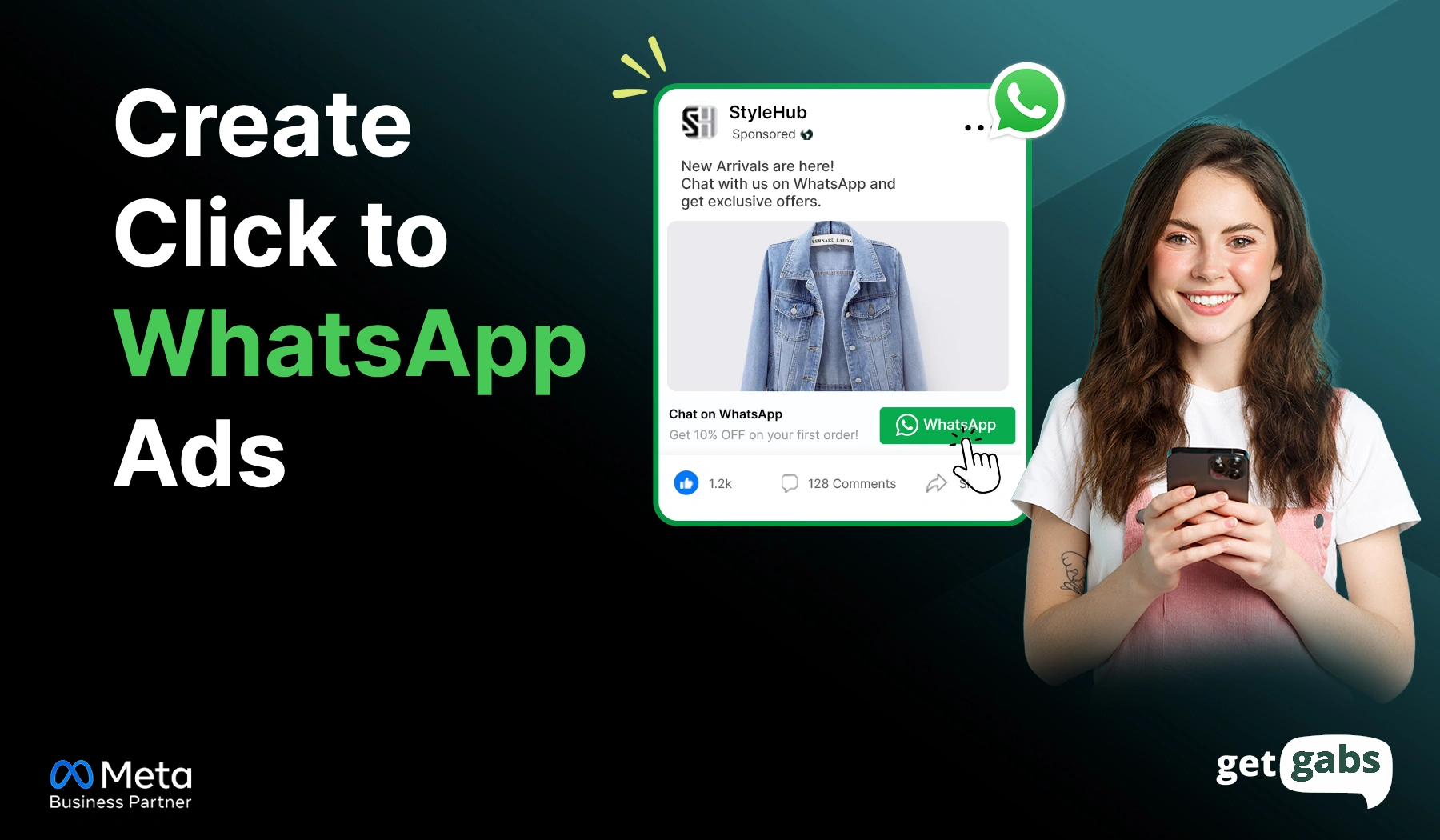
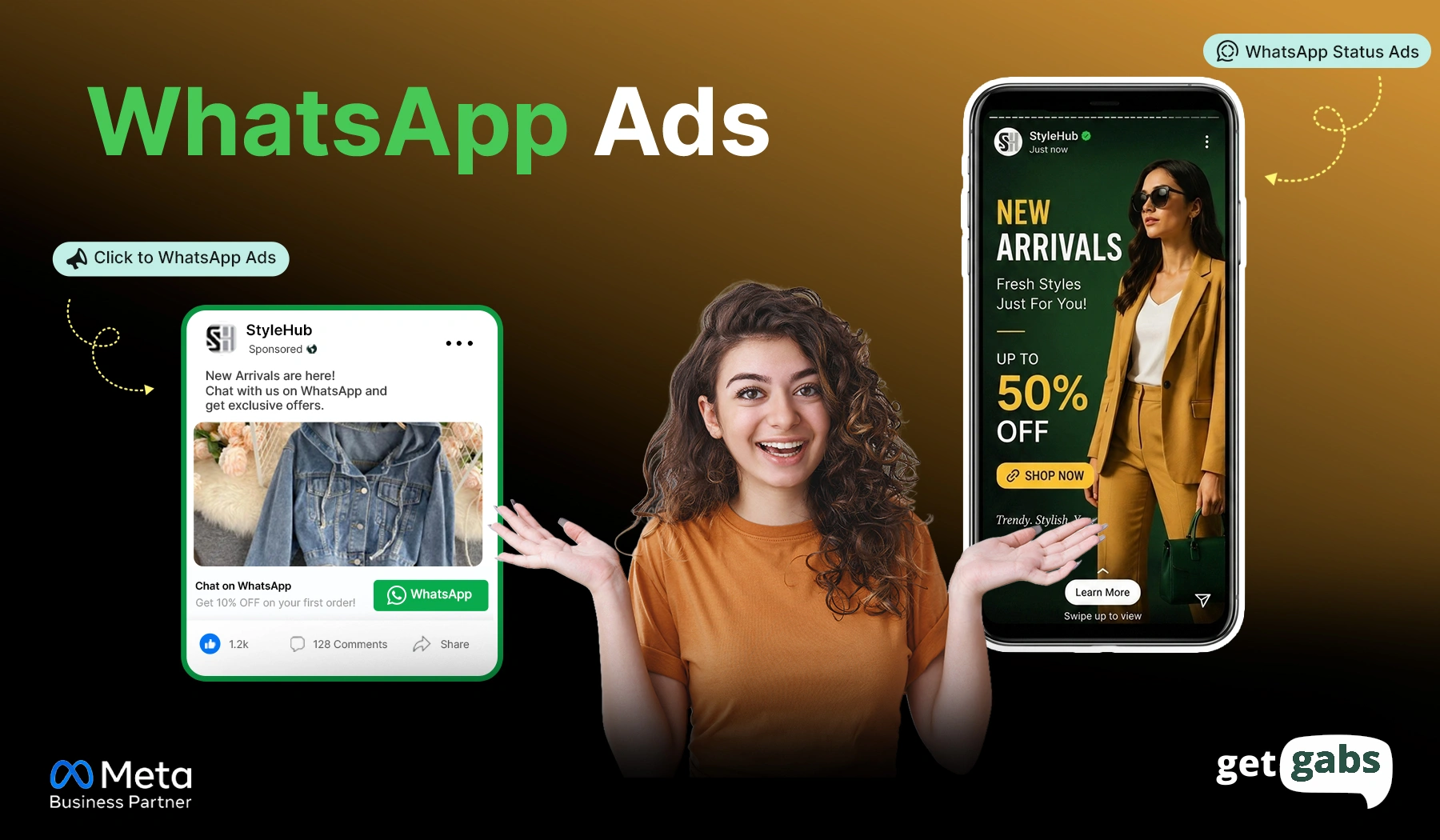
Ads that click to WhatsApp are digital ads that run on Facebook, Instagram, and Messenger. They look similar to social media ads, but instead of featuring a call-to-action button like “Visit Website,” they have a “Chat on WhatsApp” or “Send Message” button.
Here’s how they work:
- A user sees your ad while scrolling Facebook, Instagram, or Messenger.
- The user taps the call-to-action button.
- They’re redirected to a WhatsApp chat with a pre-filled message ready to send.
- The conversation starts with your business.
This is the most popular format to generate WhatsApp leads and turn cold ad traffic into real-time conversation without filling out any forms or visiting landing pages.
How to set up Click-to-WhatsApp ads: You can create ads that click to WhatsApp using Meta Ads Manager and select your campaign objective. Here’s a complete breakdown of this format; check our complete guide to click-to-chat ads to know the steps in detail.
2. WhatsApp Status Ads
WhatsApp Status Ads are full-screen and vertical advertisements that appear within the Updates tab of WhatsApp. It is the same place where people post their daily photos or video updates.
A few things to know about the format:
- They use a 9:16 vertical format.
- They can be a single image or a video up to 90 seconds long.
- Recommended Resolution is 1080 x 1920 pixels (minimum 500 x 320 px for images, 720 x 1280 px recommended for video).
- Like regular Status updates, they also disappear after 24 hours.
- A call-to-action button (like “Send Message”) takes users into a chat when tapped.
As WhatsApp status ads blend in with regular Status posts, they tend to feel more natural than a typical banner ad.
How to set up WhatsApp Status ads: You can run WhatsApp Status ads using Meta Ads Manager. Want the full setup walkthrough? See our WhatsApp Status Ads guide.
3. Promoted Channels
Similar to Status Ads, Promoted Channels are part of Meta’s expanding advertising features on WhatsApp. It lets businesses boost their visibility while allowing users to discover new content inside the Updates tab.
Here’s what makes it different:
- They’re clearly marked as “Sponsored” or “Ad” to let users know it’s a paid placement.
- Found inside the channel directory and recommendations list within the Updates tab.
- Helps businesses get discovered by new followers.
- Once someone follows your channel, you can send them regular updates or offers.
Think of it like a way to grow your audience right inside WhatsApp, instead of starting a one-on-one chat right away.
How to set up Promoted Channels: It includes running paid ad campaigns via Meta Ads Manager or using organic promotion tools.
WhatsApp Business App vs Business API: Which Fits Your WhatsApp Ads Strategy?
Once you decide which type of WhatsApp ad you want to run, the next step is to choose the right WhatsApp solution to manage them. Meta offers you two solutions: the free WhatsApp Business App and the WhatsApp Official API.
Both of them enable you to chat with customers, but built for very different scales. If you’re only getting a handful of chats a day, the WhatsApp Business app works fine. But if your ads are working well and leads are pouring in, the API is built to handle that volume without dropped leads.
Here’s a side-by-side comparison between the two:
| Factors | WhatsApp Business App | WhatsApp Business API |
| Cost | Free | Paid (based on message volume) |
| Messaging limit | Up to 256 contacts per broadcast | Unlimited (based on quality rating) |
| Automation | Basic greeting and away messages | Full workflows and auto-replies |
| Chatbot support | Not supported | AI or rule-based chatbots for 24/7 replies |
| CRM integration | Not supported | Connects with CRMs and marketing tools |
| Team access | One device, one person at a time | Multiple agents, one shared login |
| Shared team inbox | Not supported | Yes, all agents manage chats from one inbox |
| Analytics | Very limited | Detailed reports on leads, replies, and conversions |
| Best for | Solo owners, very small businesses | Businesses running WhatsApp Ads at scale |
Why This Choice Matters for Your Ads
Every WhatsApp ad you run costs money and leads. If a message you can’t wait hours to reply to, that spend is simply wasted. Here’s what generally happens at each stage:
- Low ad volume: The Business App works fine and manual replies aren’t an issue yet.
- Growing ad volume: Missed replies start costing your leads. That’s exactly where you need WhatsApp Business API to manage high-volume leads.
- Scaled Ad campaigns: WhatsApp automation and a shared team inbox to manage chats with one single phone number become essential.
The good news is that switching to the API doesn’t require months of setup. All you need is to choose the right WhatsApp API provider to get you there.
How to Run and Manage WhatsApp Ads Leads with WhatsApp API
To get started with WhatsApp API to run and manage WhatsApp ads, you need a WhatsApp automation platform like Getgabs.
Being a Meta WhatsApp API partner, Getgabs enables brands to run WhatsApp ads like Click-to-WhatsApp Ads and WhatsApp status while managing all leads in one place. Here’s how the WhatsApp Business Platform helps run, manage, and convert WhatsApp ad leads:
- Send instant auto-replies to every new lead from your WhatsApp ads.
- Qualify leads and answer queries with AI-powered chatbots.
- Manage all customer chats from one shared team inbox.
- Track leads from ad click to conversion with CRM integration.
- Re-engage leads with bulk broadcasts using offers and reminders.
With 0% markup on Meta cost and no setup fees, you get enterprise-grade tools without the enterprise price tag.
If you are looking to switch from WhatsApp Business App to API, this guide on how to apply for WhatsApp Business API will walk you through the entire setup.
How Much Do WhatsApp Ads Cost?
The ads for WhatsApp depend on your campaign objective, target audience, industry, and competition. If you’re running Click-to-WhatsApp Ads, you pay Meta for the ad campaign. If you’re using the WhatsApp Business API, messaging charges may also apply based on Meta’s pricing.
Estimated WhatsApp Ads Costs
| Cost Type | Estimated Range |
| Cost per Click (CPC) | $0.28–$3.00+ |
| Cost per Lead (CPL) | $0.30–$10+ |
| Daily Budget | Starts from $5–$20/day |
| WhatsApp API Messaging | Varies by type of message and country (Meta pricing) |
The cost varies by industry, audience, and market competition. Use these as a general planning range.
Setting Your Ad Budget: You can control your own daily or lifetime budget directly via Meta Ads Manager. Start advertising with a small budget when testing a new campaign.
Why the Real Cost Often Comes Out Lower: Even with these cost layers, WhatsApp Ads cost less per lead than traditional ads. It is due to fewer people dropping off before converting, and Meta also doesn’t charge messaging fees for the first 72 hours after someone starts a conversation through your WhatsApp ad.
Tips to Lower Your WhatsApp Ads Costs:
- Target the right audience.
- Use engaging ad creatives with a strong CTA.
- Respond instantly with automation or chatbots.
- Retarget users who have already interacted with your business.
Note: Many WhatsApp API providers add markup on top of Meta’s messaging rate that adds up fast at scale. Always choose a provider like Getgabs that charges no markup on Meta cost. See our full pricing breakdown on the Getgabs pricing page.
Best Practices for Running WhatsApp Ads
Here are a few practices that you can follow to make your ads for WhatsApp perform and generate more better results:
- Create Clear Ads: Create an engaging ad switch, clear message, and a strong call-to-action to encourage users to start a conversation.
- Instant Replies: Set up automated replies and AI chatbots to ensure instant response and easily qualify leads.
- Write a specific pre-filled message: Instead of generic “Hi,” use “Hi, I’m interested in [product]. It tells the users exactly what happens next.
- Follow Up with Broadcasts: Send targeted offers, updates, and reminders to multiple contacts at scale while maintaining one-on-one customer conversations.
- Catalog Integration: Share your in-chat product catalog and pricing PDF within chat to lower drop-off rates and answer queries instantly.
Conclusion
WhatsApp Ads are changing how brands turn ad clicks into a real conversation. Instead of losing leads with slow landing pages or long forms, these ads offer users a direct route to connect with your business and start a conversation to ask their queries. Whether you run Click-to-WhatsApp Ads, WhatsApp Status Ads, or Promoted Channels, the real game begins after someone taps your ads. And that’s exactly where instant replies, smart automation, right follow-ups, and AI chatbots make the difference between a missed lead to close sales.
If you want to run WhatsApp Ads and turn leads into customers, you need to pick the right WhatsApp solution. While the free WhatsApp Business App works great for small businesses with limited daily chat volume, WhatsApp API is for growing brands handling high message volumes from large ad campaigns. This is where an official Meta WhatsApp API provider like Getgabs helps brands run WhatsApp ads, respond faster, manage leads faster, and click into customers. Get started with Getgabs today and make your WhatsApp Ads work smarter.
Frequently Asked Questions
No. To run WhatsApp Ads, it is important to have a WhatsApp business account linked to Meta Business Manager.