Discover marketing guides, automation tutorials, and tools to simplify communication and scale faster with GetGabs.
.webp "WhatsApp Business API Message Templates")
This is a complete guide on what template messages are & how to create WhatsApp template messages easily using Getgabs. Step 1: To begin, you need to click on the “Templates” icon on the left side panel and click on “Create Template”. Step 2: Give a unique name to the template...
Read More.webp "Change or Set the Profile Details for Your WhatsApp Business API Account")
Once your WhatsApp Business API has been approved. It’s time to update the profile details on WhatsApp Business API, such as About, Address, Description, Email, Profile Picture, Business Category, and more. The process to update details is very simple and can be completed in just a few steps. By following...
Read More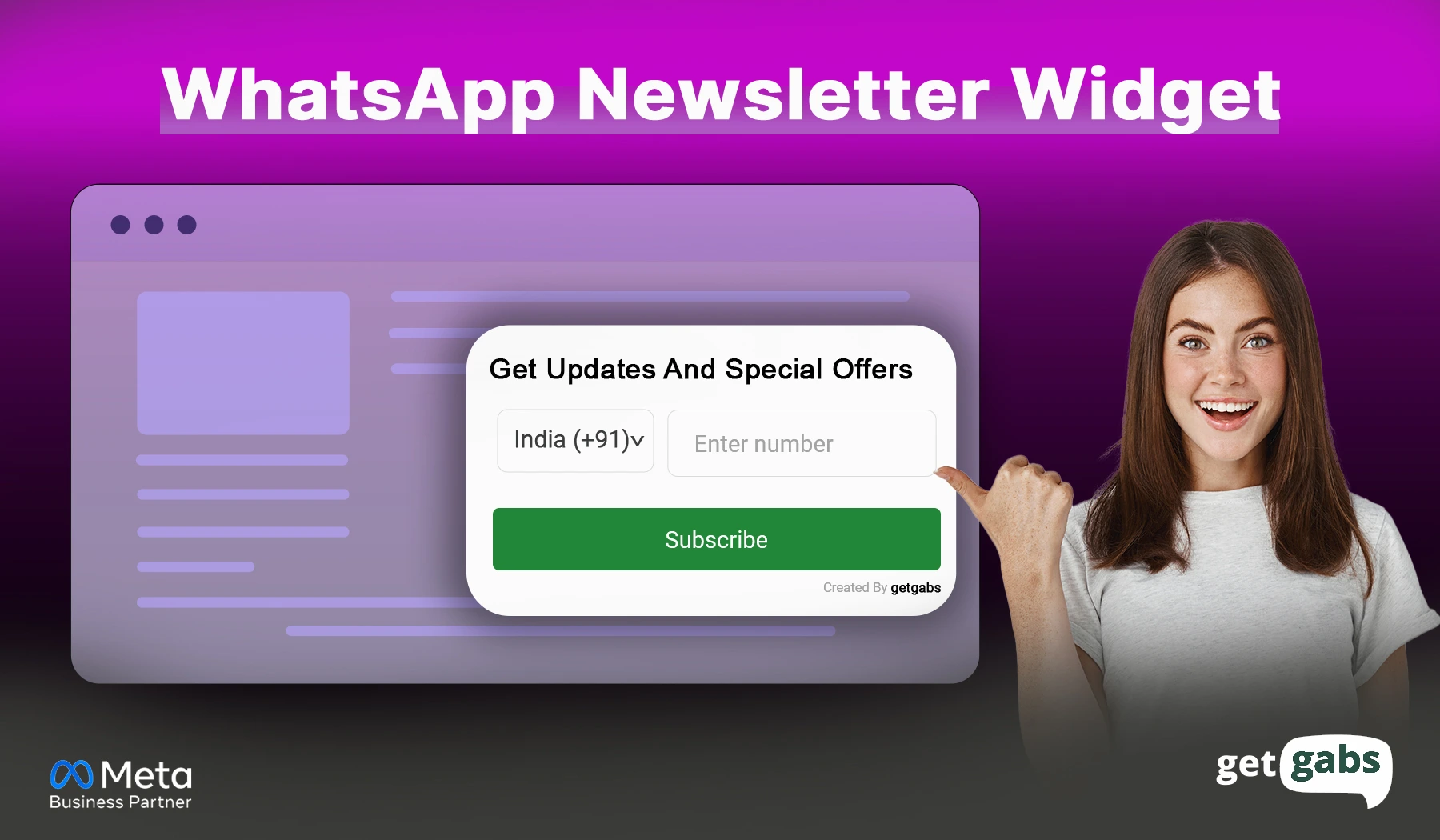
In this article, check out simple steps to create a WhatsApp newsletter widget and add it to your site, so you can collect leads, send WhatsApp newsletters, and boost customer interaction—all through the world’s most popular messaging app. Create a WhatsApp Newsletter Widget: Simple Steps Step 1: Log in or Sign up...
Read More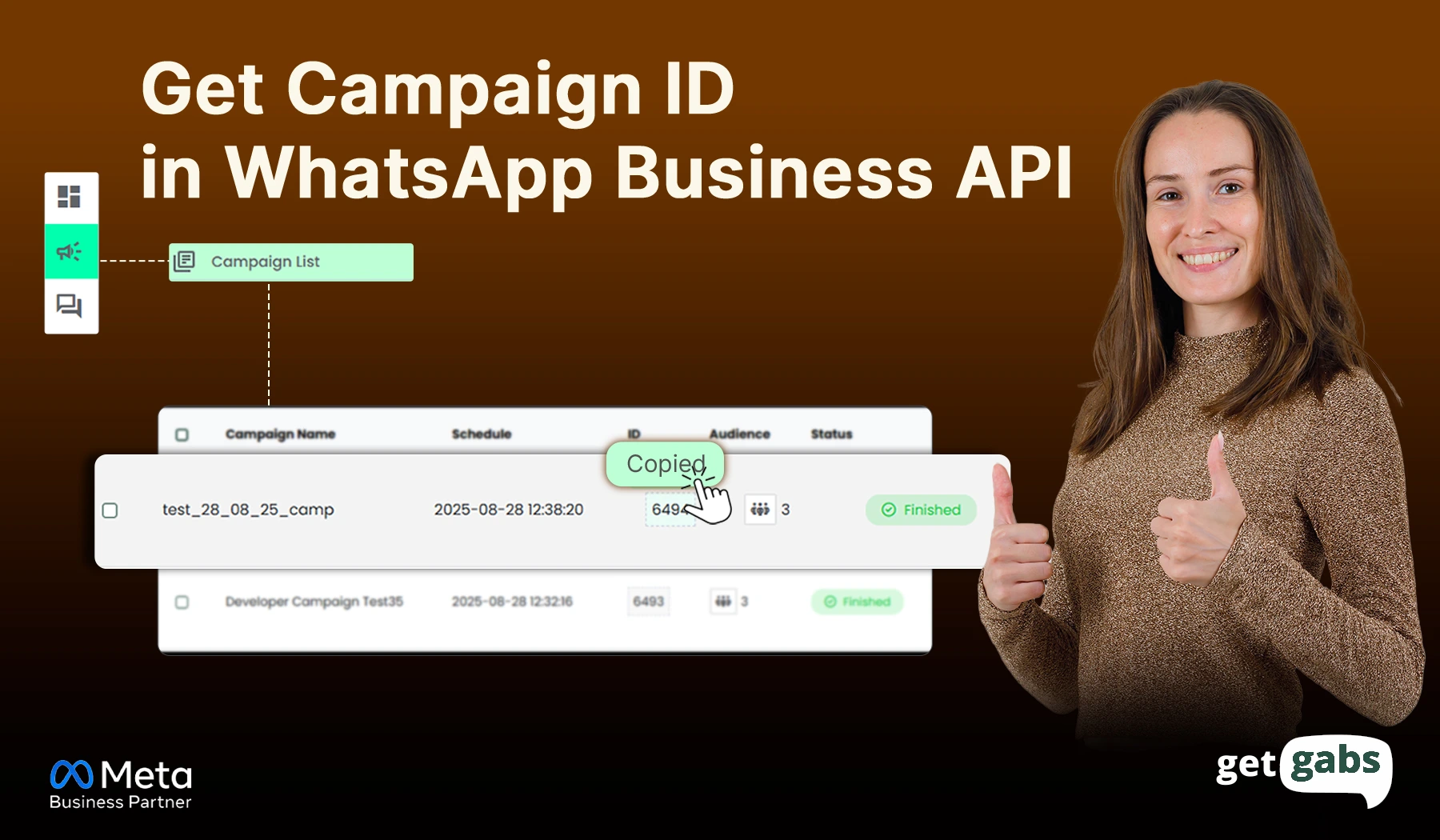
Campaign ID helps to get the report of messages sent through the API. It is a simple process to generate a Campaign ID. Follow the step-by-step process below : Step 1: Log in or register to your Getgabs account and go to WhatsApp Book (contact list) : Step 2: Add...
Read More
Shortcut messages using WhatsApp API allow you and your team to be more efficient while maintaining mental clarity and brand voice. These templated messages can include dynamic data, images, and text, making them both fast and personalized. Available through your Team Inbox, shortcut messages help deliver quicker responses without sacrificing...
Read More.webp "131026 error in whatsapp business api")
We see, in the campaign list few recipient numbers are showing as Failed and showing some errors. Sometimes, a WhatsApp Business message does not get delivered. DON’T WORRY, let us understand the common errors, like message undeliverable, when running a broadcasting message campaign through WhatsApp Business API. Find below the...
Read More
If you want to use bold, italic, or differently formatted WhatsApp message text to increase the readability of your message. Here is the amazing way that WhatsApp allows you to format text inside your messages. These WhatsApp text tricks will help you capture your recipients’ attention, emphasize keywords, and make...
Read More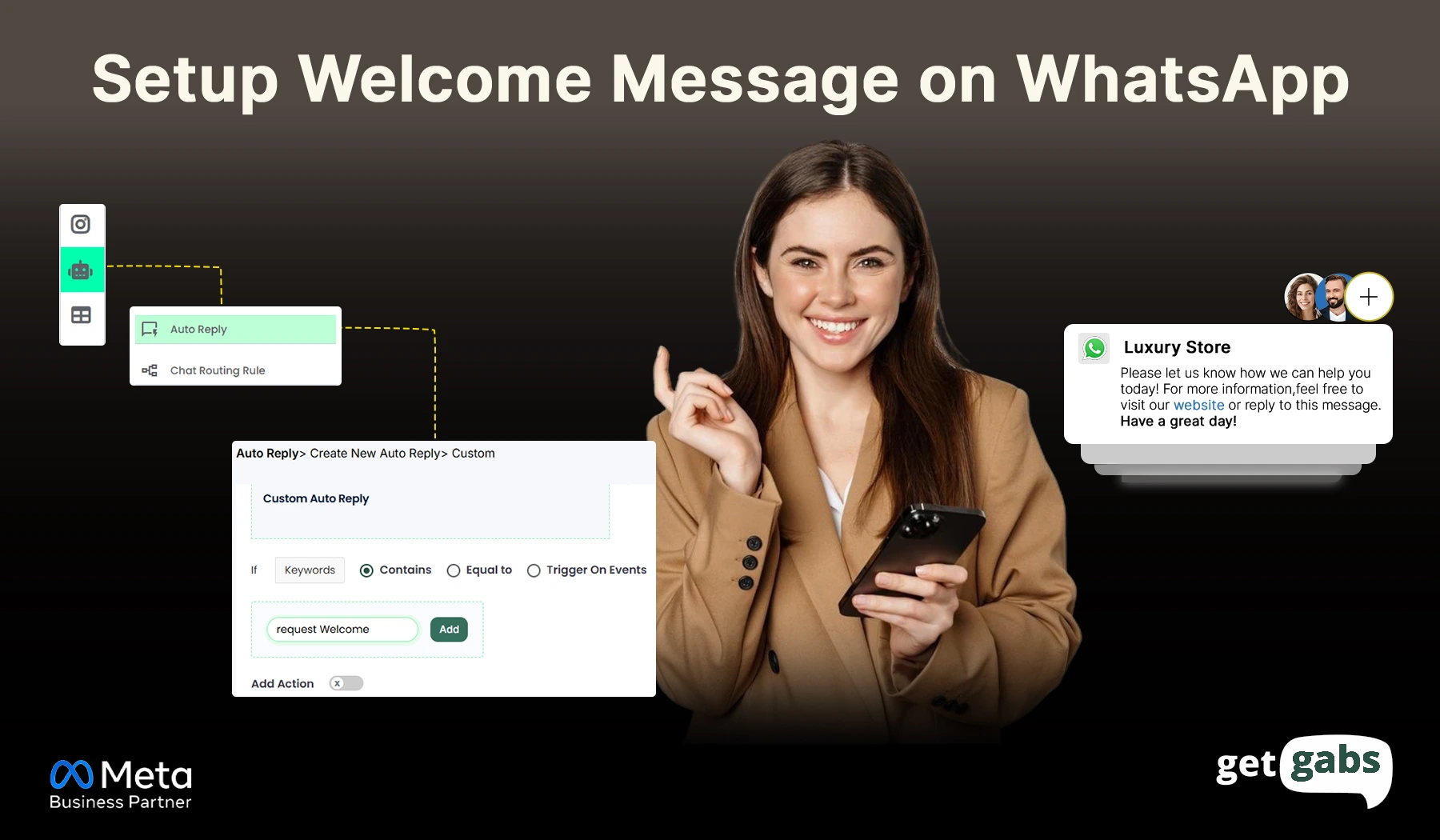
Are you looking to set up welcome greeting messages on WhatsApp Business API using Getgabs? If YES! then you’re in the right place! It is very simple to set up an auto greeting message, as below : Step 1: Log in to your Getgabs account Step 2: Go to ChatBot/Auto...
Read More.webp "Import Contact to WhatsApp Broadcast")
Step 1: Go to WhatsApp Book Step 2: To create a new contact list, click on +ADD and give it a name for your future references, or if you already have a contact list, go to Step 3. Step 3 : Now, to add/import contacts, click on the ADD/VIEW LIST...
Read More
Official Meta Partner
Connect, engage, and convert faster with powerful automation, broadcasting, and real-time chat.


No setup cost
No markup charges
Official Meta Partner
Connect, engage, and convert faster with powerful automation, broadcasting, and real-time chat.
No setup cost
No markup charges

